LED Display Async Playback: How to Choose Between Sync and Async Control Systems
Whether a screen can "play content by itself" defines its system architecture, cabling budget, and maintenance model. This guide explains — in engineer's terms — the real difference between synchronous and asynchronous LED control systems, the key features of async playback, where it fits best, and how to choose for COB LED display projects.
Why Do Some Screens Go Black the Moment You Unplug the PC?
Every LED engineer has seen this on site: a storefront full-color screen passes acceptance, the client carries away the commissioning laptop — and the screen instantly goes dark. Meanwhile, a row of advertising screens in the metro next door runs scheduled playlists all day with no PC connected at all, even powering on and off remotely on a timetable.
The difference is not the screen. It's the control mode. LED displays run on one of two architectures: synchronous control (the screen mirrors whatever the PC outputs, in real time) and asynchronous control (content is stored on a player device at the screen, which plays it independently). Understanding this dividing line is lesson one in system design — especially as fine-pitch COB LED display products go mainstream, where choosing the wrong architecture means redoing cabling and rewriting the budget.
Sync vs Async Control Systems: Architecture Compared
The fundamental difference comes down to one question: where does the content live?
In a synchronous system, content lives on the host PC. The graphics output travels through a sending card and receiving cards to the screen — the display is effectively the PC's second monitor. Shut down the PC or lose the signal, and the screen has nothing to show.
In an asynchronous system, content lives in the player hardware at the screen. Programs are authored in advance and delivered to an async player box (also called a standalone or offline player) via USB, Ethernet, or 4G/Wi-Fi. The box stores, decodes, and loops the playlist on its own — the PC's only job is to "publish" content, after which it can leave.
Synchronous Control
- Playback: real-time mirror of the PC output, low latency
- Strengths: handles live feeds (broadcast, cameras, conferencing); no storage limit
- Weaknesses: PC must run 24/7; long runs need fiber; PC failure = black screen
- Typical uses: stages & rental, studios, command centers, live sports
Asynchronous Control
- Playback: content pre-stored on the player box, loops offline
- Strengths: no PC on duty; remote cluster publishing, scheduled playlists, timed power on/off
- Weaknesses: not for live feeds; limited loading capacity and storage
- Typical uses: storefront signage, traffic VMS, smart pole screens, community info boards
Four Defining Features of Async Control Systems
Translated from textbook definitions into engineering terms, what makes async control valuable is not merely "it works offline" — it's these four capabilities:
1Standalone Offline Playback
Once content is written to local storage, the system is independent of any host PC. It auto-resumes after power loss, and temporary PC or network outages never touch the on-screen output.
2Scheduled Playlists
Programs can be scheduled by date, weekday, and time slot: news in the morning, promotions at noon, dimmed standby overnight. Configure once, run forever.
3Remote Cluster Management
Via 4G/Wi-Fi/Ethernet to a cloud CMS, one account manages hundreds or thousands of screens: unified content pushes, brightness control, remote power, and live status monitoring.
4Minimal Cabling, Lower Cost
No PC, no sending card, no fiber run — the player box is often integrated with the receiver card. For distributed, unattended sites, total cost is far below a sync setup.
How Async Playback Actually Works
From content creation to on-screen output, async playback has five stages. Know this chain, and you'll know exactly where to look when a screen stops playing:
Three content delivery channels — pick by site conditions
USB / SD Card
Zero network dependency, plug-and-update. Ideal for a single screen or offline sites — but someone must visit the site.
LAN / Ethernet
Direct publishing from a PC on the same network — fast and stable. Ideal for multiple screens within one building.
4G / Wi-Fi Cloud CMS
Remote cluster publishing across regions — the mainstream model for media operators. Budget for data plans.
Where Async Control Systems Shine
Deciding whether a project should go async takes three questions: Is the content pre-produced? Must the screen run unattended? Are the sites distributed and numerous? Two or more "yes" answers mean async is the more economical architecture. Typical scenarios:
Storefront Signage & Retail Streets
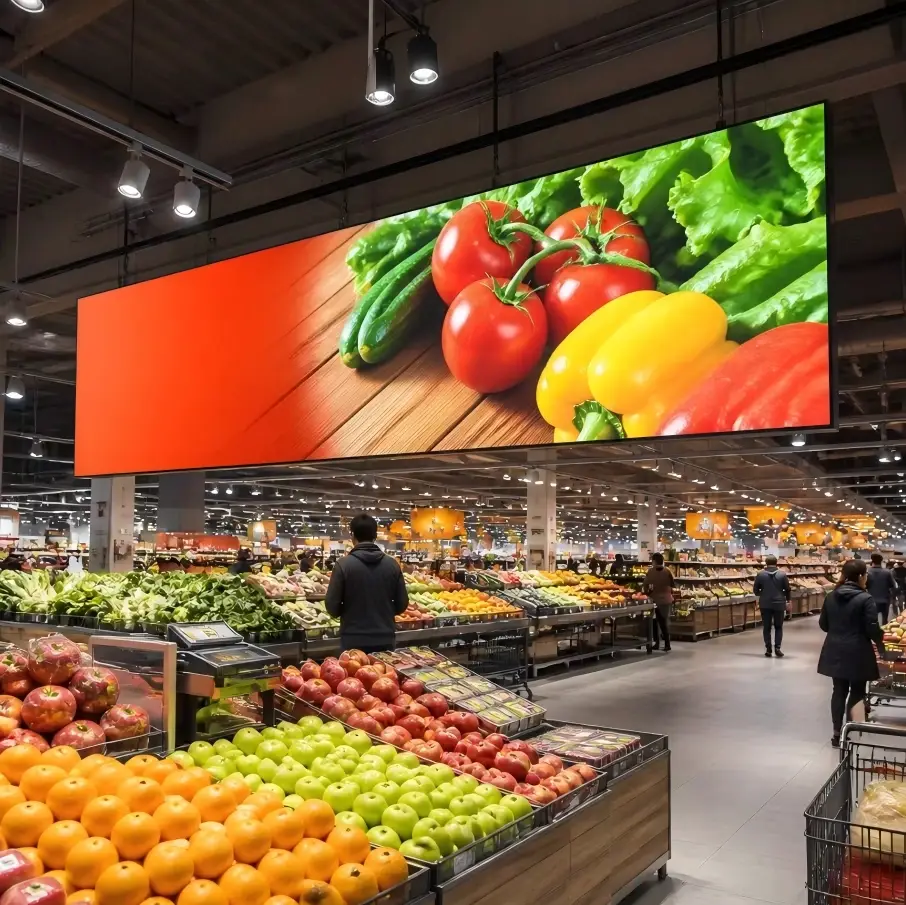
Shopfront and window displays run fixed content with low update frequency — USB or cloud publishing works fine, no PC per screen required.
Traffic & Public Information
Highway VMS boards, parking guidance, bus stop displays — distributed points running 24/7. Async cluster management is virtually the only viable option.
Smart Poles & Community Terminals
Pole-mounted and community notice screens demand light weight and low power — exactly what integrated async player boxes deliver, with automatic dimming schedules.
Vehicle-Mounted & Mobile Media
Taxi-top and bus-body screens move with the vehicle — a PC connection is physically impossible, making 4G async publishing the natural architecture.
Selection Tips for COB LED Display Projects
As COB LED display (Chip-on-Board) products penetrate command centers, meeting rooms, and commercial showrooms, the control-system decision logic becomes clearer:
| Project Profile | Recommended Architecture | Why |
|---|---|---|
| Command / monitoring center (fine-pitch COB) | Sync control (sending card + fiber) | Live video feeds and multi-window layouts — latency and loading capacity are hard requirements |
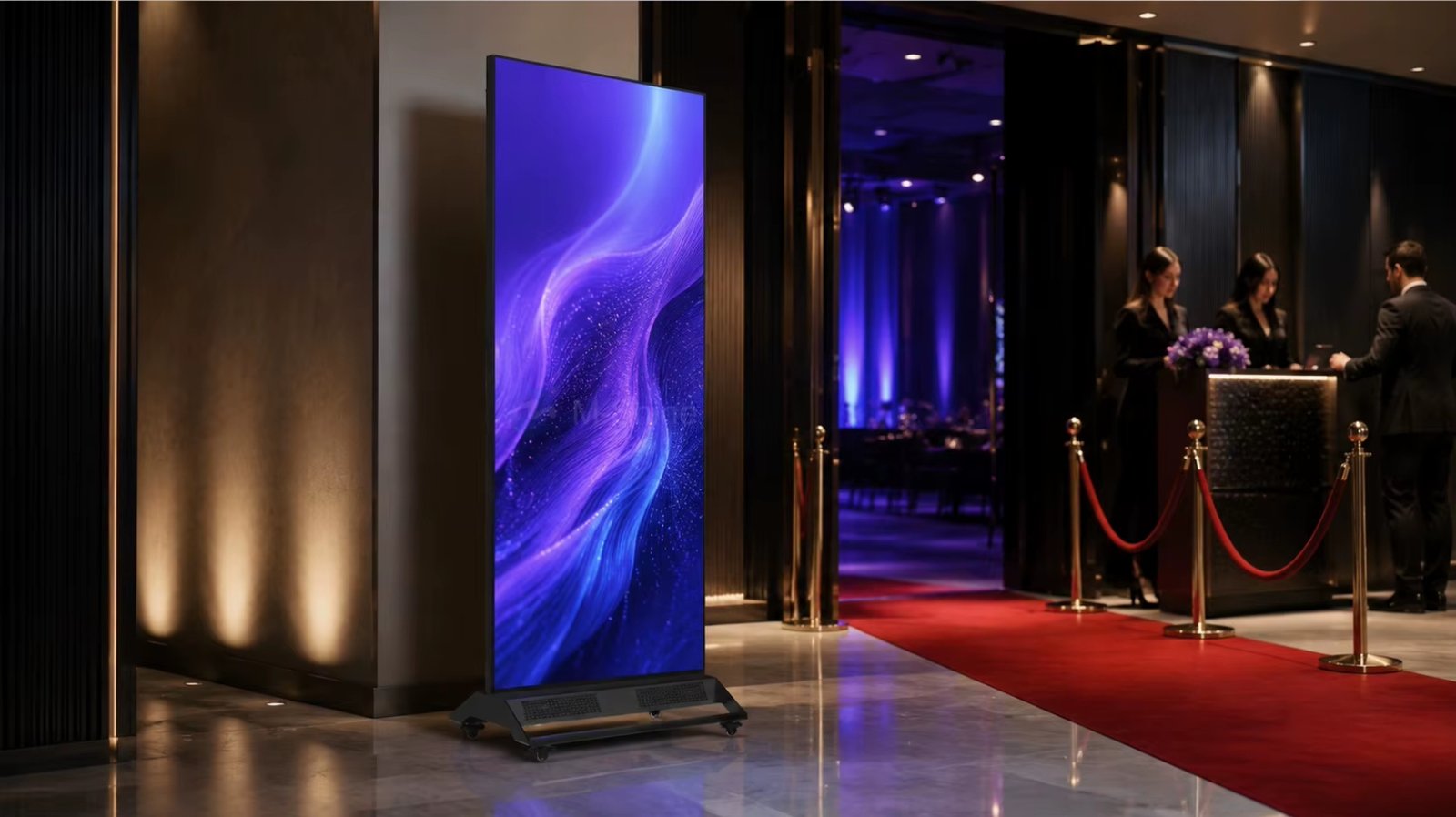
| Meeting room / studio (COB all-in-one) | Sync control, optional Android dual-OS | Real-time screen casting and video conferencing; the Android layer adds async playback as a bonus |
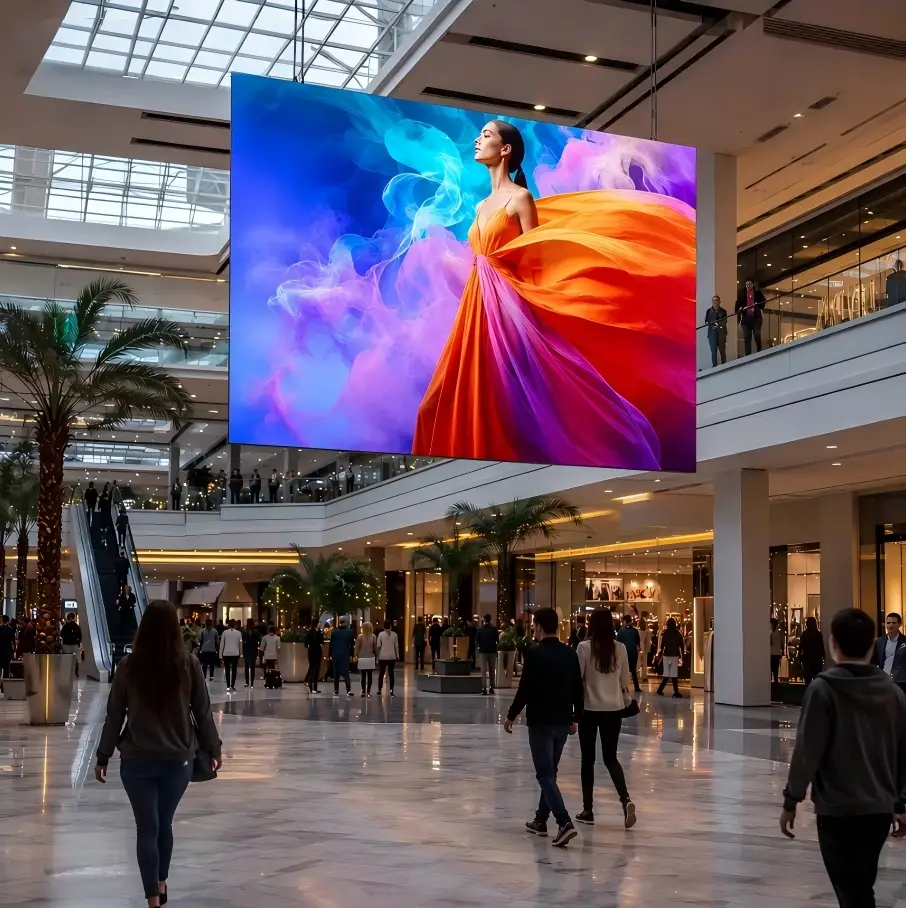
| Chain-store advertising (COB commercial display) | Async control (cloud cluster) | HQ produces and pushes content centrally; stores run unattended — lowest O&M cost |
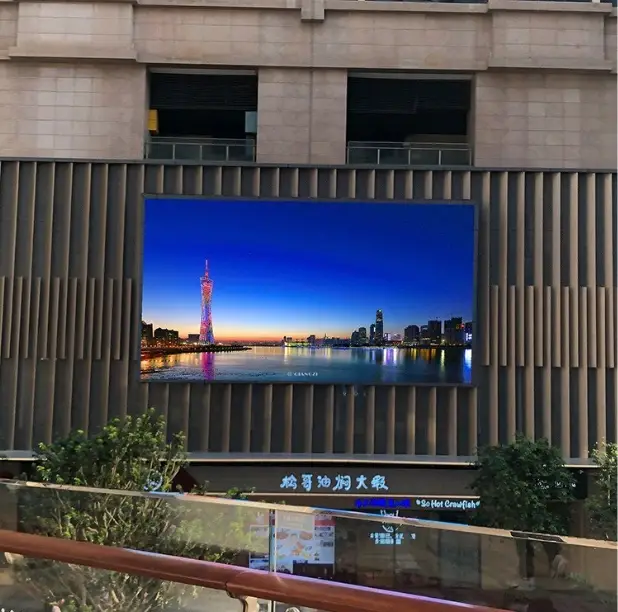
| Outdoor fixed advertising | Async-first, sync port reserved | Daily ads via async; switch to the sync channel for live events — one screen, two roles |
COB packaging's high reliability and low pixel-failure rate pair naturally with async's "unattended operation" — the less the screen needs servicing and the less the system needs babysitting, the lower the total cost of ownership. Conversely, where live signals are required, COB's high contrast and wide viewing angles let a sync chain show its full picture quality. Define the application first, then the control architecture, then the panel specs — never in reverse.
Key Takeaways
| Dimension | Synchronous Control | Asynchronous Control |
|---|---|---|
| Where content lives | Host PC, real-time output | Player box local storage, store-then-play |
| PC dependency | Must stay online; disconnection = black screen | PC can leave after publishing |
| Live feed capability | Yes (camera / broadcast / conferencing) | No — pre-stored programs only |
| Cluster management | Weak, per-unit operation | Strong, unified cloud publishing & monitoring |
| Cabling & cost | PC + sending card + fiber for long runs | Integrated player box, minimal cabling |
| Typical scenarios | Stage, studio, command centers | Signage, traffic VMS, pole screens, vehicle screens |
| Rule of thumb | Live feed → sync. Unattended → async. Scenario first, architecture second. | |
Frequently Asked Questions
Can an async control system play video?
Yes. Mainstream async player boxes decode H.264/H.265 video and mix images, text, and clock overlays in one program. What they cannot play is a live signal source.
Is the loading capacity of an async player box enough?
Typical async players load from several hundred thousand up to over a million pixels — plenty for storefront to mid-size advertising screens. Very large walls or 4K-class COB LED display projects still call for a sync sending-card solution.
Can one screen support both sync and async?
Yes. A common engineering practice is a dual-link setup — async player box plus sync sending card as hot standby: offline ads day to day, live feed on event days, balancing cost and flexibility.
Is cloud-based remote publishing secure?
Reputable platforms provide role-based permissions, content approval workflows, and encrypted transfer. For public-facing screens, always enable content review to prevent mistaken or malicious publishing.
Is a COB LED display better with sync or async control?
Packaging has nothing to do with it — usage does: meeting rooms and command centers go sync; chain retail and ad operations go async. COB's reliability simply makes it shine even more in unattended async deployments.
Need a control architecture matched to your project?
We supply COB LED display solutions with one-stop selection support for both sync and async control systems — from pixel pitch to playback architecture, with the TCO math done for you.
Get a Selection Proposal