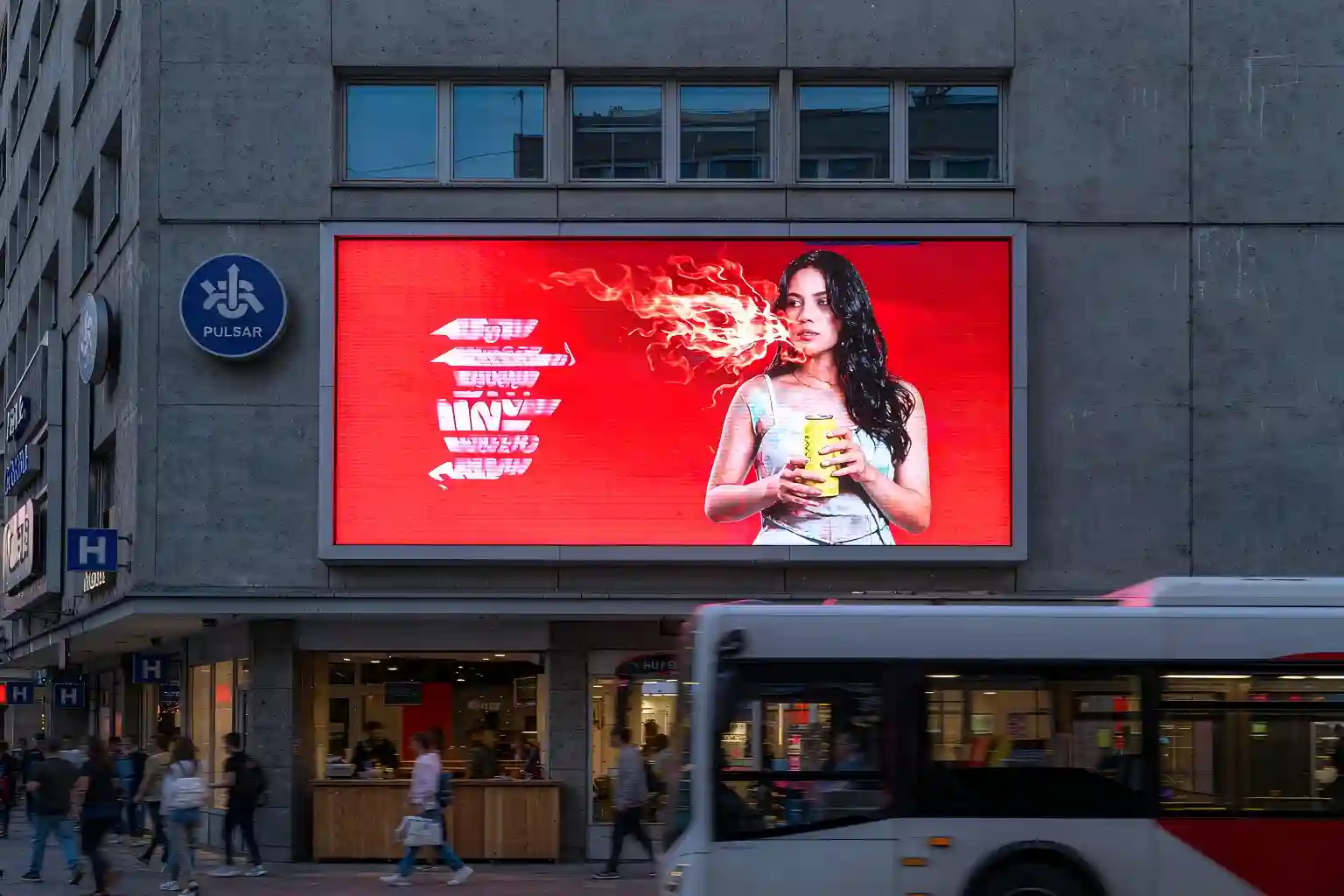
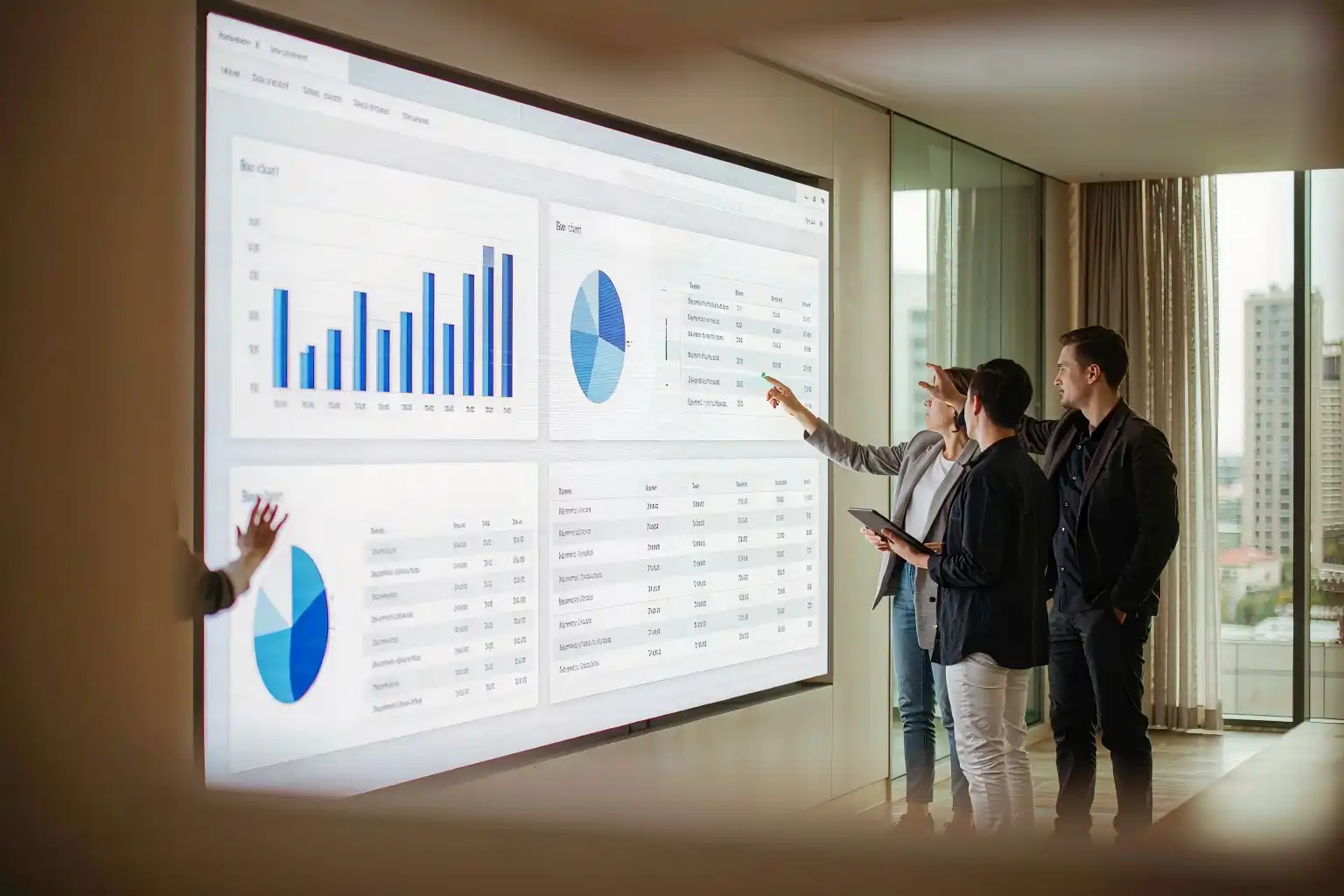
Commercial Indoor LED Display: How to Choose a Manufacturer That Lasts
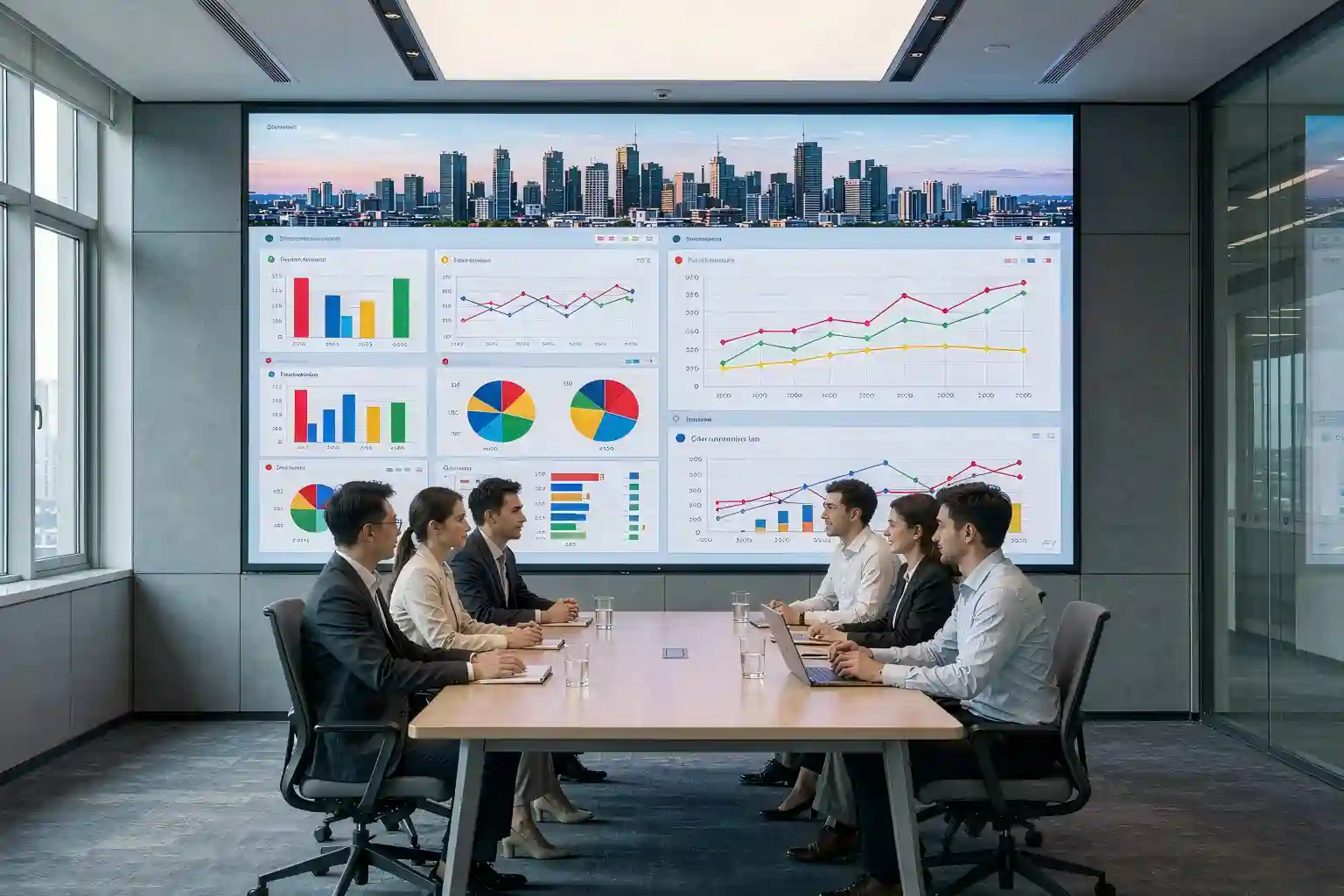
Two boardrooms. Almost identical spec sheets: P1.86, 600 nits, 3840Hz. Three years later, one wall still looks like the day it was installed. The other has a visible brightness seam between cabinets, a green cast on white slides, and a scatter of dead pixels. That gap is not luck — it is a menu of manufacturing steps that one indoor LED display went through and the other did not. This guide turns "how do I choose?" into a list of things you can verify before you sign.
1. Why two identical LED walls diverge in year three
Both clients bought the same thing on paper: a P1.86 wall for a corporate meeting room, 600 nits, 3840Hz refresh. Then the walls went their separate ways.
On the first wall, nothing happened. On the second, three problems surfaced within 24 months: a brightness step where two cabinets meet, a colour cast that shows up worst on white backgrounds, and roughly a dozen dead pixels along the lower edge. From the buyer's chair this looks like bad luck. From the production floor it is entirely predictable — those are the signatures of loose LED binning, no factory-side point-by-point calibration, and driver ICs with no headroom. None of it is visible on the day of handover. All of it is visible by year three.
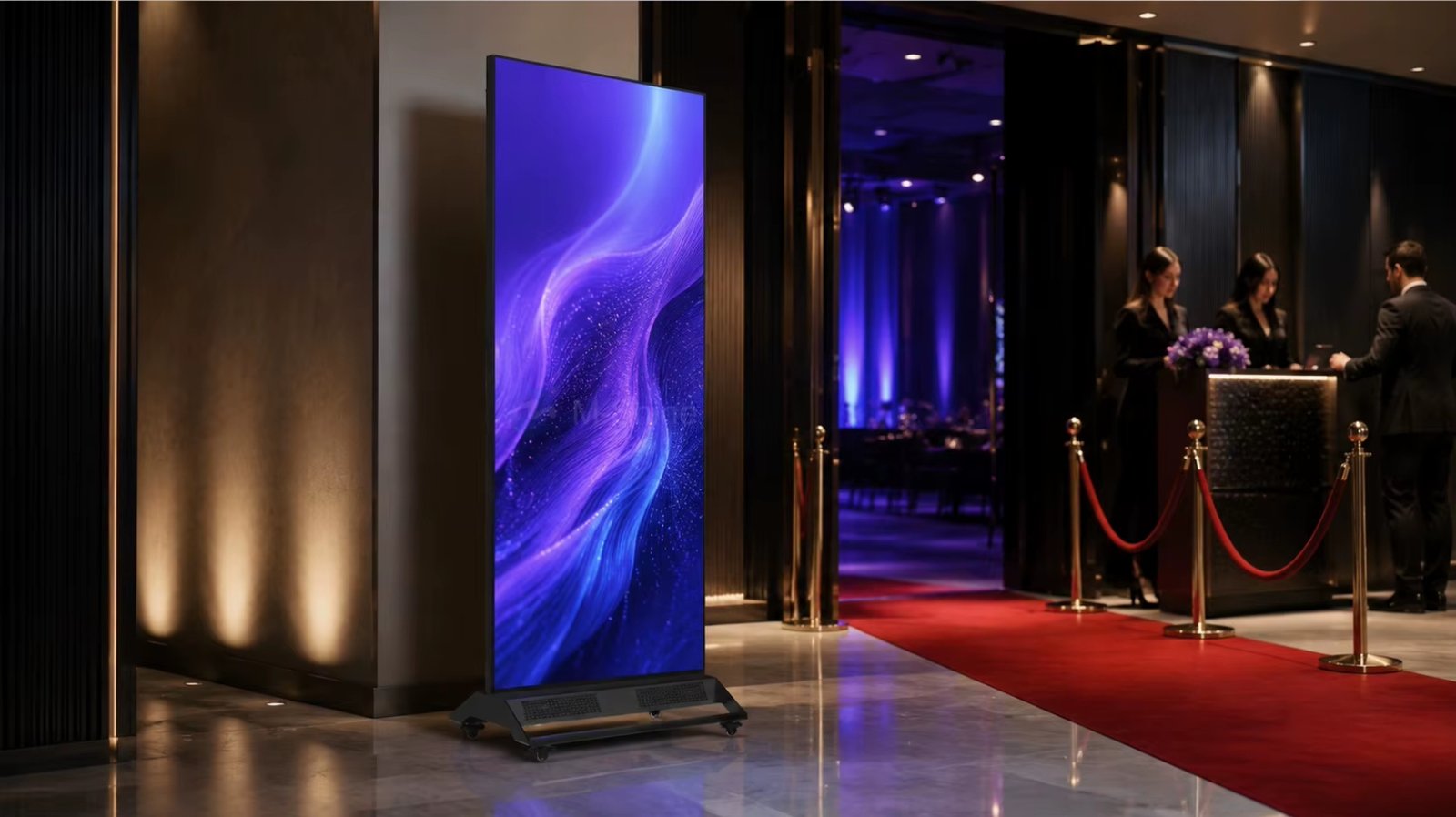
2. How an indoor LED display is actually built: 6 steps that cannot be skipped
The fastest way to judge an LED display factory is to find out which of these steps stay in-house. These six are the industry's real quality divide.
Why these six steps decide what your wall looks like later
Map each step to the field symptom and the picture is clear:
- Weak binning → visible colour patches across one screen, worst on white content;
- No point-by-point calibration → a brightness step at the cabinet joint, the classic "mottled" wall;
- Skipping 72-hour burn-in → early-life failures ship inside the cabinet and cluster into dead pixels within the first quarter;
- Lost flatness control → seams become visible at meeting-room viewing distances, which are often only 3 to 5 metres.
This is why genuine indoor LED display manufacture is capital-intensive. Aging lines and calibration rigs are not things a trading company can rent for one order. Ask who owns the equipment, not who can describe it.
3. Reading the specs: the 5 numbers that matter indoors
Number 1: pixel pitch — the first number that decides clarity
Pixel pitch is the centre-to-centre distance between two pixels, in millimetres. Smaller pitch means denser pixels, finer detail at close range, and a higher price. Meeting rooms and control rooms, which are viewed from a few metres, usually land between P1.2 and P2.5.
There is a second, more practical rule that buyers skip: divide the distance from the farthest seat to the screen by 4 to 6, and you have your upper bound on pitch. If the screen size is already fixed, going finer than you need simply burns budget, and going coarser than you need puts visible pixel structure in the front row.
Numbers 2 to 5: the four specs a brochure can hide
Brightness and low-brightness grey scale
Indoor screens typically run 500–800 nits. The real difference shows after dimming: budget drivers lose grey levels as they dim, and shadow detail collapses into mud.
Refresh rate
3840Hz is the floor for anything filmed. Below it, cameras capture horizontal banding — which fails a video-conference or broadcast requirement outright.
Grey scale and contrast ratio
14–16 bit processing and 5000:1 or better contrast are what let HDR footage and dark UI themes read properly. Under-spec contrast means black is really grey.
Cabinet material and thermal design
Die-cast aluminium cabinets hold flatness and dissipate heat better, which matters over long meeting-room duty cycles. Steel costs less but is heavier and harder to keep flat.
Typical configurations by application
| Application | Typical pitch | Brightness | What actually decides |
|---|---|---|---|
| Meeting room / video conferencing | P1.25 – P1.86 | 500 – 700 nits | 3840Hz refresh, low-brightness grey scale, colour temperature consistency |
| Control room / dispatch centre | P1.5 – P2.5 | 600 – 800 nits | 24/7 stability, traceable spare parts |
| Showroom / brand wall | P1.5 – P2.5 | 800 – 1200 nits | Irregular shapes, seamless joints, calibration accuracy |
| Retail and shopfront | P2 – P3 | 1000 – 1500 nits | Contrast, uniformity, front maintenance |
| Lobby and public space | P2.5 – P4 | 1000 – 1500 nits | Viewing distance, service access |
Note: the ranges above are typical industry bands offered for orientation only. Final specifications should come from the project specification sheet and measured factory data.
4. Factory or trading company: four things to verify on site
Almost any led display Supplier can hand you a polished datasheet and a folder of project photos. What separates a real led display screen manufacturer from a reseller is whether these four things exist as physical assets you can look at.
5. Five-year cost: why 15% cheaper is often twice as expensive
The number that gets compared in a tender is unit price. Stretch the horizon to five years and the ranking tends to invert.
| Cost item | Low-price supplier | Factory direct | Root cause |
|---|---|---|---|
| Purchase price per m² | Baseline 100% | 110% – 125% | LED binning, driver IC grade, calibration labour |
| Maintenance and spares, 3 years | Higher | Lower | Whether spare stock is batch-traceable |
| Downtime and rework | Higher | Lower | In a boardroom, downtime means a cancelled meeting |
| Point-by-point calibration | Usually billed separately | Included at factory | Whether calibration is an owned in-house asset |
| Five-year total (illustrative) | About 100% | About 60% – 75% | Combination of the lines above |
Note: this table is a structural illustration of cost composition, not survey data. Real gaps vary with project size, duty cycle and warranty terms.
The one-line version: an indoor LED display is not a purchase, it is a five-year service relationship. Negotiate spare-part response time and calibration scope in the same conversation as price, or you have only completed half a procurement.
6. Supplier scorecard: 10 questions to ask before signing
Send this list straight to the shortlisted led display Supplier. The quality of the answers is itself the first filter.
- Which site holds your SMT line, aging line and calibration equipment? Can we visit, or at least do a live video walkthrough?
- Which LED brand and which production batch will this project use? Can you reserve spares from the same batch?
- Is point-by-point calibration performed on the finished screen? Do we receive the calibration data, and can it be reused later?
- What is the aging standard and duration, and will you provide the aging records?
- How is cabinet flatness measured and guaranteed, and to what tolerance in millimetres?
- Which certifications do you hold, and is your company named as the applicant on CE / FCC / RoHS / ISO 9001 documents?
- Which cabinet, power supply and receiving card brands are used, and can the client specify alternatives?
- What does the warranty cover, for how long, and what is the committed response time for a fault?
- Does the cabinet support front maintenance, and how is service access handled in a tight meeting-room void?
- Can you name two delivered projects of the same type (meeting room or control room) that we may visit?
7. Four sourcing mistakes that keep repeating
1. Assuming smaller pitch is always better
Pitch reduction drives cost up steeply. Beyond roughly 4 metres of viewing distance, the visible difference between P1.86 and P1.5 is minimal while the budget gap is not.
2. Buying on peak brightness alone
Indoor screens spend most of their life below 30% brightness. Grey-scale retention while dimmed matters far more than the headline peak figure.
3. Taking "we are the factory" on trust
Put factory inspection rights in the contract. It is the single most effective way to separate a real manufacturer from a middleman.
4. Ignoring spares and batch consistency
Replace one module in year three from a different batch with no reserved stock, and colour and brightness will not match. Lock the spare-parts plan at purchase.
8. Key takeaways
| Topic | Takeaway | Action to take |
|---|---|---|
| Acceptance standard | Not "looks good on day one" but "looks good on day 1,000" | Write three-year image consistency into the acceptance terms |
| Manufacturing | Binning, SMT, aging, calibration, assembly, QC — all six | Request aging and calibration records, not brochures |
| Pixel pitch | Driven by the closest viewing distance, not by "smaller is better" | Use distance ÷ 5 to set your pitch ceiling |
| Key specs | Prioritise low-brightness grey scale, 3840Hz refresh, cabinet flatness | Ask for a live dimmed-screen demo |
| Supplier | The divide is line, aging, calibration and spares | Put factory inspection rights in the contract |
| Cost | Unit price is only one slice of five-year cost | Negotiate spare response time and calibration scope together |
9. FAQ
Q1: How is a commercial indoor LED display different from a large consumer TV?
Three differences matter. An indoor LED display is built from standard cabinets, so size is not limited by panel cutting and can follow any aspect ratio or irregular shape. It is engineered for continuous commercial duty cycles rather than a few hours of evening viewing. And it is serviceable module by module, so a single failure does not retire the whole screen — a consumer TV offers none of that.
Q2: Is a smaller pixel pitch always better?
No. Pitch should be chosen from the closest viewing distance. As a rule of thumb, comfortable viewing starts at roughly 1.5 times the pitch in millimetres, converted to metres. For a boardroom where the nearest seat is 3 to 4 metres away, P1.5 to P1.86 is usually sufficient; going finer mainly raises cost with little visible gain.
Q3: What is the minimum order quantity when buying direct from a China LED display factory?
Most LED display screen manufacturers quote a minimum around 1 to 10 square metres, depending on the cabinet model and whether a custom shape is required. For a single boardroom installation, confirm early that small volumes are accepted and that your order can share a common spare-parts batch.
Q4: How can I quickly tell whether an LED display supplier is actually a manufacturer?
Do three things. Ask for a video tour or on-site visit of the SMT and aging lines. Request the point-by-point calibration report and aging records instead of a case-study deck. Then check that the applicant named on the CE and FCC certificates is the same legal entity you are paying. Passing all three makes a pure middleman very unlikely.
Q5: How long should an indoor LED display last?
The industry typically quotes lifetime from LED and power supply figures, on the order of 100,000 hours as a nominal rating. Real service life depends far more on thermal design, the brightness level you actually run at, and spare-part availability. A well-maintained meeting-room screen running 8 to 10 years is not unusual, provided spares remain batch-traceable and calibration data is retained.
Want a specification recommendation for your project?
Send us the room dimensions, the closest viewing distance and your budget band. We will come back with pitch, brightness and cabinet recommendations, plus a factory visit slot.
Request a spec review & quoteThis article is original technical writing. All figures quoted are typical industry ranges or illustrative values used to explain selection logic; final parameters should be taken from the project specification sheet and measured factory data. Brand and standard names appear for technical reference only and remain the property of their respective owners.