How to Choose an Outdoor LED Screen: A Practical Guide for Engineers and Buyers
The most expensive part of an outdoor LED screen is never the purchase price. It is the servicing, downtime and client complaints that follow a wrong specification. This guide covers the seven specs that matter, how to match them to your site, and the checklist to run before you sign.
For LED display buyers, contractors and system integrators | 8-minute read | 4 diagrams + 1 pre-order checklist
1. The screen that looked like a bargain until year two
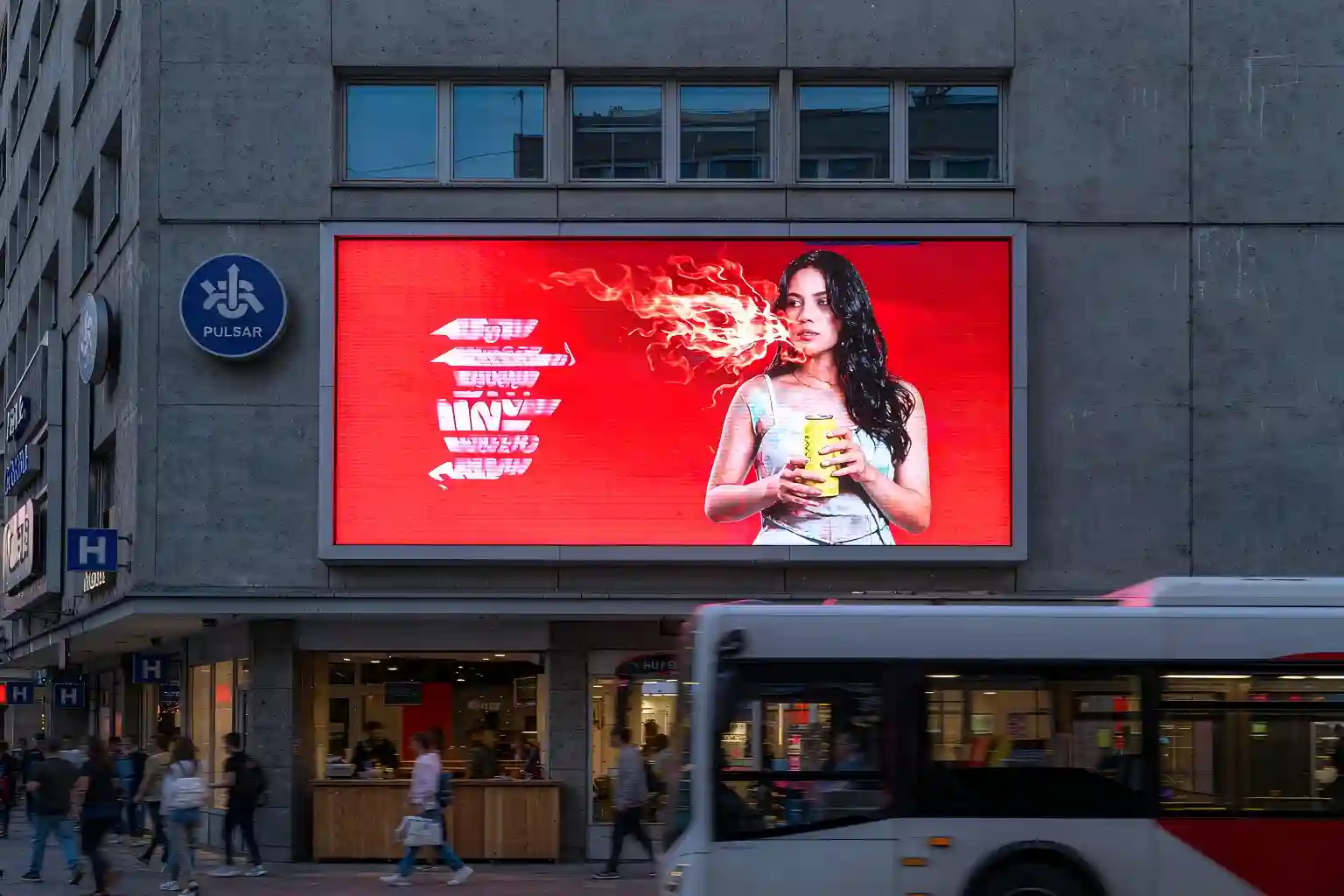
In 2023 a shopping plaza on the coast installed a 60 m² outdoor advertising screen. The winning bid came in 18% below the competition. Delivery was fast, the client was happy, and everyone moved on.
Eighteen months later the problems arrived together. On wet days the face developed cloudy patches. On video, the image rolled with scan lines. Brand colours that should have been bright red had gone yellow. And on the side facing the sea, whole clusters of pixels were dead. The repairs and the eventual re-panel cost more than the 18% anyone thought they had saved.
Three things had been cut to reach that price: exposed lamp packages, thin potting and sealing, and crude brightness and power control. It is a common pattern. Outdoor failures rarely come down to the LED chip itself — they come down to how well the display was sealed against the environment.
Field reality: roughly eight in ten outdoor LED display failures trace back to long-term moisture, salt spray and UV exposure rather than chip wear. So the first question is not "what does it cost per square metre" — it is "what environment is it going into, how many hours a day will it run, and how much downtime can this project tolerate?"
Answer those three questions and every spec below becomes easy to judge. That is the order this guide follows.
2. Seven specs that decide whether your screen survives
A typical outdoor LED screen datasheet runs to dozens of pages, but only seven lines decide the outcome. And they are not a menu — they are a chain of deductions: site conditions → viewing distance → pixel pitch → brightness → refresh rate → IP rating → service access.
Pixel Pitch
Sets image sharpness and the closest comfortable viewing distance, and it drives the price. Outdoor ranges run P4–P10; close-view facades can go to P2.5–P3.
Brightness (nits)
5,000 nits is the practical floor for direct sunlight. Screens facing east or west into the sun should reach 6,000–7,000 nits, with auto-brightness control.
Refresh Rate
Flicker the eye ignores shows up on camera. ≥1,920 Hz is fine for viewing; anything filmed or broadcast needs ≥3,840 Hz.
Ingress Protection
Front face IP65 minimum, rear IP54 or better. Humid or coastal projects should specify IP65 throughout, backed by a salt-spray test report.
Contrast & Greyscale
5,000:1 contrast and 14–16 bit processing are what keep blacks black. Without them, sunlight turns your image grey and washed out.
Power Draw & Cooling
Typical outdoor draw is 250–400 W/m² average and 700–900 W/m² peak. Common-cathode drive and fanless cooling cut the running bill and the failure rate.
Cabinet & Service Access
Die-cast aluminium cabinets govern flatness and heat dissipation. Front or rear service access decides your future downtime and labour cost. For wall-mounted and street-facing installations, confirm front-service modules and single-module replacement.
One reading tip: if a quotation gives you peak brightness but no average power draw, ask for the second number. Peak brightness decides whether you can see the screen at noon. Average power decides what you pay every month — and that is the number that compounds.
3. COB LED display vs. SMD: what is actually different
This is where most outdoor specifications get muddled. The difference is not the chip quality — it is the structure around the chip.
That structural difference produces five outcomes you can convert directly into money:
- Physical durability. SMD lamps sit proud of the surface, so handling, cleaning and transport can all kill pixels. A COB face is flat and seamless — there is almost nothing to knock off.
- Moisture and salt-spray resistance. The encapsulation layer blocks the path water would take. This matters most in coastal, monsoon and high-humidity markets, and it makes IP65 and salt-spray certification far easier to hold.
- Higher contrast. With no reflective gaps between lamp packages, blacks stay black and the image does not turn grey under strong ambient light.
- Wider viewing angle, no light spots. A continuous emitting surface loses less brightness off-axis, and it avoids the honeycomb look you get from dense lamp arrays.
- Stable greyscale at low brightness. Dimmed night operation holds colour accuracy instead of drifting or banding — which is exactly what fine-pitch outdoor screens need.
When COB is not worth it: for long-throw roadside billboards viewed beyond 20 m where budget is the binding constraint, SMD remains the sensible choice. Dry semi-outdoor sites and temporary events rarely justify paying for COB's environmental protection either. Specification is about fit, not about stacking the most expensive option.
4. Pixel pitch: work backwards from viewing distance
Pixel pitch is the most expensive line on the quotation and the one sales teams like to upsell. There is only one correct method: measure the viewing distance first, then derive the pitch.
The industry rule of thumb is simple: minimum comfortable viewing distance in metres ≈ pixel pitch in millimetres × 1. A P6 screen starts to show visible pixel structure inside 6 m. A P10 needs viewers to stand at least 10 m back.
How to use it: if the screen faces a pavement and your closest viewer stands 4 m away, P6 and P10 are off the table — you are choosing between P2.5 and P4. If it is a highway billboard whose nearest viewer is 15 m away, P10 delivers the clarity that matters while keeping the budget sane. Making the pitch smaller is easy; it is also an efficient way to waste money.
5. Site baselines for six outdoor applications
These baselines reflect common outdoor configurations and work well as an anchor when you compare quotations. Any offer that sits well below them deserves one question: what was removed to get there?
Roadside billboard / DOOH
Pixel pitch P6–P10
Brightness 6,000–7,000 nits
Viewing distance 10–50 m
Refresh ≥1,920 Hz, IP65
Stadium perimeter / scoreboard
Pixel pitch P6–P10
Brightness 5,000–6,000 nits
Refresh ≥3,840 Hz (on-camera)
Weight and fast rigging matter
Retail and commercial facade
Pixel pitch P2.5–P4 (COB preferred)
Brightness 5,000–6,000 nits
Viewing distance 5–15 m
Low-grey performance is the point
Airport / rail / metro
Pixel pitch P4–P6
Brightness 5,000–6,500 nits
24/7 continuous duty
Redundant power, front service
Stage and rental
Pixel pitch P3.9–P4.8
Brightness 4,500–5,500 nits
Lightweight, quick-lock cabinets
Refresh rate ≥3,840 Hz
Coastal / high humidity
Pixel pitch P4–P8 (COB strongly advised)
Brightness 6,000–7,000 nits
Front IP65 or better
Salt-spray and UV reports required
A note for coastal and monsoon markets: if the site is within 3 km of the sea, or local humidity sits above 80% for much of the year, put your budget into sealing and IP rating before you put it into a tighter pixel pitch. The first decides whether the screen is still alive in year three. The second only decides how impressive it looks on day one.
6. Total cost of ownership: why cheap screens cost the most
The classic procurement mistake is treating the purchase price as the whole cost. The real structure is hardware + installation + electricity + service labour + downtime. The first three separate within two years. The last two decide the final total.
Read the curve as four practical decisions:
- Purchase: COB typically carries a 10%–20% upfront premium.
- Operation: common-cathode drive and lower operating temperature reduce average power draw and cooling load, and the gap compounds annually.
- Service: fewer dead pixels means fewer access-lift jobs, fewer permits, fewer engineer hours. In high-labour-cost markets this is where COB pays back fastest.
- Risk: one week of dark advertising inventory often costs more than a 20% hardware premium. Reliability can be priced.
The takeaway: if you will own the screen for three years or more, or the site is humid, coastal or unattended, spending on COB and IP rating returns more than spending on a finer pixel pitch. For short-cycle temporary projects, prioritise purchase cost and rigging speed instead.
7. Your 10-point pre-order checklist
Print this and tick every line before you sign. It will protect your budget better than any brochure.
- Measure brightness on site, not on paper. Take a light meter reading at midday and again at dusk to confirm real output and the dimming range, rather than trusting a peak figure.
- Ask for the burn-in report. A continuous ageing log of 72 hours or more on the full screen or cabinet is the cheapest way to filter out early-life failures.
- Define the dead-pixel threshold in the contract. Agree how a dead pixel is judged, what rate triggers replacement, and the response time required.
- Test refresh rate with a camera. Film the screen at several shutter speeds. If scan lines appear, the refresh rate is not what was promised.
- Require IP and salt-spray test reports. Coastal and humid projects need third-party documentation, not a verbal "it's waterproof".
- Confirm service access and clearance. Wall-mounted and street-facing screens should use front-service cabinets, with single-module replacement.
- Agree the spare-parts ratio. 2%–3% spare modules, power supplies and receiving cards shipped with the order is the usual standard.
- Check control-system compatibility. Verify the model matches the playback system you already own or plan to buy, so you do not purchase twice.
- Verify power supplies and cable ratings. Ask for brands, conductor cross-sections and electrical safety certificates. This is a fire-safety question, not a detail.
- Lock down packaging and delivery milestones. For export orders, specify sea-freight packaging, rigging instructions, arrival dates and on-site training.
8. Key takeaways
| Area | What matters | Target baseline |
|---|---|---|
| Viewing distance | Pixel pitch sets the closest comfortable viewing distance | ~1 m of distance per 1 mm of pitch; P6 ≈ 6–8 m |
| Brightness | Must defeat direct sunlight and dim automatically | 5,000–7,000 nits |
| Refresh rate | Decides whether cameras see scan lines | ≥1,920 Hz, ≥3,840 Hz if filmed |
| IP rating | Moisture and salt spray are the number one outdoor killer | Front IP65+, rear IP54+ |
| Package type | COB seals the chips: impact-resistant, moisture-proof, high contrast | COB for humid, coastal, close-view and high-reliability sites |
| Service access | Directly determines downtime and labour cost | Front service preferred, 2%–3% spares |
| Total cost | Purchase price is only the first line item | Compare on 5-year TCO, not unit price |
| Site fit | Specs are derived, not maximised | Fix the site and distance first, then the rest |
Frequently asked questions
What pixel pitch do I need for an outdoor LED screen?
Start from viewing distance and apply the rule of thumb: minimum comfortable viewing distance (m) ≈ pixel pitch (mm) × 1. For pavement-level viewing at 4–6 m, choose P2.5–P4. For a city advertising position viewed at around 10 m, P5–P6 works well. Beyond 15 m — motorway and large billboard sites — P8–P10 is the economical choice. A finer pitch raises the price sharply without necessarily improving what viewers see.
Is a COB LED display worth the premium over SMD?
It depends on holding period and environment. In humid, coastal or heavy-rainfall locations, or where the screen runs unattended for years, the COB premium is typically recovered through lower service and energy costs around year three. For long-throw applications viewed beyond 20 m on a tight budget, SMD still offers the better cost-performance balance.
Is higher brightness always better for an outdoor LED screen?
No. Brightness has to match ambient light. Excessive output causes glare, light-pollution complaints at night, faster lumen depreciation and a higher power bill. The correct approach is auto-brightness control: 5,000–7,000 nits by day, stepping down to roughly 1,500–2,500 nits after dark.
Can an outdoor LED screen be serviced from the front?
Yes, and front service is strongly recommended for wall-mounted, street-facing and any installation without rear access. Specify cabinets and modules that can be removed from the front with magnetic tools or suction cups, and confirm that individual modules can be replaced without dismantling a whole cabinet.
How long does an outdoor LED screen last?
LED chips are rated for up to 100,000 hours, but real service life is set by the power supplies, the potting process and the IP rating. With proper sealing, an outdoor screen commonly runs reliably for 6–10 years. Moisture, salt spray and thermal management — not the chip — are what end its life early.
Want a specification recommendation for your project?
Send us the viewing distance, mounting height, orientation and a site photo. We will come back with a concrete configuration for pixel pitch, brightness, IP rating and COB or SMD — plus the budget range that goes with it.
Get a configuration proposalThis article is educational content for equipment specification. The parameter ranges are drawn from general industry practice and publicly available technical material; any actual project should be based on a site survey and the supplier's technical agreement. Specifications quoted here are indicative — confirm every item with your vendor.