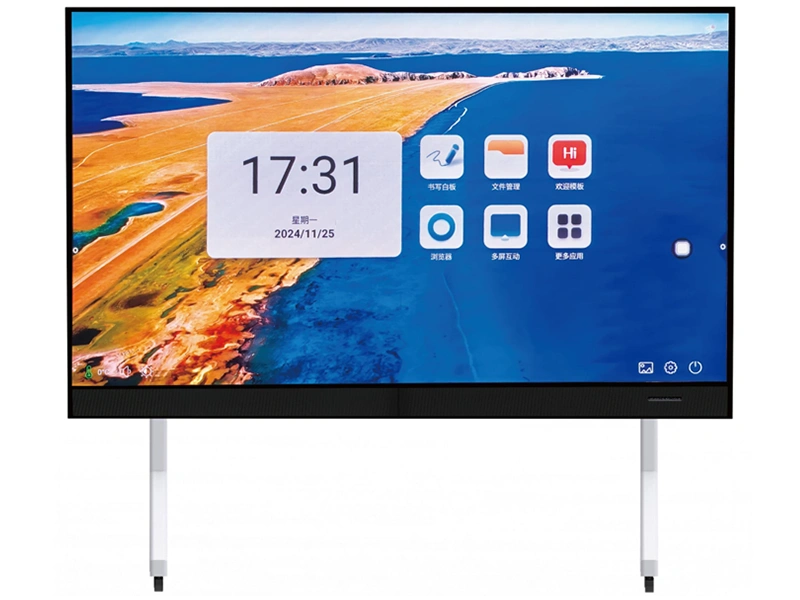
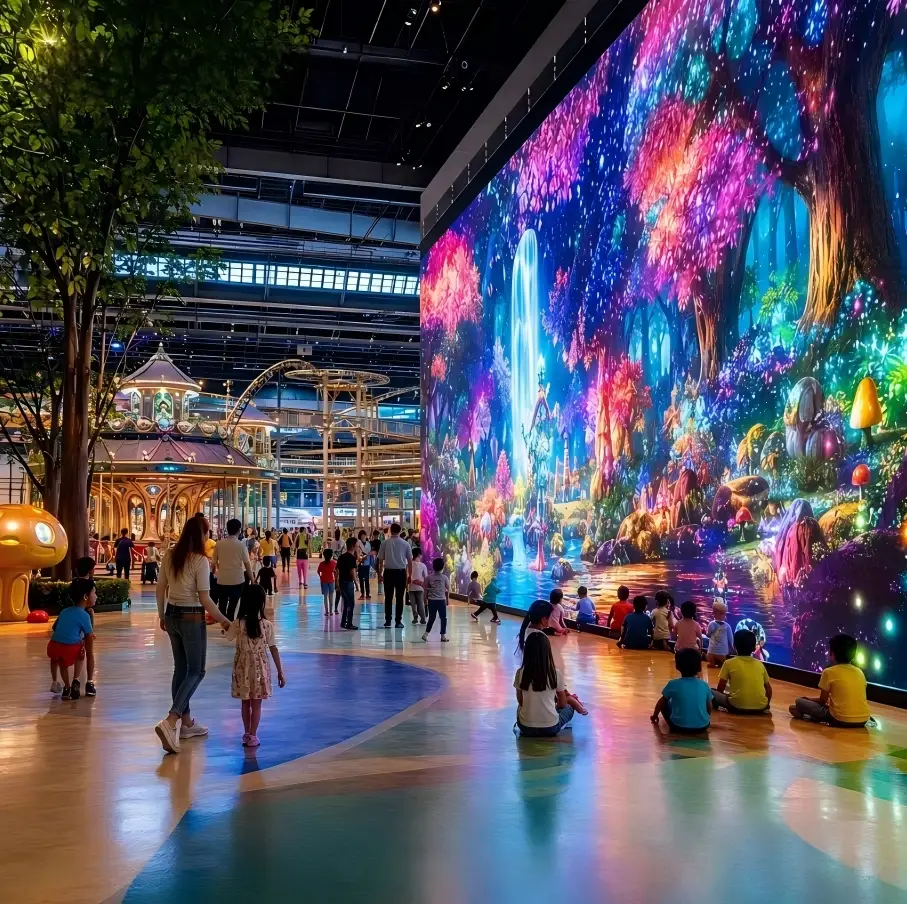
One Screen, One Room: The B2B Buyer's Guide to an Onescreen Interactive Display
The most fragile piece of equipment in any meeting room is not the projector. It is the ten minutes before the meeting starts. Somebody is hunting for an HDMI adapter, somebody else has a laptop that does not fit, the two people dialling in cannot read the whiteboard, and by the time the room empties nobody can agree on where the decisions were written down. None of that is a hardware failure — it is the predictable outcome of an assembled AV stack. This guide looks at the alternative: an onescreen interactive display. It covers what an all-in-one interactive display actually is, how wireless screen sharing and BYOD collaboration really work in the room, how to choose between LED and LCD, and what the five-year total cost of ownership looks like. It is written for systems integrators, AV contractors, project owners and corporate IT buyers who are tired of buying "a screen" and getting a science project instead.
1. The most fragile thing in the meeting room
Break a typical corporate meeting into its parts and the time disappears in a predictable pattern. The first ten minutes go on finding an adapter that fits. The next twenty are spent with somebody walking to the whiteboard, writing, wiping and rewriting while two remote colleagues ask, politely, whether the whiteboard could move a little to the left. The last ten minutes are a negotiation about which number was agreed and where it was written down. Real decision time is often less than a third of the booking.
Vendors usually answer this with a bill of materials that looks like a bargain: a projector, an electronic whiteboard, a video conferencing kit, plus cables, brackets and a floor trunking run. Individually, every line item is cheap, and the room passes acceptance. The cost only shows up months later:
Port roulette. Laptop ports change every couple of years. The adapter that was in the drawer is always the one that does not fit today's visitor.
Readability tax. Projection depends on the room dimming itself. In daylight the image goes grey, and remote participants get a worse version of an already poor whiteboard view.
Nothing is captured. Whiteboard content is photographed on a phone, decisions are relayed verbally, and the next meeting starts from zero.
Three vendors, three warranties. Projector, whiteboard and conferencing each have their own firmware, their own support line and their own idea of who owns the fault.
Inconsistent rooms. Every meeting room on the floor is configured differently, so staff relearn the controls every time they switch rooms.
Wasted floor space. Ceiling mount, writing clearance and cable routes consume a ring of usable area in a room you are already paying rent on.
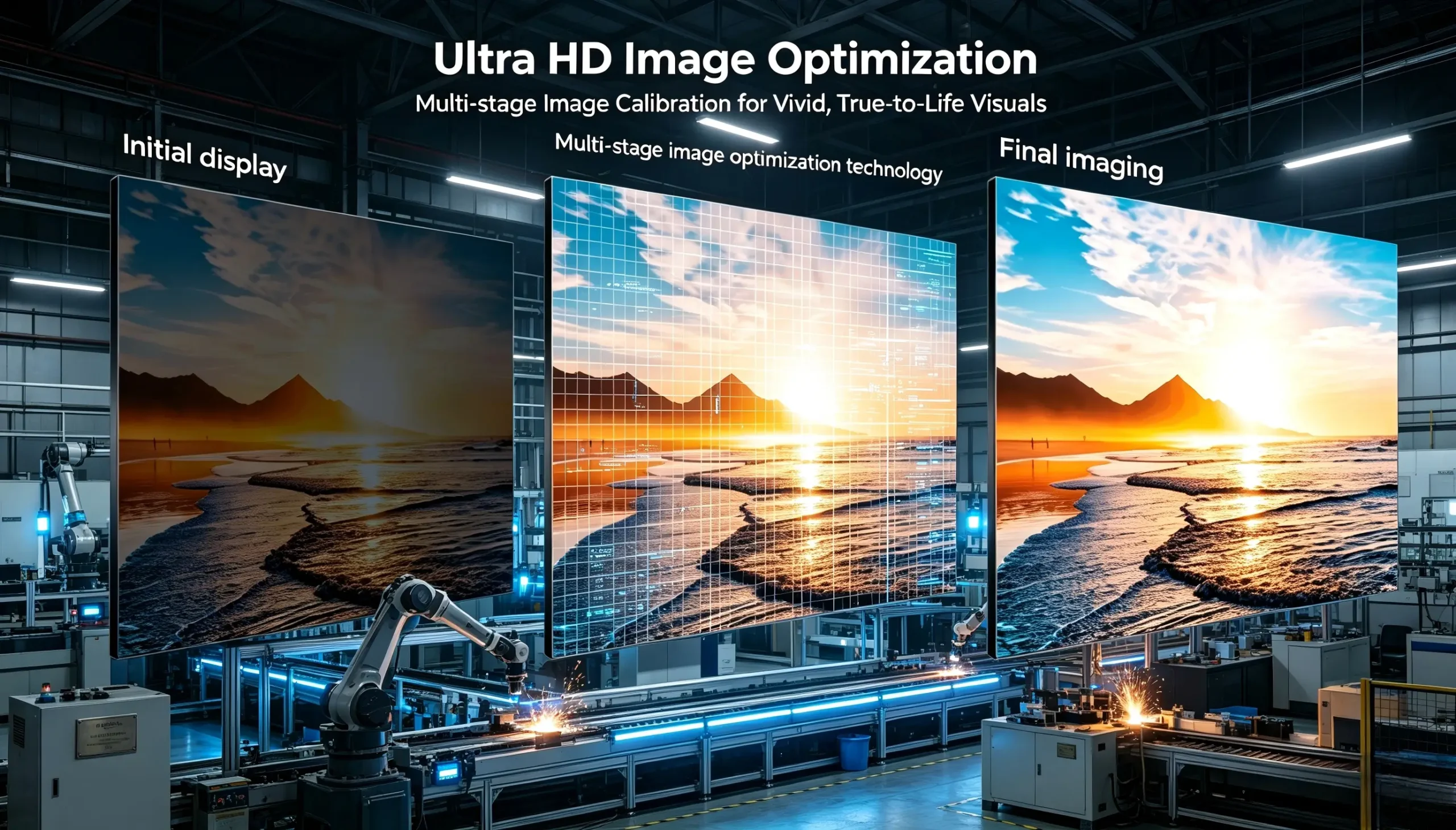
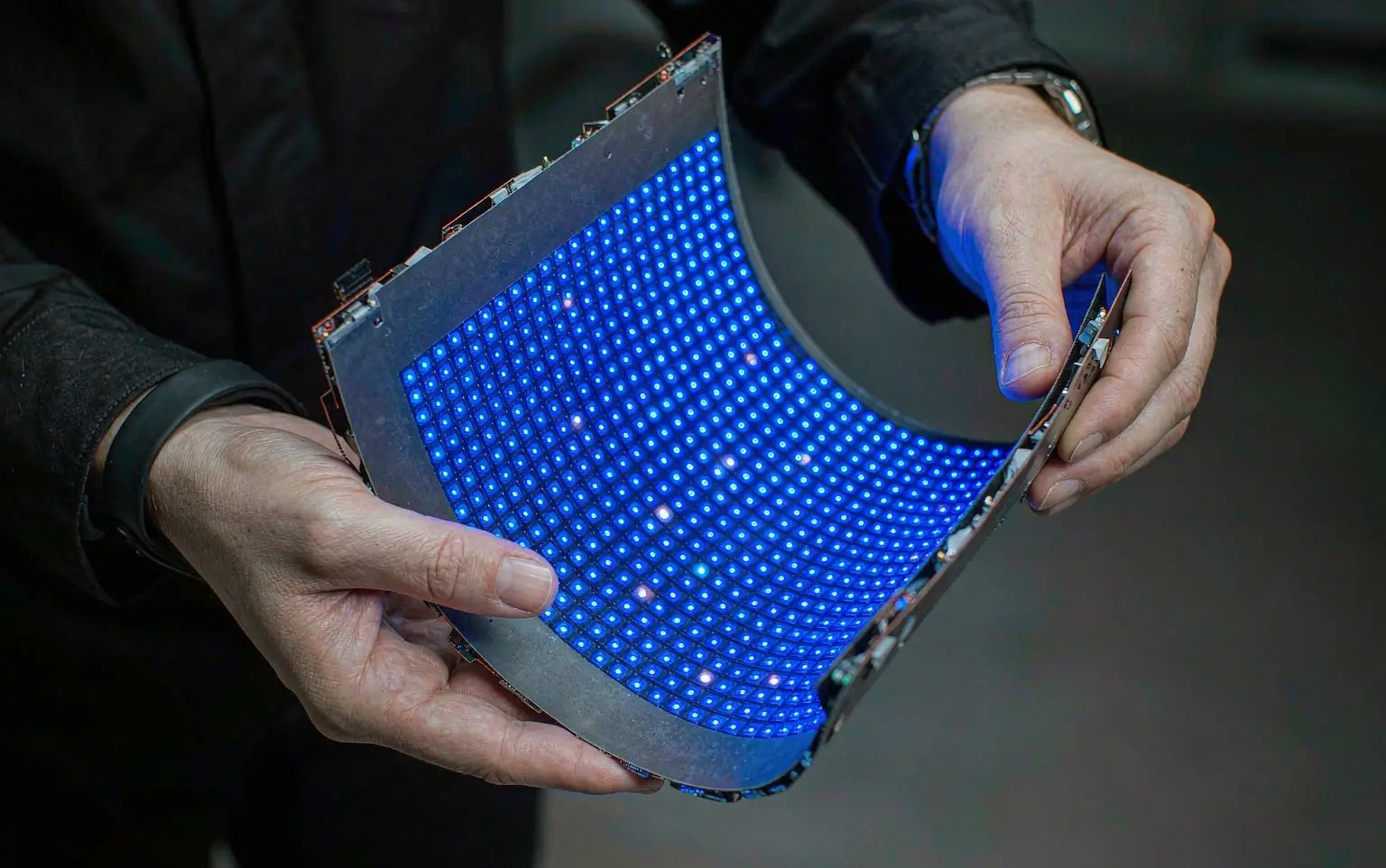
The point of that photo is simple. An interactive display for meeting rooms looks like a screen, a touch surface and a computer bolted together, but the image it finally shows depends on how much work the manufacturer put into point-by-point calibration of a fine-pitch LED array. The middle stage in the photo is the step an assembled stack never performs. Once you accept that image uniformity is a baseline requirement rather than a bonus feature, the rest of the selection logic becomes much easier to follow.
2. What an onescreen interactive display actually is
The most common misunderstanding in this category is treating an onescreen interactive display as "a big TV with a touch layer". The working definition is stricter than that:
Definition: one screen, one system, one accountable party
An onescreen interactive display integrates the display layer (LCD panel or LED cabinets), the multi-touch surface, the built-in compute module (Android or a Windows OPS module), the wireless screen sharing receiver, video conferencing plus audio pickup, whiteboard and multi-touch annotation software, and centralised device management into a single factory-built product with one firmware update channel and one warranty owner.
It is often confused with a "conference tablet", and the distinction matters at procurement stage. A conventional interactive flat panel display is usually a commercial all-in-one in the 55–110 inch class. A one-screen meeting room solution built on LED is more often a 130 inch and above interactive wall assembled from fine-pitch COB cabinets. The operating system logic, screen sharing protocols and annotation software are frequently shared across both, so the real difference is the size ceiling and the brightness ceiling.
Interactive display vs. a projected whiteboard: where the difference lands
Put both options on the same acceptance form and the gap becomes obvious:
| Dimension | Assembled: projector + whiteboard + conferencing kit | One-screen solution (all-in-one interactive display) |
|---|---|---|
| Time to start a meeting | Typically 5–10 minutes finding cables and adapting ports | Usually under 30 seconds via wireless screen sharing |
| Image readability | Ambient-light dependent; blinds needed in daylight | Self-emissive; stable contrast under normal room lighting |
| Writing experience | Write surface and projected image are two different places | Multi-touch annotation directly on top of the shared content |
| Remote participation | Whiteboard and video are separate streams | Video, shared content and annotations composited to one stream |
| Content capture | Phone photos and manual transcription | One-tap QR export and meeting summary download |
| Service interface | 3 firmware channels, 3 warranty owners, 3 support queues | 1 firmware channel, 1 owner, 1 management console |
| Space consumed | Ceiling mount, writing clearance and cable routes | Flat wall installation, usable floor area returned to the room |
Why an assembled stack gets expensive in year three
The cost profile of an assembled stack is low up front and high later: cheap line items, but every meeting pays a time tax, every fault becomes a multi-vendor coordination exercise, and every port generation change triggers another purchase round. A one-screen solution inverts that curve — a concentrated up-front investment, then a flat run of operating cost because power, screen sharing, annotation and device management all follow the same logic. For systems integrators and AV contractors, that curve is what determines service-call rates and whether the client renews.
The same technology line runs through classrooms and showrooms
A meeting room display is not an isolated product category. Its display layer shares the same manufacturing and calibration process as a classroom interactive display, a corporate showroom LED video wall and a control-room fine-pitch installation. A COB LED display keeps more headroom on protection, surface flatness and thermal behaviour, so it tends to be preferred in humid regions, high-usage rooms and large-format splicing. At conventional meeting-room sizes, however, an interactive flat panel display remains highly competitive on cost and pixel density. The decision tree in the next section resolves that trade-off.
Start with "who is actually using the room"
The same interactive display for meeting rooms requirement means different things to different buyers. Corporate IT asks whether the estate can be managed centrally and how many site visits it will need. An AV contractor asks how long installation and commissioning take, and who absorbs the warranty work. A project owner asks whether the wall can still be upgraded in three years. Aligning on which of those roles you are answering for, before the specification is written, removes most of the rework later.
3. Desire: the five-year cost is the real quotation
Assembled stacks stayed dominant because they hide cost outside the invoice. Spread the spend across five years and the picture inverts:
Five hidden cost lines in an assembled stack
1Meeting time tax. Eight wasted minutes of setup per meeting, twelve meetings a week, adds up to more than a hundred team hours a year.
2Port generation churn. Laptop ports change every two to three years; every cycle brings another adapter purchase and another round of staff training.
3Multi-vendor fault coordination. Three suppliers means the fault-finding phase alone can consume half an IT day before anyone owns the problem.
4Rework from uncaptured content. Without annotation capture, decisions have to be re-confirmed by email and previously agreed options get debated a second time.
5Empty-room loss. If the big room is awkward to use, staff book small rooms and work off their own laptops, and the flagship space sits idle.
Turning TCO into ROI: four metrics you can actually measure
| Metric | How it is measured | Why the owner cares |
|---|---|---|
| Room utilisation | Booked sessions divided by available sessions | Staff only use the flagship room if it works |
| Setup time | Average seconds from entering the room to content on screen | Converts directly into team time cost |
| Service response | Average hours from a logged fault to restoration | A single accountable party shortens triage dramatically |
| Capture rate | Share of meetings with saved annotations or notes | Traceable decisions cut repeat discussions |
Practical advice for integrators: do not tender a device list on its own. Put those four metrics into the acceptance terms — even a single clause such as "content visible on screen within 30 seconds of entering the room" changes the conversation. Owners remember whether the meeting ran smoothly, not the panel specification.
4. Action: key takeaways and frequently asked questions
| Topic | What to remember | What to do at procurement stage |
|---|---|---|
| Definition boundary | All-in-one interactive display = display + touch + compute + screen sharing + conferencing + annotation + management, one accountable party | Ask the vendor to confirm in writing what is native and what is an add-on |
| Wireless screen sharing | Connect, share, annotate and capture close the loop inside one system | Test pairing speed live with a visitor's own phone |
| Touch and annotation | Multi-touch annotation, simultaneous writers, content that can be exported | Judge pen tracking in person rather than on a datasheet |
| Technology route | Prefer an LCD flat panel below 110 inches; consider COB fine-pitch LED above 130 inches | Derive the route from size and viewing distance |
| Calibration | Final image quality depends on point-by-point calibration, not pitch alone | Request before-and-after calibration evidence and the factory report |
| Central management | Batch updates, power schedules and status polling from one console | Insist on a demo of cross-room management |
| Cost lens | Compare five-year TCO, not purchase price | Model time loss and service calls into the numbers |
| Acceptance terms | Utilisation, setup time, response time, capture rate | Write the measurable metrics into the contract |
Frequently asked questions
Q1. What is an onescreen interactive display?
An onescreen interactive display is a factory-integrated system that combines the display layer (LCD panel or LED cabinets), a multi-touch surface, built-in compute, a wireless screen sharing receiver, video conferencing with audio, whiteboard and annotation software, and centralised device management, with a single party responsible for firmware and warranty. The difference from "a big touchscreen" is the system boundary: setup, sharing, annotation and capture all close the loop inside one product instead of being spread across five or six separate boxes.
Q2. How is an interactive display different from a projector and whiteboard combination?
Three differences dominate: readability (a self-emissive screen is unaffected by room lighting, so remote viewers see the same image as the room), collaboration (video, shared content and annotation can be composited into a single remote stream) and serviceability (one firmware channel and one support queue instead of three suppliers pointing at each other). None of that shows up clearly on a datasheet, and all of it shows up in the first month after handover.
Q3. How do I choose a one-screen meeting room solution — size and technology?
Work through three steps. First, the use case: daily meetings in the 60–110 inch range point to an LCD interactive flat panel, while showrooms, control rooms and large-format walls above 130 inches point to an LED video wall. Second, viewing distance: within three metres an LCD panel is sufficient; beyond five metres, revisit the pixel pitch. Third, brightness and service access: a glazed or brightly lit showroom needs more nits, and you should confirm before ordering whether the site allows front or rear service. Once size and use case are fixed, the technology route usually settles itself.
Q4. How should I evaluate calibration on a fine-pitch LED display?
Keep the two concepts apart: pixel pitch decides how fine the detail looks, while point-by-point calibration decides how uniform it looks. In a meeting room, viewers sit three to six metres from the wall and are far more sensitive to brightness and colour differences between modules than to individual pixels. Ask for the multi-stage calibration process, before-and-after evidence and the factory calibration report rather than accepting the pitch figure on the datasheet. The photo at the top of this article — initial display, multi-stage calibration, final imaging — is the clearest illustration of what that capability buys you.
Q5. How much does wireless screen sharing matter for BYOD collaboration?
It is usually the single biggest lever on room utilisation. Rooms get used when staff and visitors do not need cables, client software or adapters. The practical benchmark for BYOD collaboration is blunt: a visitor walks in with their own laptop or phone and their content is on the screen within 30 seconds. A solution that cannot do that will drift into disuse no matter how good its display specifications are.
Want a shortlist built around your actual room?
Send us the room dimensions, the use case (meeting, classroom, showroom or control room) and your budget band. We will come back with a size recommendation, an LED versus LCD route decision and a five-year TCO framework you can put straight into the proposal.
Get a selection plan and quote Request calibration samples and case studies