COB LED Display Buying Guide 2026: Pixel Pitch, IP Rating and the Specs That Actually Matter
COB packaging now accounts for more than half of China's fine-pitch LED sales and over 85% of the sub-P1.4 segment — which means a growing wave of first-time buyers, and a growing pile of expensive procurement mistakes. This COB LED display buying guide breaks down the five specs that decide whether your video wall succeeds — pixel pitch, brightness, resolution, IP rating and cabinet craftsmanship — scenario by scenario, with a comparison table you can hand straight to your procurement team.
1. The Five Mistakes First-Time COB Buyers Always Make
Nearly every failed COB LED display project traces back to the same handful of errors. How many of these describe your current shortlist?
- Mistake 1: Chasing the smallest pixel pitch — a tight budget forced into P0.9 for a wall viewed from 5+ meters. The eye cannot resolve the difference against P1.5 at that distance, but you paid nearly double per square meter;
- Mistake 2: Ignoring the IP rating — indoor-spec panels installed under a semi-outdoor entrance or storefront canopy; one rainy season later, water ingress kills the modules;
- Mistake 3: Comparing quotes instead of TCO — the cheap wall runs a low-scan driver IC, and by year three the power bill and service calls have swallowed the savings;
- Mistake 4: Underspecifying the refresh rate — the boardroom gets recorded, the studio gets streamed, and a 1920 Hz refresh rate turns every camera frame into a field of scanning lines;
- Mistake 5: Buying fake COB — some low-cost products are re-packaged SMD with a glue coating: glossy surface, contrast below 6,000:1, and no module-level repair path.
All five mistakes share one root cause: not knowing which specs your application actually requires. Let's fix that, one scenario at a time.

2. Spec-by-Spec Breakdown for Four Application Scenarios
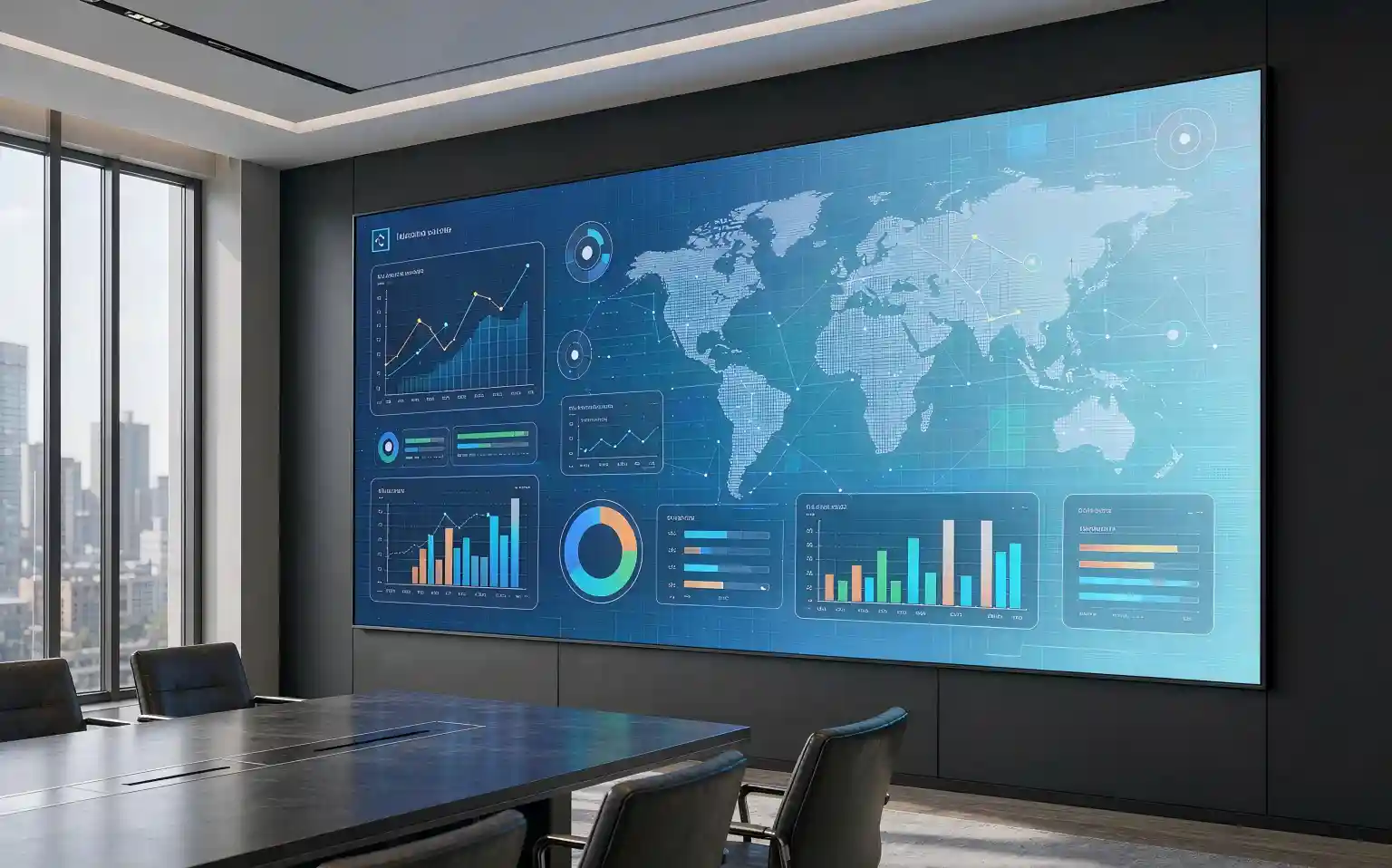
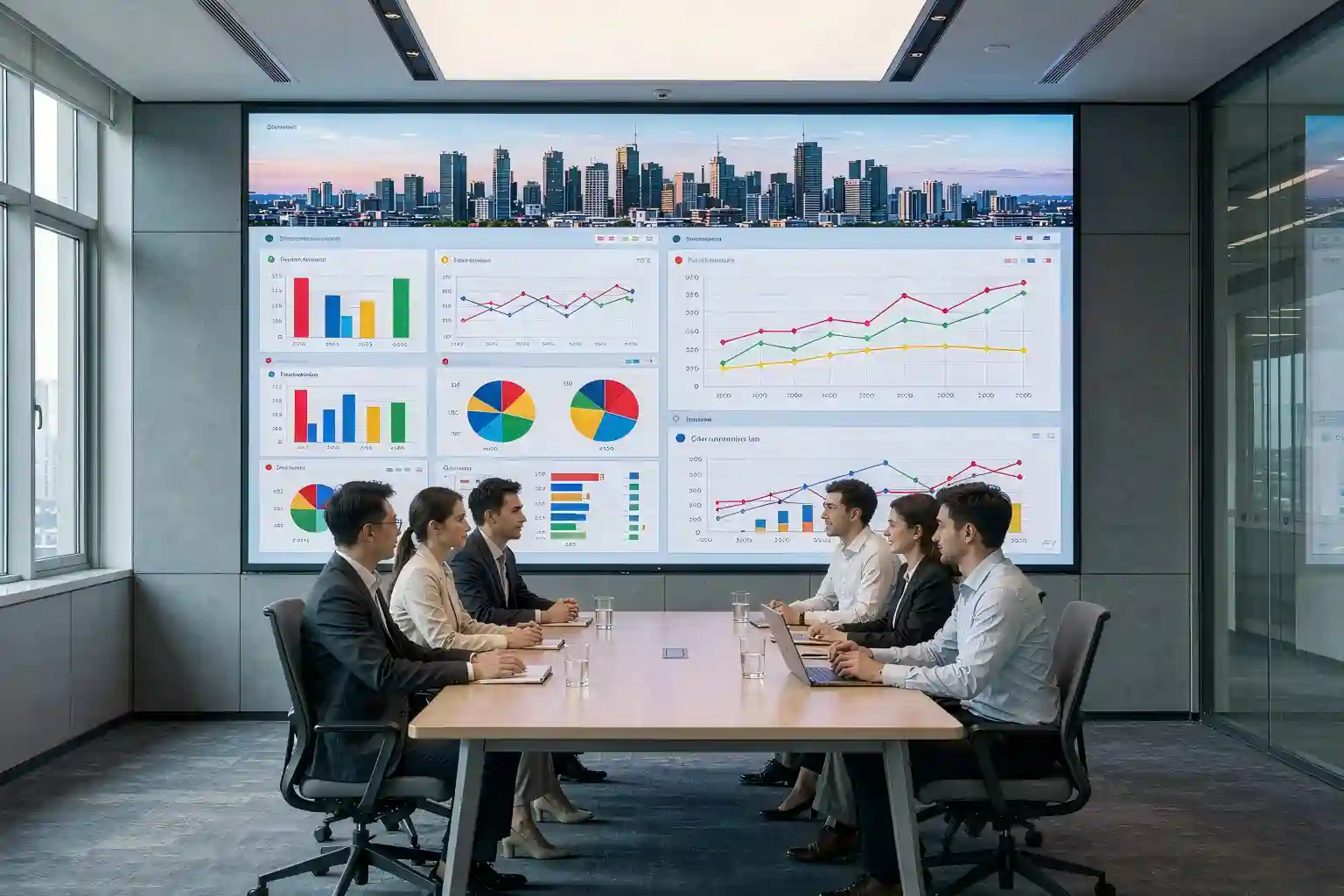
Scenario 1: Indoor Commercial (Boardrooms / Showrooms / Brand Spaces)
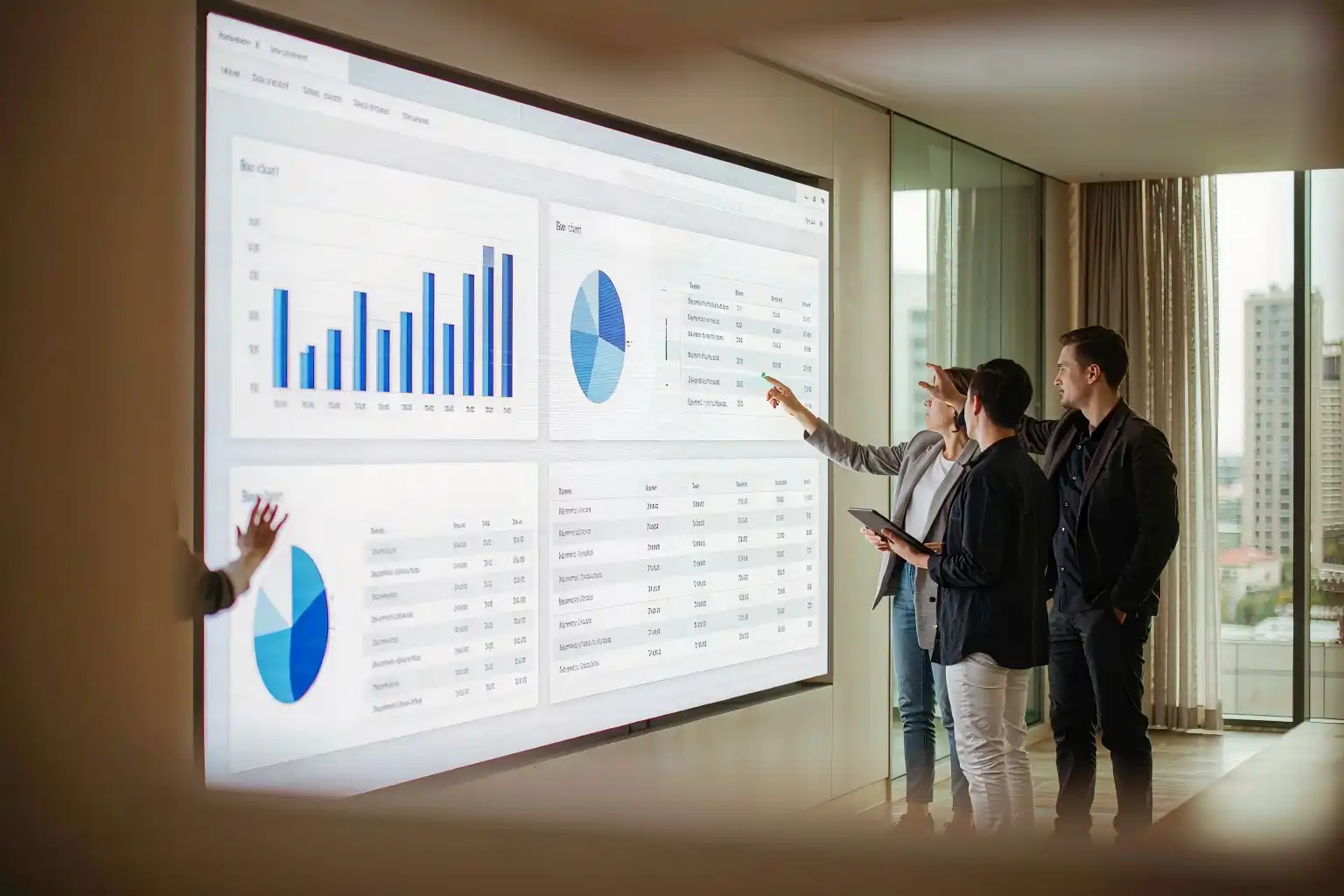
Pixel pitchBoardrooms with a 2.5–4 m viewing distance call for P0.9–P1.2; larger boardrooms and showrooms at 4–6 m are best served by P1.2–P1.5. Rule of thumb: minimum viewing distance (m) ≈ pixel pitch (mm) × 3 — a P1.2 wall wants 3.6 m of clearance; any closer and the pixel structure becomes visible.
Brightness600–800 nits is the indoor sweet spot. What separates premium walls is 16-bit grayscale and stable low-brightness, high-gray performance (clean output at 1–5 nits) — not peak nits. Anything above 1,000 nits indoors just creates glare and wasted power.
ResolutionWork backwards from content: a 4K COB LED video wall (3840×2160) at P1.2 requires roughly 4.6 × 2.6 m of screen. On a constrained budget, guarantee a pixel-perfect 1080P canvas first.
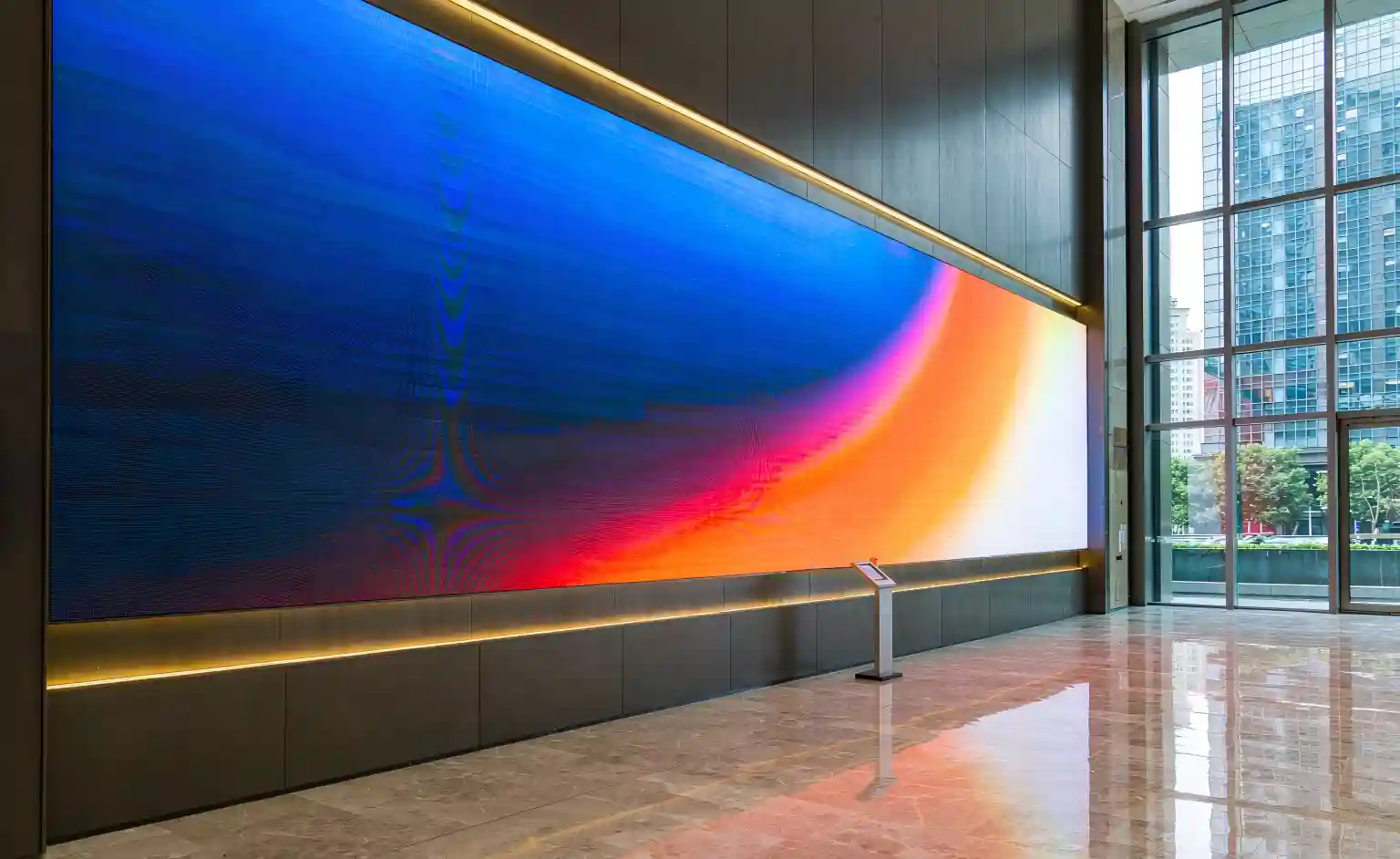
IP ratingIP40 covers dust protection for normal interiors. For high-traffic, touch-prone lobby walls, COB's wipeable, impact-resistant surface is the practical advantage over SMD.
CabinetsStick to standard 600×337.5 mm or 640×480 mm cabinets with seam tolerance ≤0.1 mm and flatness ≤0.2 mm. Confirm front-service capability (magnetic modules, ~60-second swap) — mandatory when the wall mounts flush against masonry with zero rear access.
Scenario 2: Outdoor (Billboards / Storefronts / Landmark Walls)
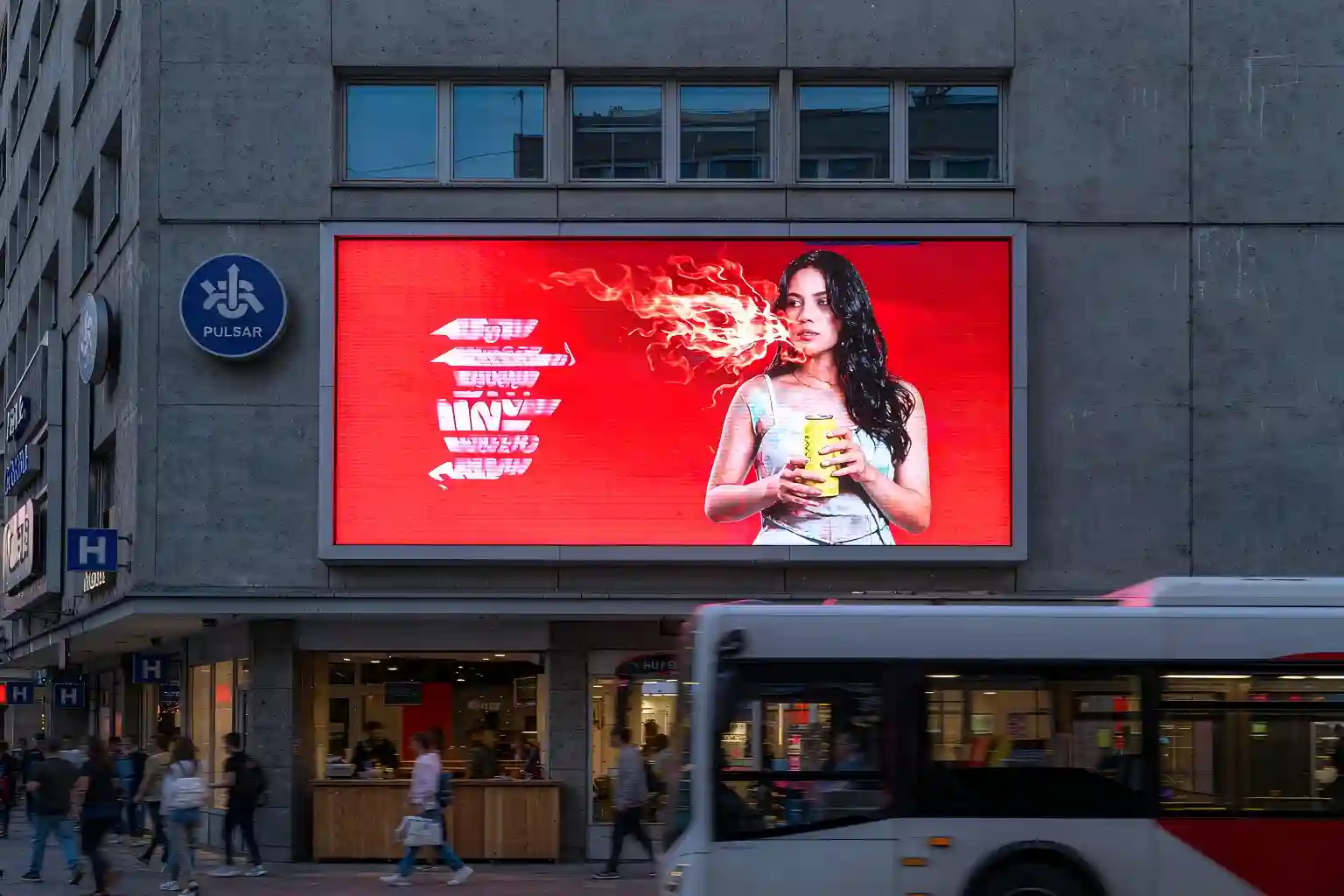
Pixel pitchOutdoor viewing starts at 8+ meters: storefronts take P2.5–P4, plaza and landmark walls P4–P6, highway installations P8–P10. Don't pay for fine pitch outdoors — brightness and stability come first.
BrightnessAmbient light outdoors can exceed 10,000 nits. The wall needs ≥5,000 nits, and sun-facing orientations should specify ≥7,000 nits with an auto-brightness sensor for nighttime power savings and light-pollution compliance.
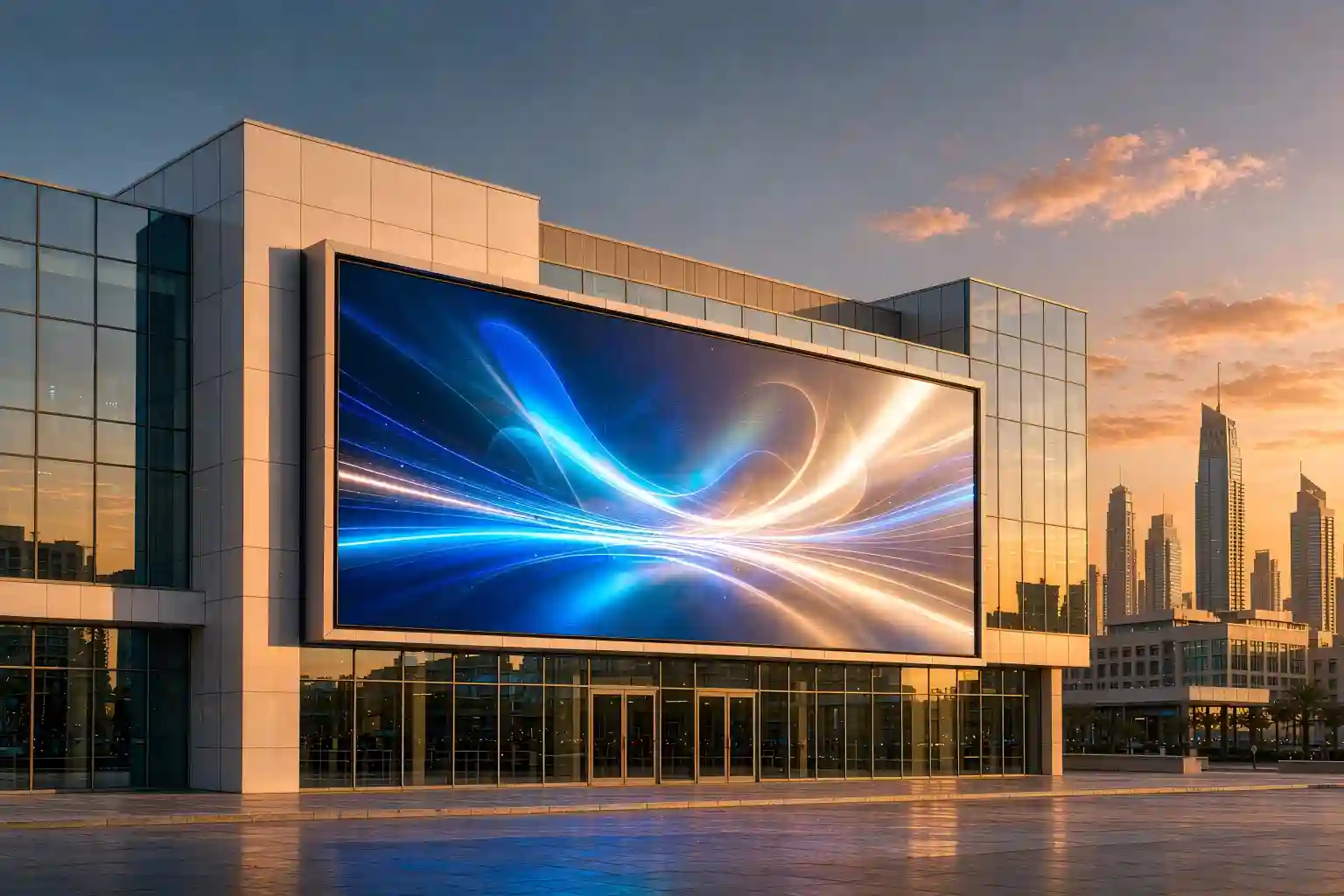
IP ratingFixed outdoor installs must be IP65 or better — total dust-tightness plus low-pressure water-jet resistance. Coastal projects should also verify conformal PCB coating against salt fog. COB's fully encapsulated face makes it inherently better suited to harsh outdoor exposure than SMD.
CabinetsDie-cast aluminum cabinets with waterproof gaskets; require ≥97% brightness uniformity across the wall and factory point-by-point calibration reports so you never ship visible patchwork later.
Scenario 3: Broadcast & Live Production (Studios / XR / Launch Events)
Pixel pitchStudio main cameras sit 6–10 m out, making P1.5–P1.8 the value sweet spot. XR virtual production puts cameras close to the wall — specify sub-P1.2 with high-refresh dedicated drivers.
BrightnessStudio lighting is unforgiving: 800–1,500 nits adjustable, locked to D65 white point after calibration.
Refresh rateThis is the non-negotiable spec in this scenario: ≥3,840 Hz for professional use, ≥7,680 Hz for broadcast studios and XR stages. Anything less and every recorded frame shows scan lines and moiré — a brutally expensive discovery on shoot day.
CabinetsRequire curved-capable, rigging-ready cabinets with per-cabinet calibration to ΔE < 2, so multi-camera switching reveals no color blocks between modules.
Scenario 4: Security & Control Rooms (Command Centers / NOCs)
Pixel pitchOperators sit 3–5 m from the wall: mainstream choice is P1.2–P1.5. For high-density multi-camera monitoring, "P1.5 with more area" usually beats "P1.2 with less" on both experience and budget.
BrightnessThese walls run 24/7 in front of human eyes: 500–700 nits with excellent low-brightness grayscale is the comfort/detail balance. Contrast should be ≥3,000:1 (COB typically delivers 10,000:1) so dark surveillance footage doesn't crush to black.
IP ratingIP40 suffices indoors — your real checklist items are thermal design for 24/7 operation and redundant power, with written confirmation that continuous duty doesn't void the warranty.
CabinetsCommand walls often scale to resolutions like 15,360×2,880. The control system must support multi-source windowing and roaming; front-service hot-swappable modules keep the wall alive during repairs.
3. The Comparison Table and Budget-Tier Recommendations
3.1 Core Spec Comparison Table (Bookmark This)
| Spec | Indoor Commercial | Outdoor | Broadcast / Live | Control Room |
|---|---|---|---|---|
| Recommended pitch | P0.9–P1.5 | P2.5–P6 | P1.2–P1.8 | P1.2–P1.5 |
| Brightness (nits) | 600–800 | ≥5,000 (sun-facing ≥7,000) | 800–1,500 | 500–700 |
| Refresh rate (Hz) | ≥3,840 | ≥1,920 | ≥7,680 (broadcast) | ≥3,840 |
| Grayscale | 16-bit | 14–16-bit | 16-bit+ | 16-bit |
| IP rating | IP40 | IP65+ | IP40 | IP40 |
| Cabinet requirements | Seam ≤0.1 mm, front service | Die-cast aluminum, uniformity ≥97% | ΔE < 2 calibration, curved/rigging | Multi-source windows, hot-swap |
| Reference cost | $1,500–3,500/㎡ | $600–1,500/㎡ | $2,500–5,000/㎡ | $2,000–4,000/㎡ |
Note: at equal pitch, COB modules run roughly 1.5–2× the price of SMD (a P1.2 COB wall typically lands around $1,500–2,200/㎡ from Shenzhen FOB sources, depending on chip brand and driver config). Fine-pitch LED average pricing fell below the $1,400/㎡ equivalent mark in 2025 — you are buying better specs per dollar than at any point in the last five years.
3.2 Best Picks by Budget Tier
| Tier | Budget (complete wall) | Recommended Configuration | Best For |
|---|---|---|---|
| Starter | $8k–25k | Indoor P1.5–P1.8 COB, pixel-perfect 1080P, 3,840 Hz refresh, standard front-service cabinets | SMB meeting rooms, first-time buyers |
| Standard | $25k–80k | P1.2–P1.5 COB, 4K canvas, common-cathode drivers (30%+ energy savings), point-by-point calibration | Corporate showrooms, command centers, flagship retail |
| Flagship | $80k+ | Sub-P0.9 micro-pitch COB, 7,680 Hz, redundant power, XR-grade color management | Broadcast studios, XR stages, landmark projects |
3.3 Five Pre-Signature Checks That Save Projects
- Demand the driver IC model and scan ratio — low-scan products (1/32, 1/64) deliver poor low-brightness grayscale and shorter LED life; it's the first hiding place of an abnormally cheap quote;
- Request 72–168 hour aging test reports and factory calibration certificates — the fastest way to filter out re-badged panels;
- Verify real COB: genuine COB has a matte, seamless face, contrast ≥10,000:1, and module-level repair. A glossy, reflective surface is re-packaged SMD;
- Contract on TCO, not sticker price: get measured power draw at typical content (not peak), the spare-parts policy (industry norm: 5% spare modules), and warranty terms of 3+ years;
- Confirm installation conditions before ordering: flush-mount means front service is mandatory; verify floor loading, access routes and electrical capacity with the building engineer first.
4. Choosing Your COB LED Display in Three Sentences
The entire guide, compressed:
- Indoor-first, budget-sensitive: start your video wall at P1.5 + 600–800 nits + IP40 + 3,840 Hz, and spend what you save on common-cathode efficiency and spare modules;
- Outdoor and semi-outdoor: IP65 is the floor, not an upgrade; size brightness to orientation, skip anything finer than P2.5, and put the savings into structural waterproofing and ambient-light sensing;
- Camera-facing or 24/7 rooms: refresh rate and low-brightness grayscale outrank everything — 7,680 Hz, 16-bit gray, ΔE < 2 per-cabinet calibration. No exceptions.
The last step of any selection process is working backwards from your real viewing distance, installation environment and content type — never forwards from a salesperson's spec sheet.
Not sure which specs fit your project?
Send us your scenario + viewing distance + budget range + installation photos and receive: ① a personalized COB LED display spec checklist; ② multi-brand quotes at identical specifications; ③ a full project budget including structure and control system.
Get a Custom Selection Proposal →How much trial-and-error did this guide save you? If you're specifying a live project, forward the comparison table above directly to your procurement and AV integration teams.
Sources: RUNTO (Luotu Technology) fine-pitch LED quarterly reports (COB sales share, average pricing); DISCIEN; TrendForce 2025 display research; LeyeDisplay, DOIT VISION and Linsn LED 2026 buying guides; public project case data. Prices are indicative ranges; final figures depend on brand and configuration.