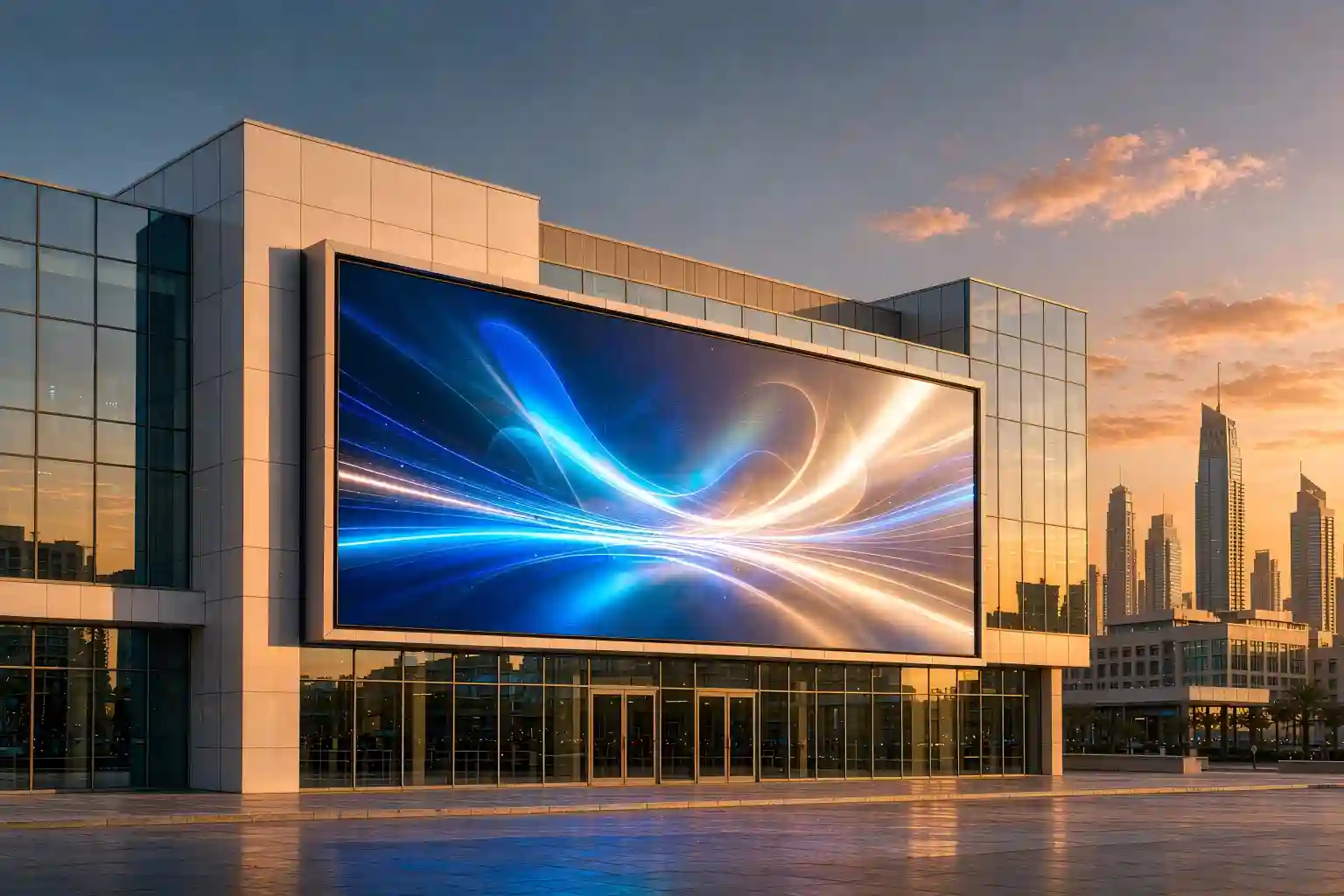
LED Screen for Office: What to Buy in 2026 (Pixel Pitch, Cost & Payback)
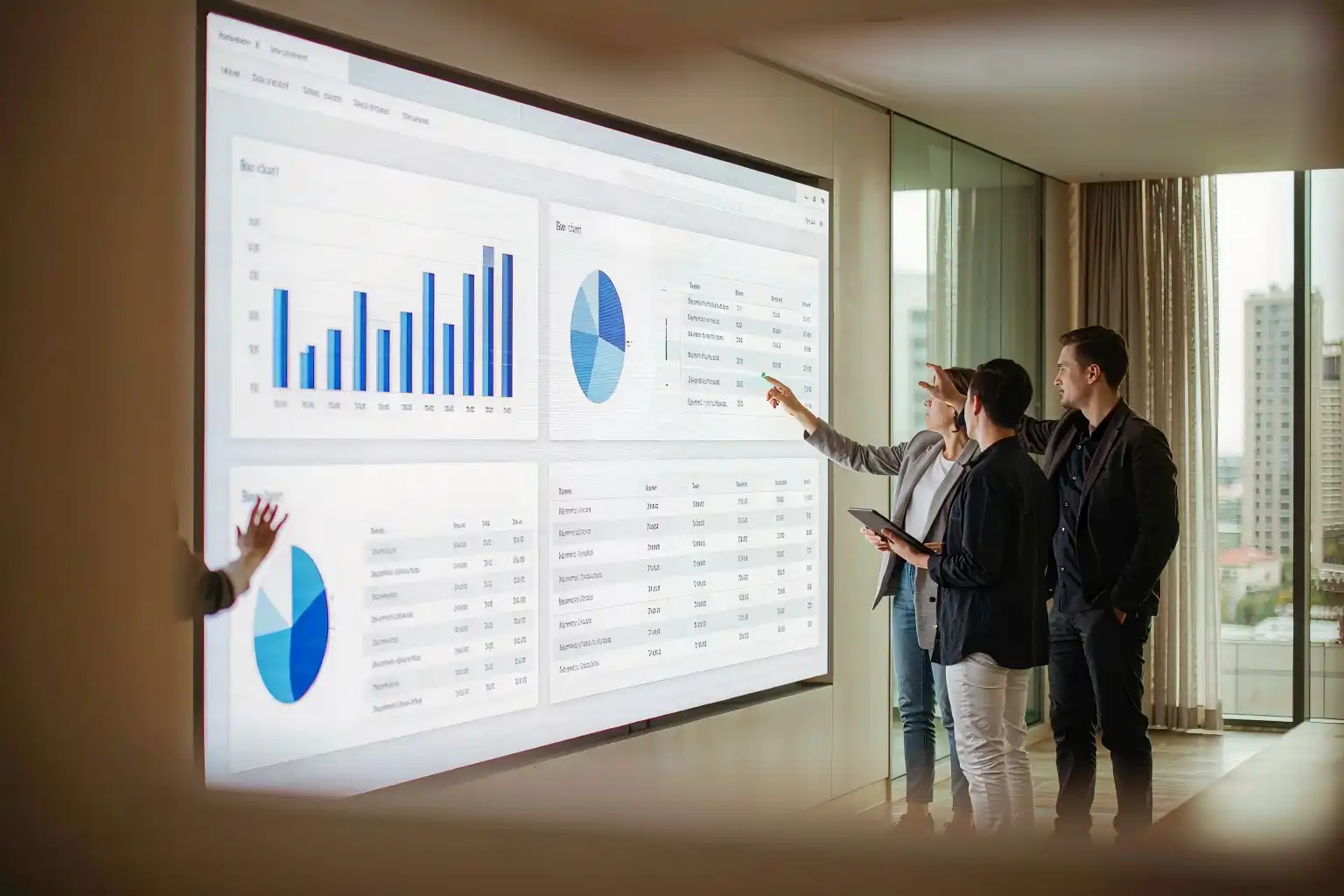
Turn the lights on and the projector goes grey. Put up an LCD wall and the seams cut your logo in half. An LED screen for office use fixes both — but only if the pixel pitch matches the room. This is a practical, numbers-first guide for facility, IT and procurement teams: from measuring a viewing distance to the real cost per square meter and a ten-year payback view.
In this guide
- Three things a projector and an LCD wall still can't do
- Projector vs LCD video wall vs LED screen for office
- Pixel pitch: measure the room, not the spec sheet
- Brightness, refresh rate and color temperature
- Mounting and integration: three ways offices install them
- What it costs: price per m² and 10-year TCO
- What actually changes after the switch
- A 10-point checklist before you sign
- Key takeaways
- Frequently asked questions
Three things a projector and an LCD wall still can't do
"Turn the lights on and the projector dies." We hear that sentence on almost every site visit.
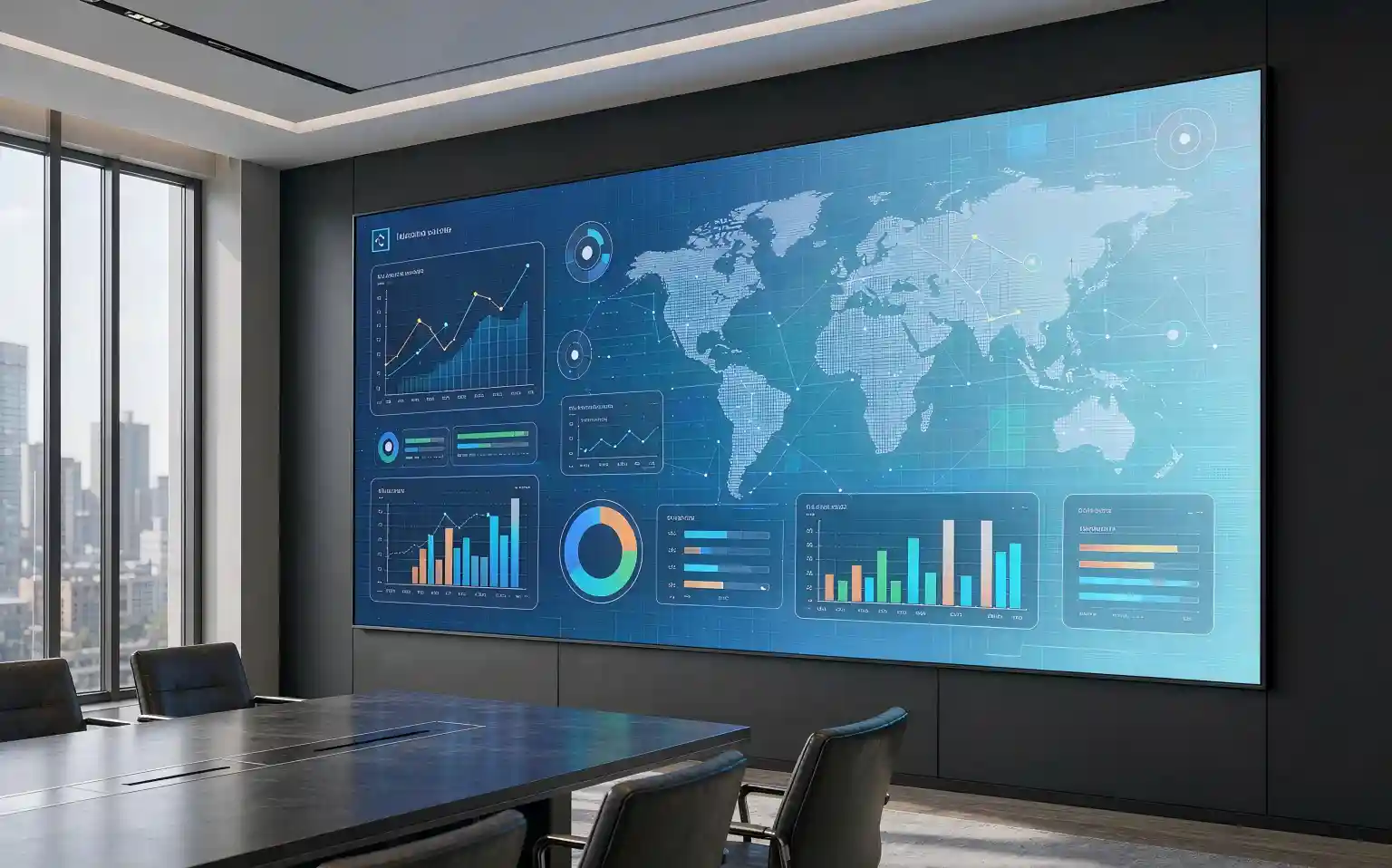
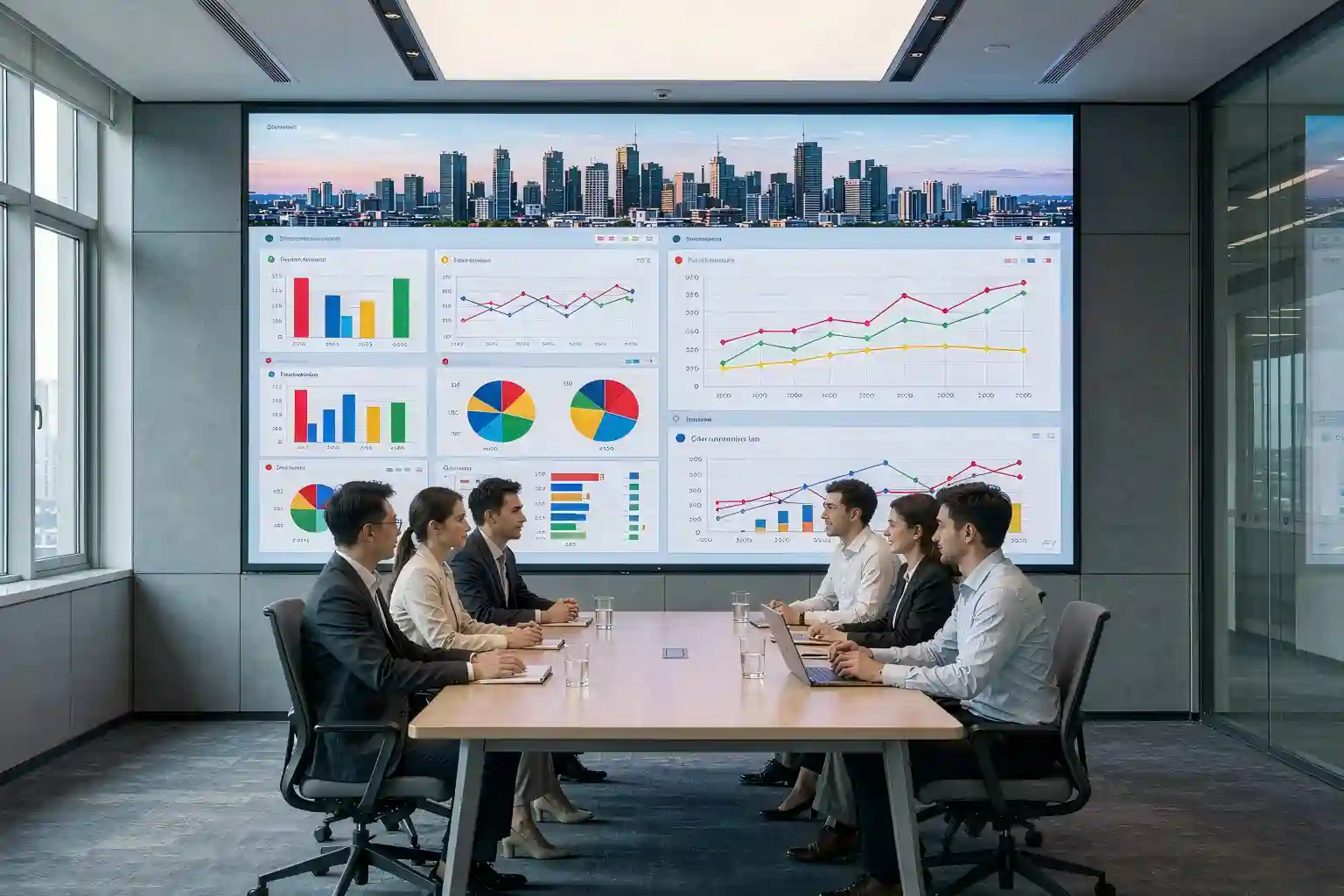
Start with a 30-seat meeting room and a ceiling-mounted projector. The 10 a.m. client pitch happens with the blinds down, someone switches on a desk lamp to take notes, and the front row squints. Three months later the same room runs a 3 m × 1.7 m office LED display: blinds open, ceiling lights on, and the dark gradient in the deck is still a dark gradient.
The lobby is blunter. A 2 × 2 LCD video wall sits behind the reception desk with a 3.5 mm bezel between panels. From across the room it looks fine. Stand two meters away and tilt your head — the seam runs straight through the middle of the company logo.
Both stories point at the same thing: an office does not buy a display, it buys the clarity of every meeting and the first three seconds of every visitor.
By 2026, indoor LED pricing has fallen far enough that P1.86 sits comfortably inside a normal corporate budget. The question is no longer whether to switch — it is which pixel pitch to order.
Readable with the lights on
500–800 nits with stepless dimming down to 20%, so daylight and ceiling lights stop deciding whether your content works.
Genuinely seamless
Cabinets build into one continuous image. No bezel to slice a logo, a chart or a dashboard in half.
Sized to the room
Assembled from 500 × 500 mm or 600 × 337.5 mm cabinets, so the wall fits the room instead of a catalog page.
Projector vs LCD video wall vs LED screen for office
None of the three is universally better — only better matched. Use the table below across the seven things offices actually argue about internally.
| What matters | Projector | LCD video wall | LED screen for office |
|---|---|---|---|
| Brightness, lights on | Washes out, contrast collapses | Acceptable, but visibly reflective | 500–800 nits with dimming, stays readable |
| Seams | No seams, but a bulky housing | 0.9–3.5 mm bezel per panel | None — a single continuous surface |
| Service life | 3,000–6,000 h per lamp | ~50,000 h | ~100,000 h |
| Maintenance | Lamps, filters, focus drift | Whole-panel swap, expensive | Front-service modules, single-point replacement |
| On camera | Needs blackout, color shift | Acceptable | 3,840 Hz+ refresh, no scan lines on a phone |
| Size flexibility | Limited by throw distance | Locked to 55"/65" panels | Built from cabinets — the size is yours to choose |
| Cost per m² | Lowest | Mid | Highest upfront, but the gap narrows over ten years |
If a room has to deliver all three of "readable with the lights on", "seamless" and "looks good on camera", only one option remains. A projector still makes sense in exactly one situation: a dark room, a tight budget, and video-only content.
Pixel pitch: measure the room, not the spec sheet
The most common procurement mistake is starting from a price list and working backwards to a screen size. The correct order is the opposite: measure the people first, size the screen second. This five-step sequence is the one we run on every project.
1. What pixel pitch actually means
Pixel pitch is the distance between the centers of two neighboring LEDs, measured in millimeters. Smaller pitch means denser pixels, so the image holds up closer to the wall. That makes it a viewing-distance specification, not a sharpness specification.
The industry rule of thumb: closest comfortable viewing distance (m) ≈ pixel pitch (mm) × 1.5 to 2. Sit three meters from the screen and anything between P1.25 and P1.53 will already read as a single continuous image rather than a grid.
2. Working backwards from the room
- Executive boardroom (closest row 2–3 m): P0.9–P1.25. Budget is rarely the constraint here; the first impression a client gets is.
- Standard meeting room (3–5 m): P1.25–P1.53. This is where most office LED screen orders land today.
- Training room / multi-purpose hall (5–6 m): P1.53–P1.86.
- Lobby / showroom (4 m and beyond): P1.86–P2.5. The priority shifts from pixel density to overall visual impact.
One conversion worth doing before you order: resolution = screen width (mm) ÷ pixel pitch (mm). A 3 m × 1.7 m wall built at P1.25 gives you roughly 2,400 × 1,360 pixels; the same wall at P1.86 gives about 1,612 × 914.
If your room has to show spreadsheets, BI dashboards or code, total pixel count affects the experience more than screen size does — which is usually the real reason someone says "we bought a big screen and it still doesn't look sharp".
Brightness, refresh rate and color temperature
Brightness: lower than you think
For indoor office environments, aim for 500–800 nits with stepless dimming down to below 20%. Overspecified brightness costs you three ways: eye strain during long sessions, higher power draw and heat, and blown-out faces on camera. Indoor and outdoor logic are opposites here — an office screen is judged on grey-scale depth at low brightness, not on peak nits.
Refresh rate: treat it as mandatory if anything is filmed
In a hybrid workplace, a meeting room screen ends up on camera almost every day. Below roughly 1,920 Hz, phone and conference cameras start catching rolling scan lines. Specify 3,840 Hz or higher. The cost difference is small; the alternative is a recording full of horizontal bars.
Color temperature and calibration: what separates a screen from a good screen
Adjustable color temperature (6,000–9,000K) lets the wall match the office lighting instead of fighting it. Two more items belong in the technical agreement:
- Point-by-point calibration: every pixel's brightness and chroma corrected at the factory, so the wall reads as one uniform surface rather than visible blocks.
- Low-grey performance: office screens run at 30–60% brightness most of the day. Poor low-grey handling shows up as noise or banding in dark content — and it tells you more about a supplier than the peak brightness number ever will.
Mounting and integration: three ways offices install them
Wall-mounted or recessed
The default for meeting rooms and reception. Flush mounting keeps total depth around 60–100 mm; a recessed install has to be planned during fit-out for ventilation clearance.
Floor-standing cabinet
Common in lobbies, showrooms and events. No wall reinforcement needed and it can be relocated, but leave service access and a power point on the plan.
Mobile all-in-one
135" / 165" all-in-one units roll in and plug in — a sensible choice for small meeting rooms that share a screen, or for serviced office space.
Whatever the mounting method, settle these four points before the purchase order. Retro-fitting them later costs far more than any equipment price difference:
- Service access: front-service magnetic modules need no space behind the wall; rear-service designs need a 600–800 mm corridor, which is expensive floor area in an office.
- Noise and cooling: for meeting rooms, look for fanless cabinets or noise below 25 dB, and keep power supplies away from where people sit.
- Signal path: confirm inputs (HDMI 2.0 / HDBaseT / USB-C), how the video conferencing platform (Teams, Zoom Rooms) connects, and whether a one-button wireless casting option is needed to keep adoption high.
- Structure and power: verify wall load-bearing capacity and flatness, allocate a dedicated power circuit, and run network or fiber cabling to the wall position early.
What it costs: price per m² and 10-year TCO
An LED screen for office is priced per square meter, and pixel pitch sets the rate. The figures below are typical industry ranges meant for budgeting only — your quotation will move with brand, LED and driver IC selection, cabinet design and order quantity.
| Pixel pitch | Typical FOB range (USD / m², indicative) | Reference total, 3.0 m × 1.7 m (≈5.1 m²) | Typical use |
|---|---|---|---|
| P2.5 | 700 – 1,100 | ≈ 3,570 – 5,610 | Lobby, showroom |
| P1.86 | 1,100 – 1,600 | ≈ 5,610 – 8,160 | Training room, multi-purpose hall, lobby |
| P1.53 | 1,600 – 2,300 | ≈ 8,160 – 11,730 | Standard meeting room (the sweet spot) |
| P1.25 | 2,300 – 3,200 | ≈ 11,730 – 16,320 | Standard and executive meeting rooms |
| P0.9 (mostly COB) | 3,500 – 5,500 | ≈ 17,850 – 28,050 | Boardrooms, on-camera interview settings |
These exclude freight, duties, mounting structure, control system and spare parts. Add 15%–25% on top of the equipment price when you build the budget.
Stretched over ten years, the picture changes
| Cost line | Projector | LCD video wall | LED screen for office |
|---|---|---|---|
| Consumables | Lamps every 3,000–6,000 h — several times in ten years | Failure means replacing a whole panel | No consumables; single module replacement |
| Power | ~300–500 W per unit | ~120–200 W/m² | ~150–250 W/m², less at office brightness |
| Labor | Filters, optics, focus — frequent annual service | Moderate | Low; magnetic front-service modules |
| 10-year cost of ownership | Cheap to buy, expensive to keep | Moderate | Higher upfront, most competitive annualized |
The return item people forget: brightness, color temperature and content can be switched by scene. The same wall is a presentation surface at 10 a.m., a company dashboard at noon, and a brand visual after hours. One wall doing three jobs is where the payback argument actually lands.
What actually changes after the switch
Specifications aside, three things tend to change in delivered projects:
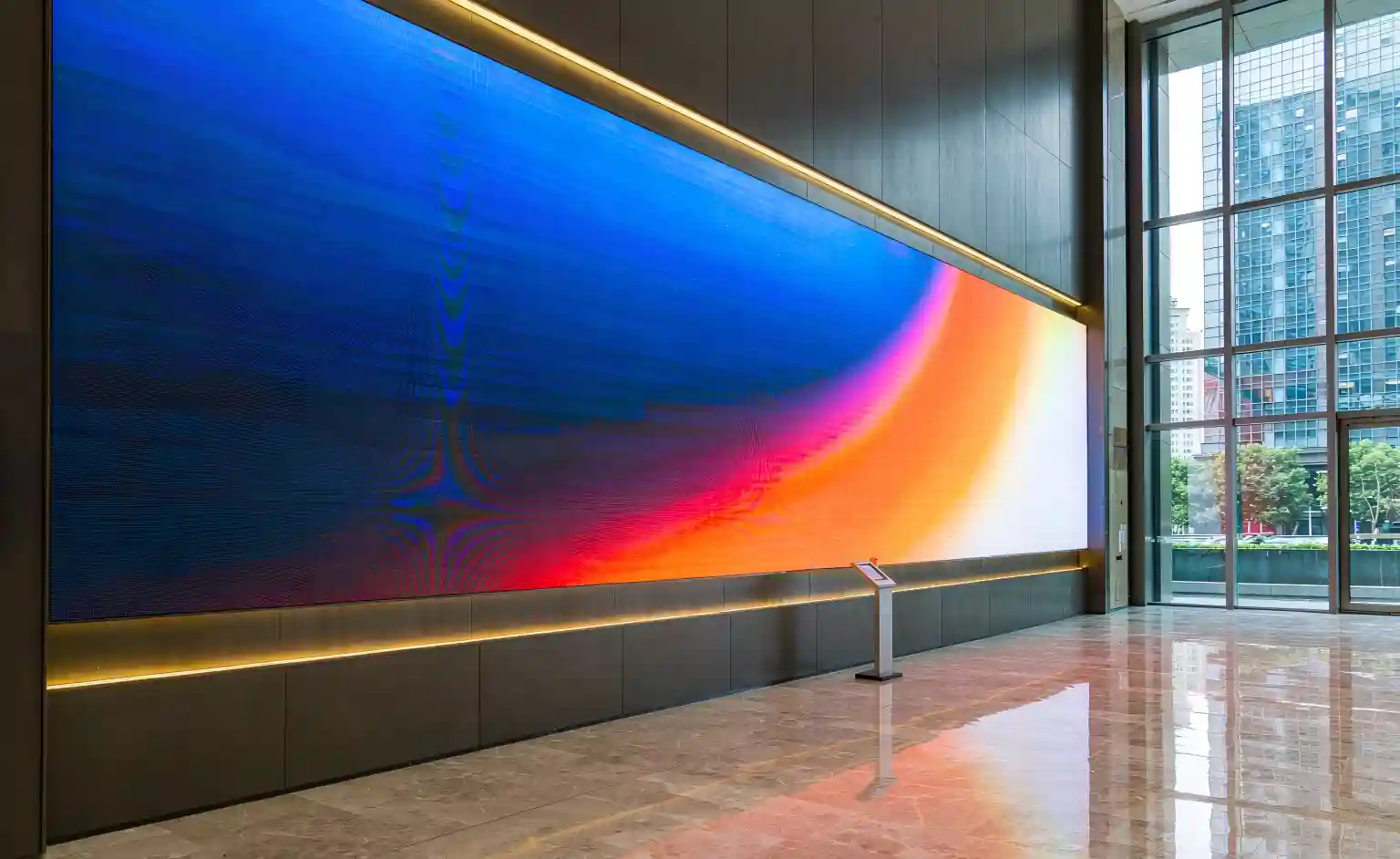
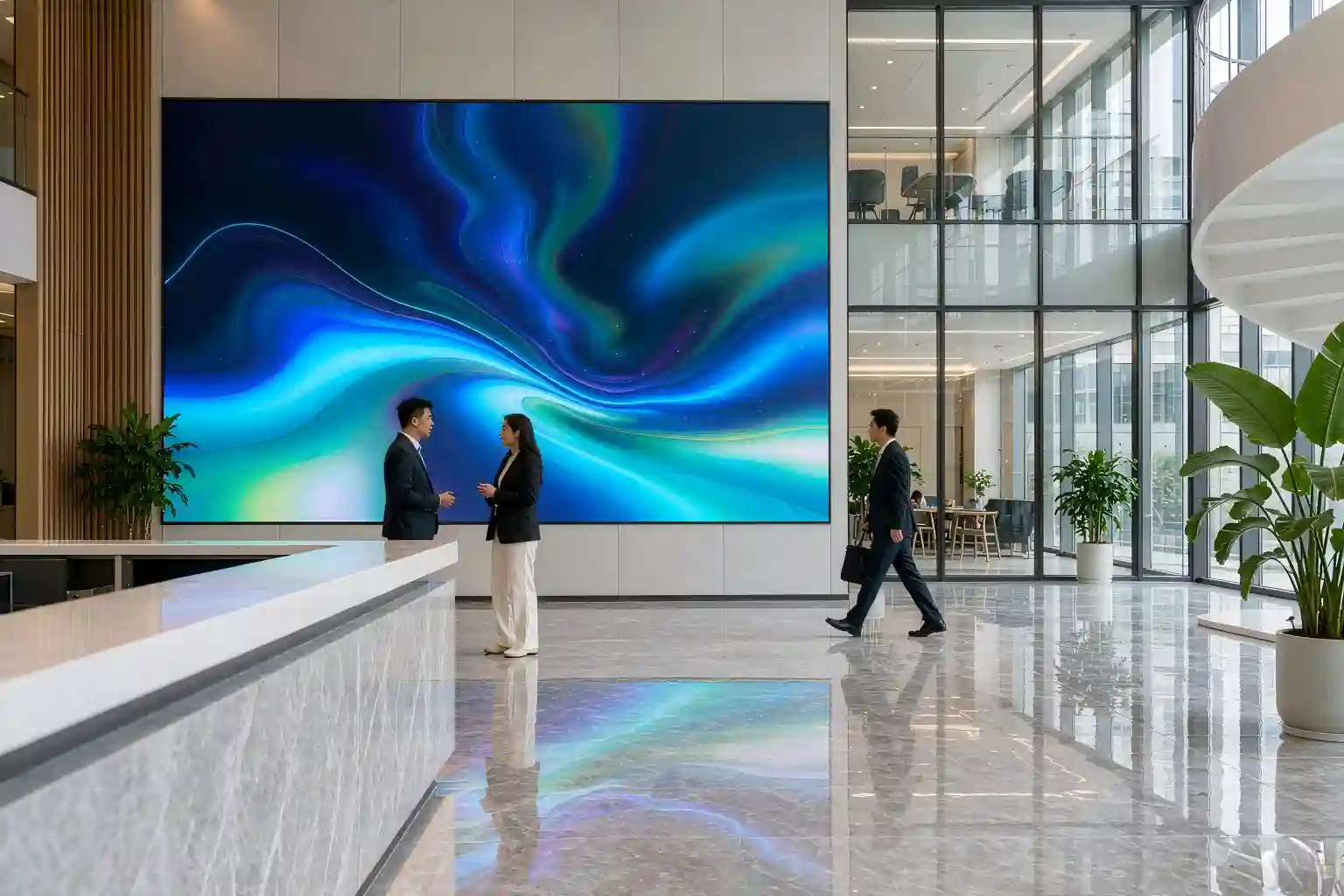
- A visitor's first three seconds get redefined. A lobby LED screen for office use stays saturated and legible in daylight. It is a brand surface, not a television that shows notices.
- Hybrid meetings level out. Remote colleagues stop saying "we can't read your screen because of the glare", and nobody has to locate data by saying "third row, fifth column".
- Fewer meeting rooms are needed. One wall that can display multiple windows keeps a meeting that would have split into two in a single room — the most underestimated efficiency gain of the whole project.
A 10-point checklist before you sign
Closest viewing distance measured on site, and the pitch band locked to it.
Resolution requirement calculated — spreadsheets and dashboards, or video only.
Brightness band and dimming range written into the spec, including 20% output.
Refresh rate 3,840 Hz or higher for phone and camera capture.
Calibration report and a dead-pixel commitment (typically ≤3 per million).
Front-service or rear-service confirmed, with service space that actually exists.
Wall load capacity and flatness, dedicated circuit and cable route verified.
Video conferencing interfaces and casting method agreed with IT.
Warranty term and spare parts list (power supply, receiving card, modules) in the contract.
Installation schedule, operator training and a standard start-up routine agreed.
Key takeaways
If you only keep one page from this guide, keep this table.
| Topic | What to remember |
|---|---|
| When to go LED | Readable with lights on, seamless picture, frequently on camera, non-standard size — meet two of these and LED beats both a projector and an LCD wall. |
| Choosing pixel pitch | Closest viewing distance (m) ≈ pixel pitch (mm) × 1.5–2. Measure the people first. |
| Meeting room sweet spot | P1.25–P1.53 for rooms of 3–5 m; P0.9–P1.25 for boardrooms where the first row sits 2–3 m away. |
| Brightness and refresh | 500–800 nits with low-end dimming; 3,840 Hz+ whenever a camera is in the room. |
| What really separates suppliers | Point-by-point calibration, low-grey performance and panel flatness beat peak brightness every time. |
| Cost framing | Priced per m² — compare ten-year TCO, not unit price, and budget an extra 15%–25% for structure and spares. |
| Installation prerequisites | Wall load capacity, front/rear service access, dedicated power circuit and a cable route — all four, not three. |
| Acceptance checks | No color blocks at low grey, no misalignment across cabinets, consistent color temperature, dead-pixel rate within contract. |
Frequently asked questions
Q1: How much does an LED screen for office cost?
Pricing is per square meter and driven by pixel pitch. Typical references: about USD 1,100–1,600/m² at P1.86, 1,600–2,300/m² at P1.53, and 2,300–3,200/m² at P1.25 (indicative ranges — confirm with a formal quotation). A 3 m × 1.7 m meeting room screen usually lands between USD 5,600 and 16,300, excluding freight, duties, mounting structure and control system.
Q2: Which pixel pitch is best for a meeting room?
Start from the distance between the front row and the wall. For rooms of 3–5 m, P1.25–P1.53 is the usual answer; beyond 5 m, P1.86 becomes viable. If the closest seat is under 3 m — common in executive rooms — go to P0.9–P1.25.
Q3: Can an LED screen be used for video conferencing?
Yes, but watch three parameters: refresh rate of 3,840 Hz or higher so cameras capture no scan lines; brightness that dims to around 30% so faces are not blown out; and adjustable color temperature (6,000–9,000K) to match the room lighting.
Q4: Is it comfortable to view up close for long sessions?
With the right pixel pitch, yes. Indoor LED screens typically run at 500–800 nits with stepless dimming, and once low-grey calibration is done, long sessions are easier on the eyes than a projector. The mistake is saving money by choosing a coarser pitch and forcing people to sit too close to it.
Q5: What has to be prepared before installation?
Verify wall load capacity and flatness; provide a dedicated power circuit plus a network or fiber route; decide between front service and rear service (rear service needs a 600–800 mm access corridor); and write the control system and video conferencing interface requirements into the contract.
Send us your room size and viewing distance
You will get a pixel pitch recommendation, a screen layout and a formal quotation within 48 hours.
Get my office LED screen quoteThis article is original technical content prepared by our team. Prices and specifications are indicative industry ranges; actual figures depend on the project specification, on-site measurement and a formal quotation. Screen selection should also account for building structure and local electrical codes — have a professional team complete a site survey before ordering.