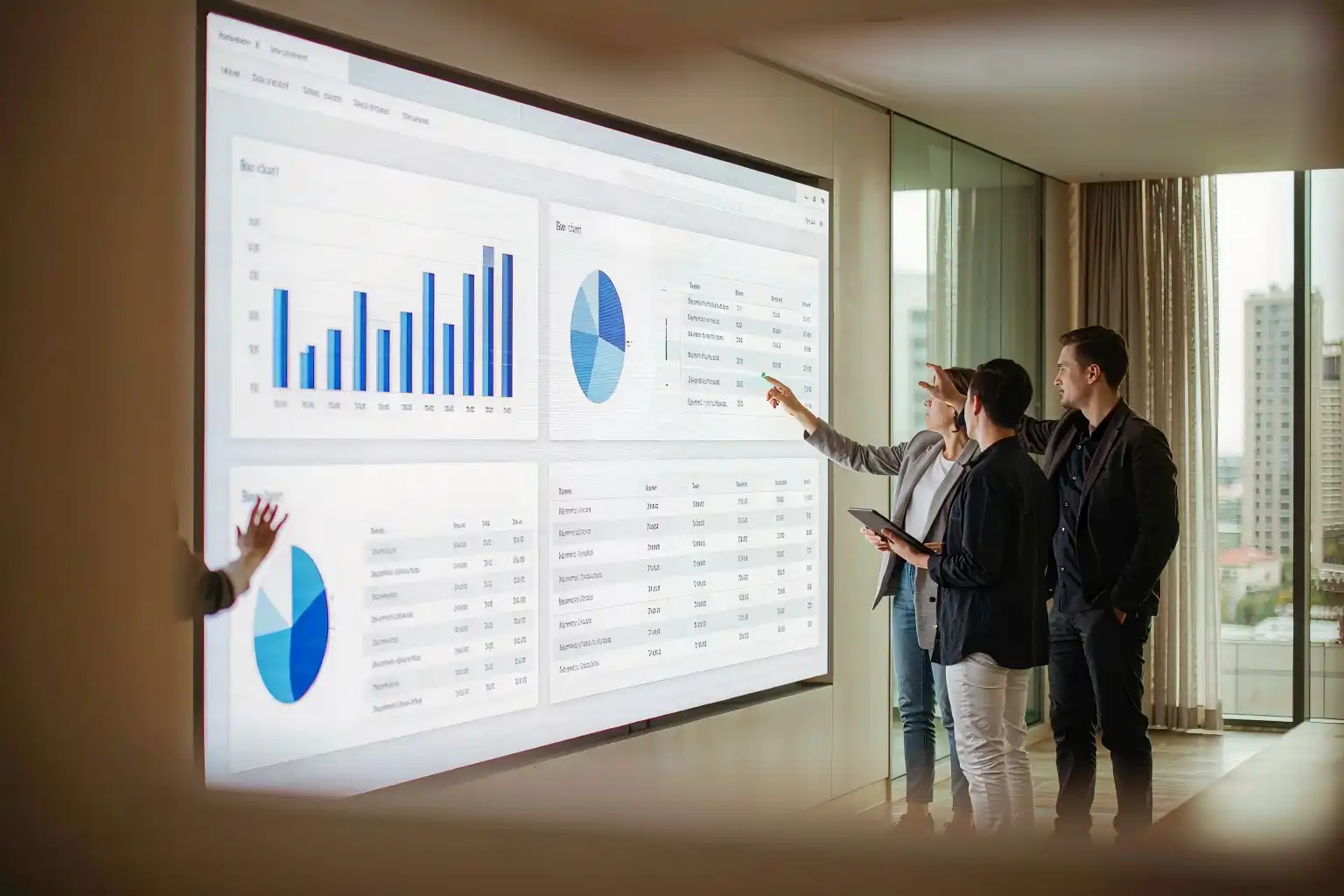
LED Wall Screen Buying Guide: 6 Specs That Decide Whether Your Video Wall Still Looks Great in Year Three
An LED wall screen almost always looks impressive in a showroom. What actually matters is how it behaves once it is installed in your boardroom, lobby or control room — under real ambient light, long running hours and the viewing distances people actually use. The six specs below are the ones we use on live projects to screen suppliers and sanity-check proposals.
IN THIS GUIDE
- Why the same LED wall screen dazzles in the showroom and disappoints on site
- First, get the terms straight: an LED wall screen is not an LCD video wall
- The six specs to nail down before you sign
- Turning six specs into a six-step delivery process
- Total cost of ownership: where the money actually goes
- Configuration by scenario: four typical setups
- Vetting led wall screen manufacturers: seven questions that need written answers
- Key takeaways and frequently asked questions
1. Why the same LED wall screen dazzles in the showroom and disappoints on site
A client once signed a contract on the spot after watching a P1.9 indoor panel in a supplier's demo room. The picture was crisp, the colours rich, the price was right. Three months later the same screen was installed in an office lobby next to a floor-to-ceiling window — and the complaints started. Grey-looking images during the day, a cold colour cast, and visible bright patches when viewed from an angle.
Nothing was broken. What failed was the assumption behind the specification. In a demo room, the lighting is controlled, the distance is controlled and the content is controlled. On site, all three assumptions collapse at once. The gap between the same LED wall screen in two environments is often wider than the gap between two different brands.
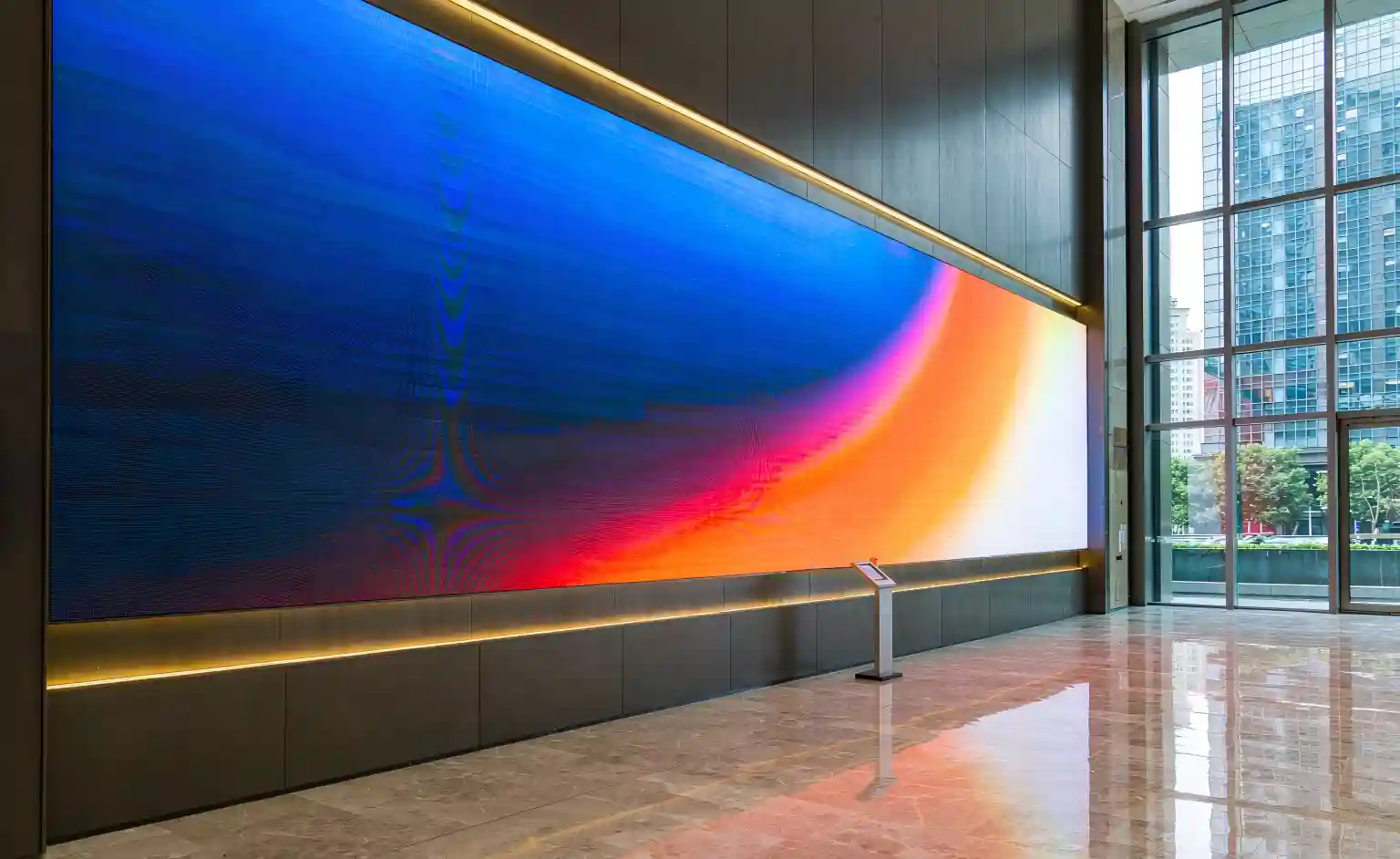
Start here: a demo screen only proves that it can light up. It does not prove it will keep looking good in your space. Three things need to be locked down before you sign.
Three site variables a demo room never shows you:
- Ambient light: showrooms typically run at 200–400 lux and can be dimmed; a lobby with glazing can easily exceed 2000 lux. If brightness is short, contrast gets washed away.
- Viewing distance: in a demo room you inspect the panel from two metres. In the real room, people may walk past eight metres away — in a crowd.
- Content type: a looping promo film and a static dashboard of tables, text and camera feeds put completely different demands on the hardware.
2. First, get the terms straight: an LED wall screen is not an LCD video wall
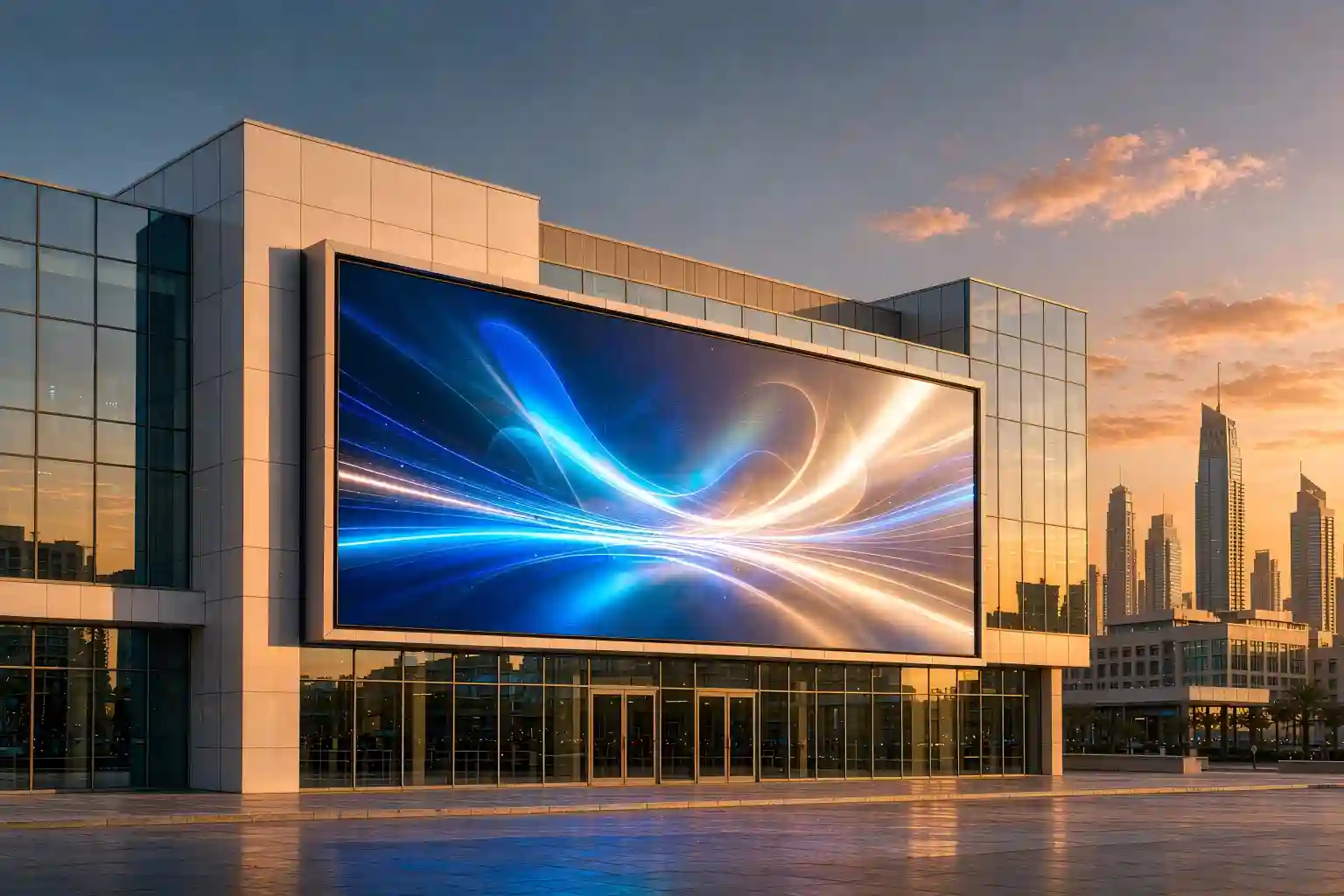
An LED wall screen is a large-format display wall tiled from LED cabinets. Every pixel emits its own light, so there is no physical bezel between modules. That is what makes it close to irreplaceable wherever one continuous image has to run edge to edge.
| Aspect | LED wall screen | LCD video wall | Projection blending |
|---|---|---|---|
| Image continuity | Seamless, any shape | Physical bezel of several millimetres | Seamless, soft edges |
| Brightness | High and adjustable | Moderate, contrast drops in bright rooms | Most affected by ambient light |
| Close-up quality | Depends on pixel pitch | Visible pixel grid and seams | Average |
| Long-term service | Module-level swap, front access option | Panel or full-wall level | Lamp or light source replacement |
| Typical use | Lobbies, boardrooms, control rooms | Budget monitoring walls | Temporary shows and events |
Qualitative comparison only; real-world results vary with product tier and installation.
3. The six specs to nail down before you sign
Turn these six rows into a single form and ask your supplier to complete it in writing. If a supplier cannot answer them clearly, the proposal is not ready.
Spec 1 — Pixel pitch: it decides how sharp the screen looks up close
Pixel pitch is the distance between the centres of two neighbouring pixels, measured in millimetres. Smaller numbers mean denser pixels, a smoother image and a higher price.
The industry rule of thumb: optimal viewing distance ≈ pixel pitch × 1.5 to 3. A P2.5 screen, in other words, should not be viewed from closer than roughly 3.7 metres.
Remember it this way: decide where the closest viewer stands, then work back to the pitch — rather than starting from whichever pitch happens to be cheapest.
Spec 2 — Brightness: 600–800 nits is the usual indoor range
Brighter is not automatically better. An indoor screen pushed above 1500 nits is uncomfortable to look at for long periods, and the greyscale performance at low output is usually the first thing sacrificed.
Ask for an adjustable brightness range rather than a single peak figure. A well-built indoor screen dims smoothly between roughly 100 and 800 nits with no visible steps. For glazed or semi-outdoor lobbies, aim for 1000–1500 nits and confirm uniformity in low-brightness mode.
Spec 3 — Refresh rate and scan mode: 1920Hz minimum, 3840Hz for camera work
Insufficient refresh rate is often invisible to the eye but guaranteed to show up on camera, in live streams and in phone photos as rolling black bands.
- Standard indoor use: 1920Hz or above.
- Broadcast, filming or camera-fed control rooms: specify 3840Hz and higher.
- Verify with real footage from the supplier, not just a datasheet. Manufacturers do not all measure refresh rate under the same conditions.
Spec 4 — Greyscale and low-brightness performance: 14–16 bit, with no loss of detail
Greyscale depth determines how much shadow detail survives. 16-bit processing means 65,536 levels per channel and much smoother dark transitions. The number worth asking about, though, is not the maximum — it is how the screen behaves at 20% brightness. That is exactly where cheap panels fall apart.
Spec 5 — Packaging: SMD, GOB or COB LED display?
The packaging method determines impact resistance, moisture tolerance and how the screen looks up close — and it drives the unit price more than almost anything else.
- SMD: three discrete LEDs surface-mounted per pixel. Mature, cost-effective and still the workhorse for indoor and outdoor screens. The downside is exposed lamps that dislike impact and humidity.
- GOB: a layer of optical glue is potted over the SMD surface, upgrading moisture and impact resistance. A good fit for high-traffic areas and semi-outdoor positions.
- COB LED display: chips are packaged directly onto the board, so no lamps are exposed. Moisture and impact resistance are stronger, the black level is deeper and more uniform, and there is no visible grain up close. The trade-offs are a higher unit price and module-level replacement when service is needed.
Spec 6 — Point-by-point calibration: what keeps the wall looking new years later
LED lamps vary between production batches, so factory brightness and chroma can never be perfectly uniform. Point-by-point calibration measures every single pixel and writes a correction coefficient into the controller, removing the mosaic-like patches and bright blocks between modules.
Critically, it has to be done twice:
- Factory calibration (module or cabinet level) so that everything in the shipment matches.
- On-site calibration (full-wall level) that also accounts for mounting angles, power differences and ambient light — completed before acceptance.
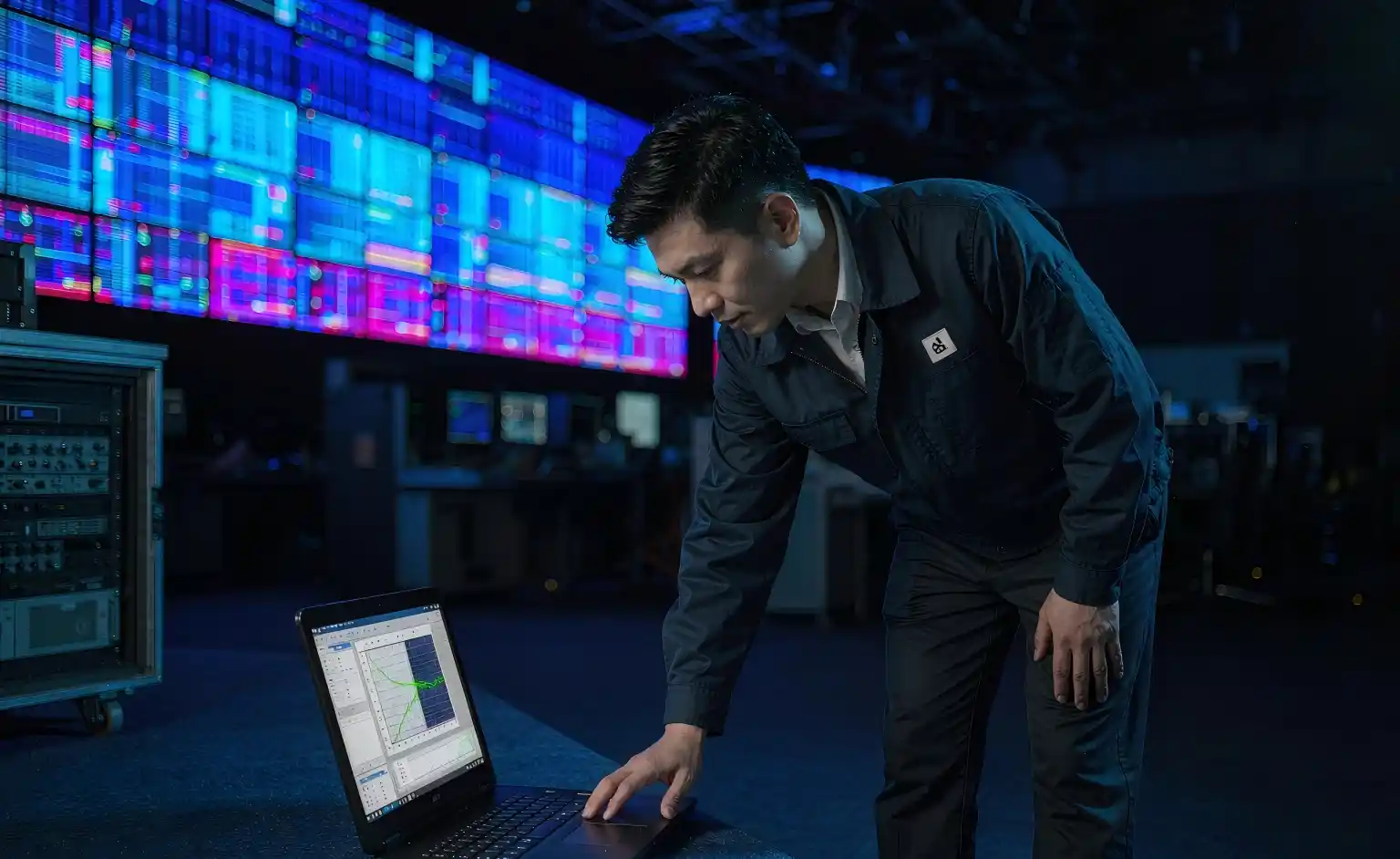
Ask your supplier: which calibration equipment is used? Are the calibration data files delivered with the goods? Is on-site recalibration included — and if not, what does it cost? How much brightness is lost in the process (typically 5%–15%)?
4. Turning six specs into a six-step delivery process
The specs are static; the process is where projects actually succeed or fail. Trouble-free installations almost always follow these six steps.
5. Total cost of ownership: where the money actually goes
The most expensive part of a low bid never appears on the purchase order. Run the numbers over three to five years and the conclusion often flips. Comparing led wall screen price quotes only means something when the specifications match, so put the screen body, control system, steel structure, calibration service and spares on a single comparison sheet.
| Cost item | Share of lifetime cost (indicative) | Notes |
|---|---|---|
| Screen purchase | 40%–50% | Where pitch and packaging differences show up |
| Steel structure, install and commissioning | 12%–18% | Frame, rigging, cabling, fine tuning |
| Control system and playback | 8%–12% | Sending card, receiving cards, video processor |
| Electricity (about 3 years) | 15%–22% | Overstated brightness forces full-power running |
| Calibration, service and spares | 8%–15% | On-site recalibration, module swaps, spare pool |
Indicative industry ranges only; actual shares vary with project size, running hours and local energy prices.
Where the hidden cost of a cheap screen shows up:
- Nothing visible in year one, then obvious colour patches in year three — requiring a full recalibration or module replacement.
- Overstated brightness, so the wall runs at full power every day, accelerating both electricity spend and light decay.
- No on-site calibration, leaving module-to-module colour differences visible to every visitor and damaging the brand it was bought to promote.
6. Configuration by scenario: four typical setups
| Scenario | Suggested pitch | Brightness | Packaging | Watch out for |
|---|---|---|---|---|
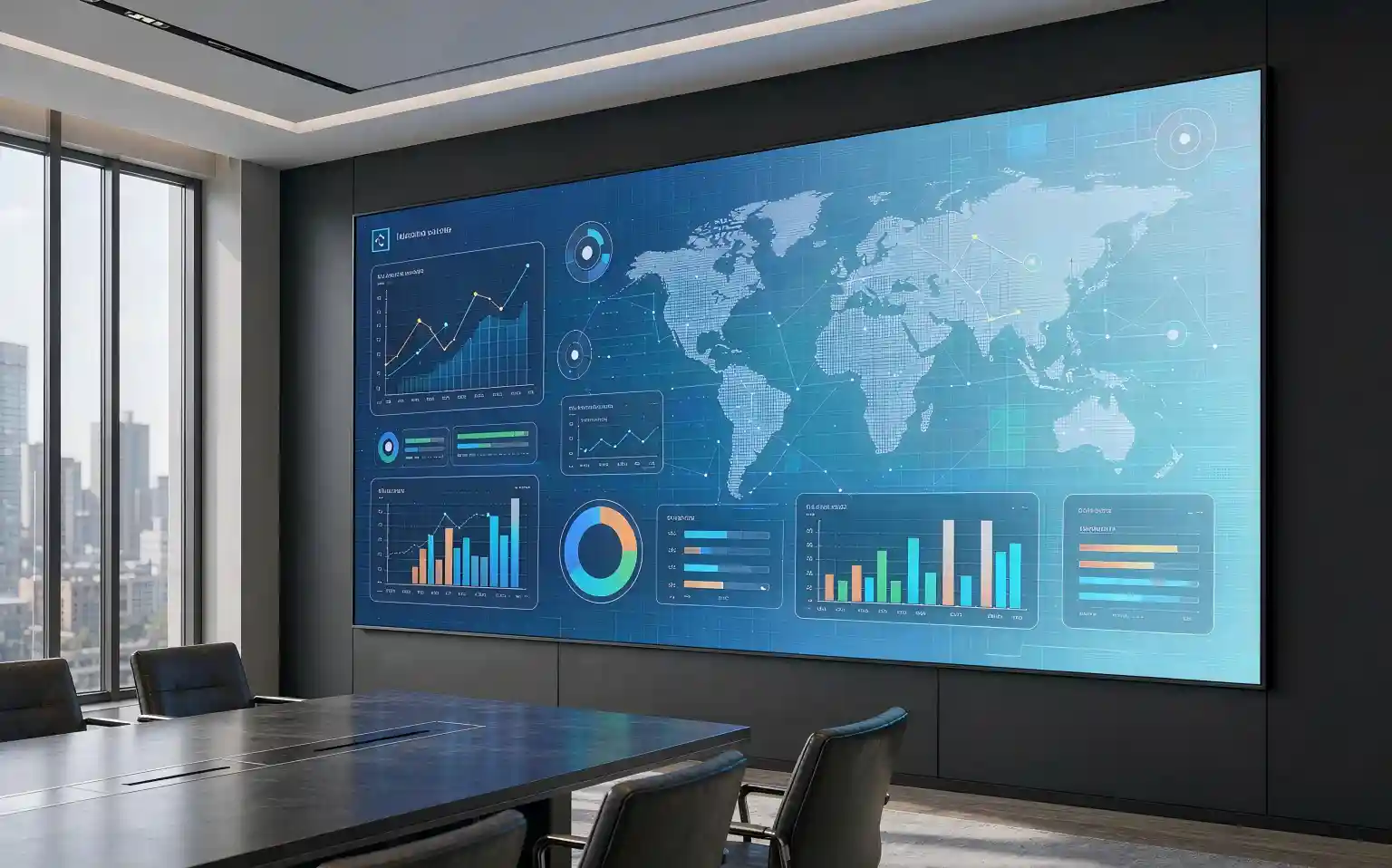
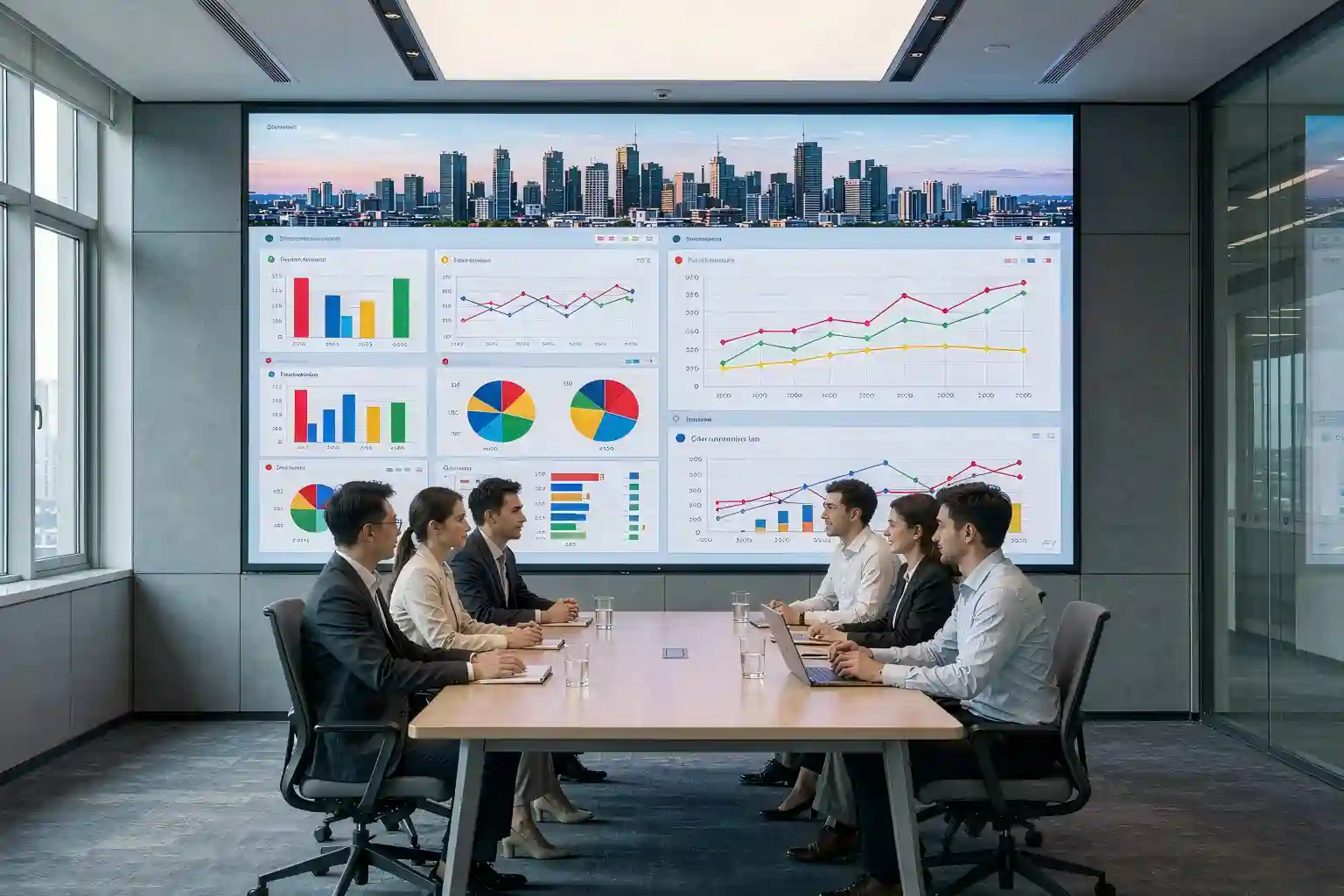
| Boardroom (3–6 m) | P1.5–P1.9 | 600–800 nits | COB or GOB | Low-brightness greyscale matters more than peak output |
| Lobby / brand wall (5–10 m) | P1.9–P2.5 | 800–1200 nits | COB | Next to glazing, raise brightness and re-check uniformity |
| Control room (2–5 m, long hours) | P1.2–P1.9 | 500–700 nits | COB plus calibration | Operator comfort and consistency beat raw brightness |
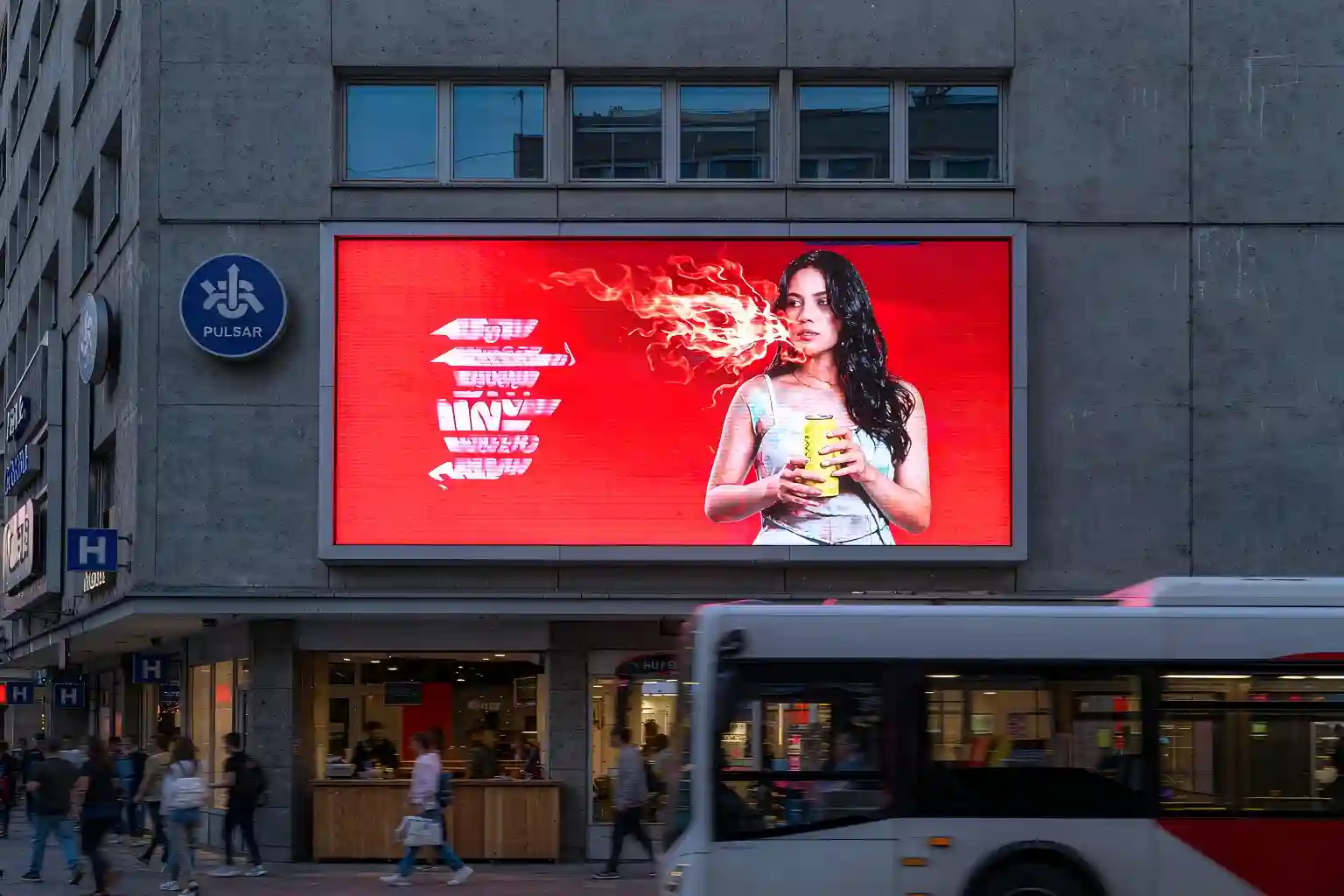
| Retail window / semi-outdoor (3–8 m) | P2.5–P3.9 | 1500–3000 nits | GOB or outdoor SMD | Confirm moisture protection and thermal design first |
Common industry starting points; final figures should follow the site survey and content profile.
7. Vetting led wall screen manufacturers: seven questions that need written answers
Not every led wall screen manufacturer measures brightness or refresh rate the same way, and the difference only becomes obvious once the screen is on your wall. Get these seven answers in writing before the purchase order is issued.
- Which LED lamp brand and batch will be used, and can it be written into the contract?
- Is the brightness figure peak or an adjustable range, and under what test conditions was it measured?
- At what greyscale level and under what conditions was the refresh rate measured?
- Will you supply the calibration report and the calibration data files?
- Is on-site recalibration included in the quotation, and if not, what is the unit price?
- What spare ratio and response time are agreed (for example 3% spares, 48-hour response)?
- What does the warranty actually cover: lamps, power supplies, receiving cards, or the whole cabinet?
8. Key takeaways: one table to keep
| Spec | Typical indoor range | What you should check |
|---|---|---|
| Pixel pitch | P1.2–P2.5 depending on distance | Work back from the closest viewing distance ×1.5–3 |
| Brightness | 600–800 nits; 1000+ near glazing | Demand an adjustable range, not a peak figure |
| Refresh rate | 1920Hz+; 3840Hz+ on camera | Watch real footage, not just the spec sheet |
| Greyscale | 14–16 bit | Ask how it performs at 20% brightness |
| Packaging | SMD / GOB / COB | Match to traffic, humidity and viewing distance |
| Calibration | Factory plus on-site, twice | Calibration data must ship with the goods |
Three lines to remember: (1) fix the viewing distance before the pixel pitch; (2) judge brightness by its adjustable range, not its peak; (3) calibrate twice — skip one round and it will show up two years later.
Frequently asked questions
What is the difference between a led wall screen and a normal LED display?
A led wall screen is a large-format wall built from seamlessly tiled LED cabinets, where every pixel emits its own light and there is no physical bezel between modules. It is normally used in boardrooms, lobbies and control rooms where one continuous image has to run wall to wall. "LED display" is the broader category and also covers single-cabinet poster screens, pole screens and other formats.
How much does an indoor led wall screen cost?
Pricing depends heavily on pixel pitch, packaging (SMD, GOB or COB LED display), cabinet material and driver design, so a single number is meaningless. A more useful approach is to lock the pixel pitch and packaging first, then request a per-square-metre quote broken into four lines: screen body, control system, steel structure, and installation and commissioning. That makes the bids comparable.
Is a smaller pixel pitch always better?
No. A smaller pitch means denser pixels and a higher price. If the closest viewer sits more than six metres away, P2.5 or even P3 already looks smooth. Spending the saved budget on point-by-point calibration and spare modules usually improves the result more.
Does point-by-point calibration need to be repeated?
Not on a fixed schedule. LED output degrades gradually, so a full-wall recalibration is most worthwhile after modules have been replaced, or when visible colour differences appear after three to five years of use. This only works if the supplier delivered the calibration data files at handover.
What should exporters check before ordering?
Three things beyond pitch and brightness: whether the power supply matches the local voltage and frequency (110V / 60Hz, for example), whether the cabinet and packaging are protected against humidity during long sea freight, and whether locally available spare parts and remote technical support are included. Putting these into the contract is worth more than shaving the unit price.
Want a led wall screen specification sheet you can compare quotes against?
Send us your viewing distance, installation environment (indoor, near glazing, or semi-outdoor) and the main content type. We will come back with a matching pixel pitch recommendation, a packaging proposal and calibration notes you can put side by side with other bids.
Get a specification review →This article is an original technical write-up. Figures quoted are typical industry ranges provided for specification guidance only; final parameters should follow the project datasheet and measured results.