COB LED DISPLAY · TECHNICAL SELECTION GUIDE
Virtual Pixel COB LED Display: An Engineering Guide to Cutting Ultra-HD Project Costs
Updated August 2026 · 8 min read · Keywords: Virtual Pixel COB Display / COB Virtual Pixel LED / Shared Pixel COB
The Industry Pain Point: Real-Pixel COB Gets Expensive Fast Below P1.0
If you've quoted a fine-pitch COB LED display project recently, you already know the problem: real-pixel COB pricing climbs steeply as pixel pitch shrinks below 1.0mm.
Take P0.9 as an example. One square meter packs roughly 1.23 million physical pixels — about 3.7 million LED chips. Every step down in pitch multiplies the LED count quadratically, and driver ICs, PCB trace density, and packaging complexity all rise in lockstep. On a 100m² P0.9 real-pixel wall, the module cost alone can blow through most project budgets.
The result: conference rooms, exhibition halls, and broadcast projects that genuinely need ultra-HD visuals get downgraded — smaller screens or coarser pitches — simply because real-pixel COB doesn't fit the budget. Virtual pixel COB technology exists to break exactly this deadlock.
How Virtual Pixel COB Technology Works: Sharing Pixels, Not Buying Them
Virtual pixel — also called shared pixel COB or pixel multiplexing — has one core idea: use fewer physical LED chips and let an algorithm synthesize the extra visual resolution.
Real Pixel vs Virtual Pixel: The Fundamental Difference
In a conventional real-pixel COB display, every pixel is made of its own dedicated R, G, and B chips. Physical pixels equal displayed pixels, one-to-one, no sharing.
A COB virtual pixel screen changes both the LED layout and the driving logic:
- LED re-arrangement: chips are laid out in an interleaved (quincunx/triangle) pattern so adjacent pixels share chips spatially;
- Pixel-sharing algorithm: each physical LED chip simultaneously serves 2–4 neighboring virtual pixels, weighted by time and spatial distribution;
- Sub-pixel rendering: the control system resamples the source image at sub-pixel precision and distributes the information across shared chips. At normal viewing distances, the eye perceives a resolution 1.5–2× the physical pixel count.
Real-Pixel COB · P1.25
640,000 pixels/m²
≈1.92M LED chips per m²
Virtual Pixel COB · Same Visual Resolution
40%–50% fewer physical LEDs
Driver ICs & PCB density drop in step
That's the economics of shared pixel COB in one sentence: visual resolution is computed, hardware cost is counted. COB's highly uniform optical surface happens to be the ideal physical foundation for pixel-sharing algorithms — a key reason virtual pixel looks noticeably better on COB than on early DIP/SMD virtual pixel products.
Core Advantages of Virtual Pixel COB
1. Same Visual Resolution, 40%+ Lower Hardware Cost
Cutting physical LED chips by 40%–50% means LED board cost, driver IC count, PCB layer count, and routing complexity all fall together. For budget-constrained ultra-HD projects, virtual pixel COB is often the only way to hit the target visual performance inside the budget.
2. Fully Inherits COB's Structural Advantages
Virtual pixel lives in the driving algorithm — it doesn't change the COB package itself. So every COB hallmark stays intact:
- Epoxy resin integral encapsulation: chips are sealed onto the PCB with a smooth resin layer, no protruding lamp feet;
- Impact resistance: the molded surface tolerates cleaning, handling, and accidental contact;
- Dust resistance: the dense encapsulation layer keeps dust away from the chip level;
- Excellent black rendering: deep-black substrate with uniform surface ink delivers high contrast and clean dark-field images.
3. Versus SMD Virtual Pixel: A Generational Gap in Thermal and Reliability
Virtual pixel isn't new — SMD implementations existed years ago — but they carried two structural weaknesses:
- Thermal bottleneck: SMD devices dissipate heat through bracket solder joints with high thermal resistance. At fine pitch and high density, heat concentrates and accelerates lumen decay. COB chips are bonded directly to the PCB, drastically lowering thermal resistance — virtual pixel runs stable even under sustained load;
- Reliability weak point: SMD virtual pixel needs more lamps and denser solder joints, so cold-joint and detachment risks multiply as pitch shrinks. COB's integrated encapsulation eliminates the solder-joint failure mode at the structural level.
One-line summary: the pixel-sharing algorithm solves "expensive"; COB packaging solves "fragile." Together, they are the complete value proposition of virtual pixel COB LED displays.
4. Where It Shines
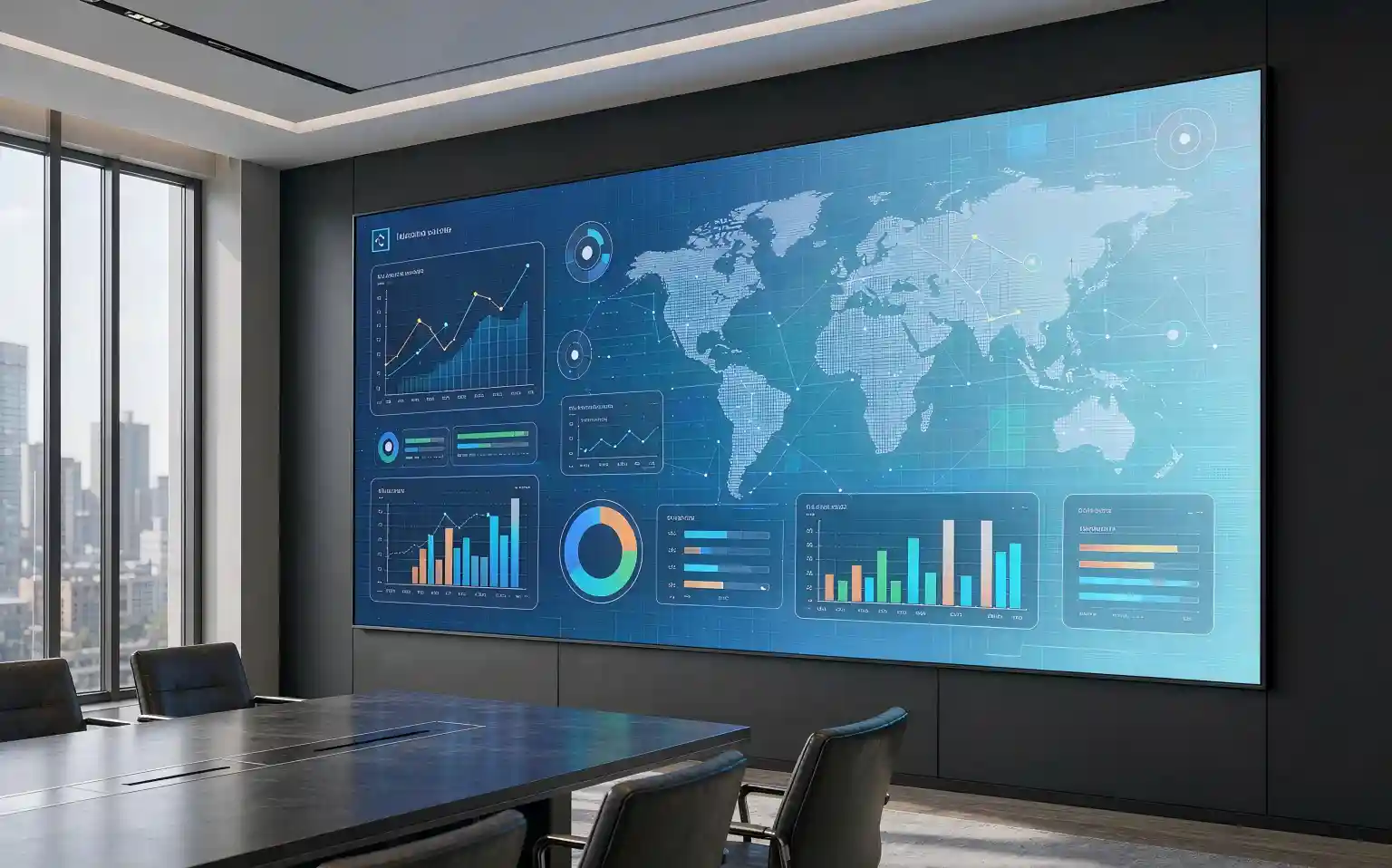
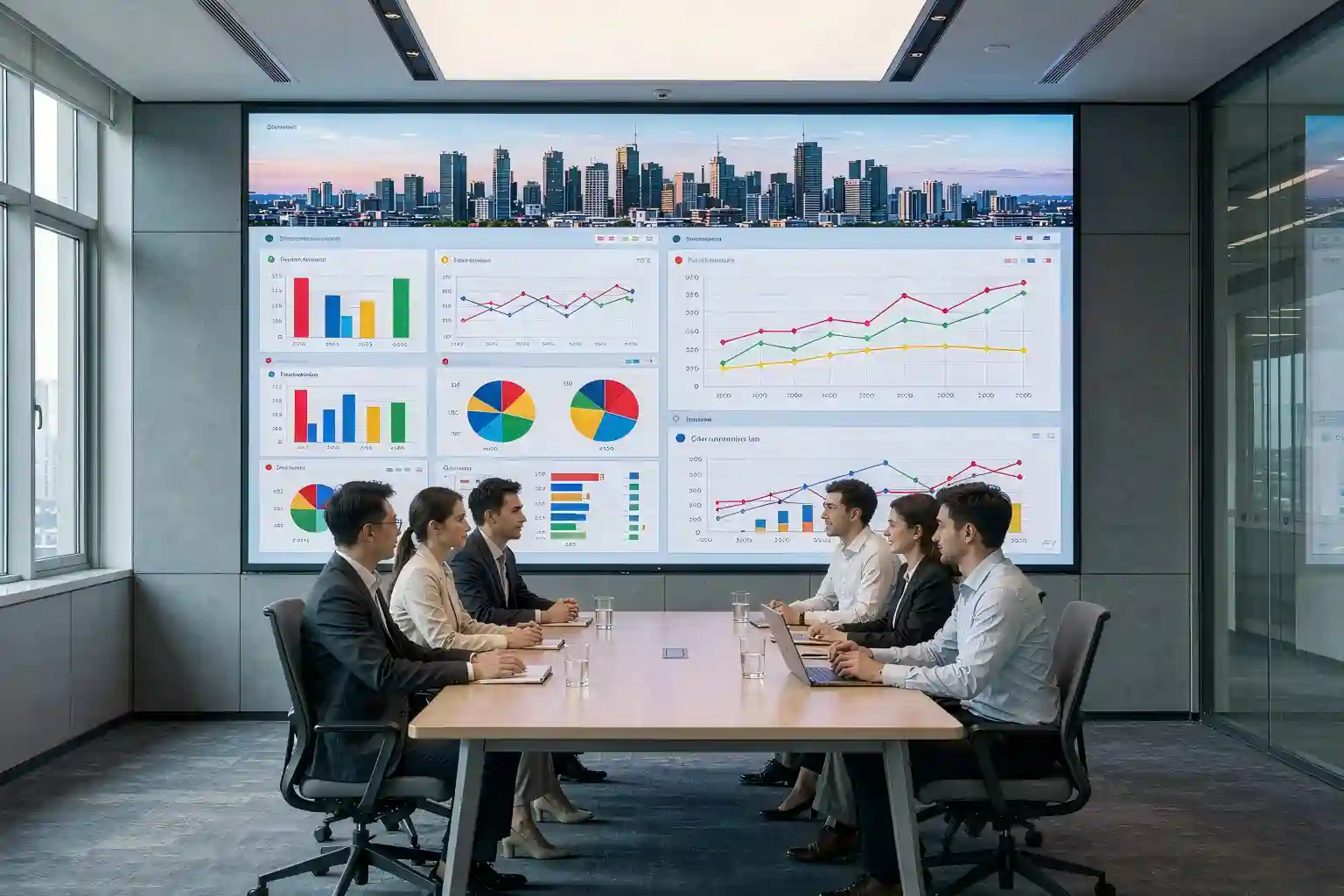
The sweet spot is video- and image-heavy content viewed from 2 meters or beyond:
🏢 Corporate Boardrooms
VC & executive briefings
🏛️ Corporate Showrooms
Brand walls & brand films
🎨 Museums & Exhibits
Immersive digital art
📺 Broadcast Studios
Virtual sets & XR stages
🛍️ Premium Retail
Flagship visual walls
The Honest Limitations: Projects That Should NOT Use Virtual Pixel COB
Every technology has boundaries, and virtual pixel COB is no exception. Knowing where it fails is part of engineering judgment:
Core limitation: rendering precision loss from pixel sharing
Virtual pixel resolution is computed, not native — physical LEDs and displayed pixels are not one-to-one. In applications with sustained, dense small-text content (data tables, monitoring feeds with small fonts), text edges can appear soft, show color fringing, or shimmer slightly. It won't match same-pitch real-pixel COB for crispness.
Choose real-pixel COB instead for:
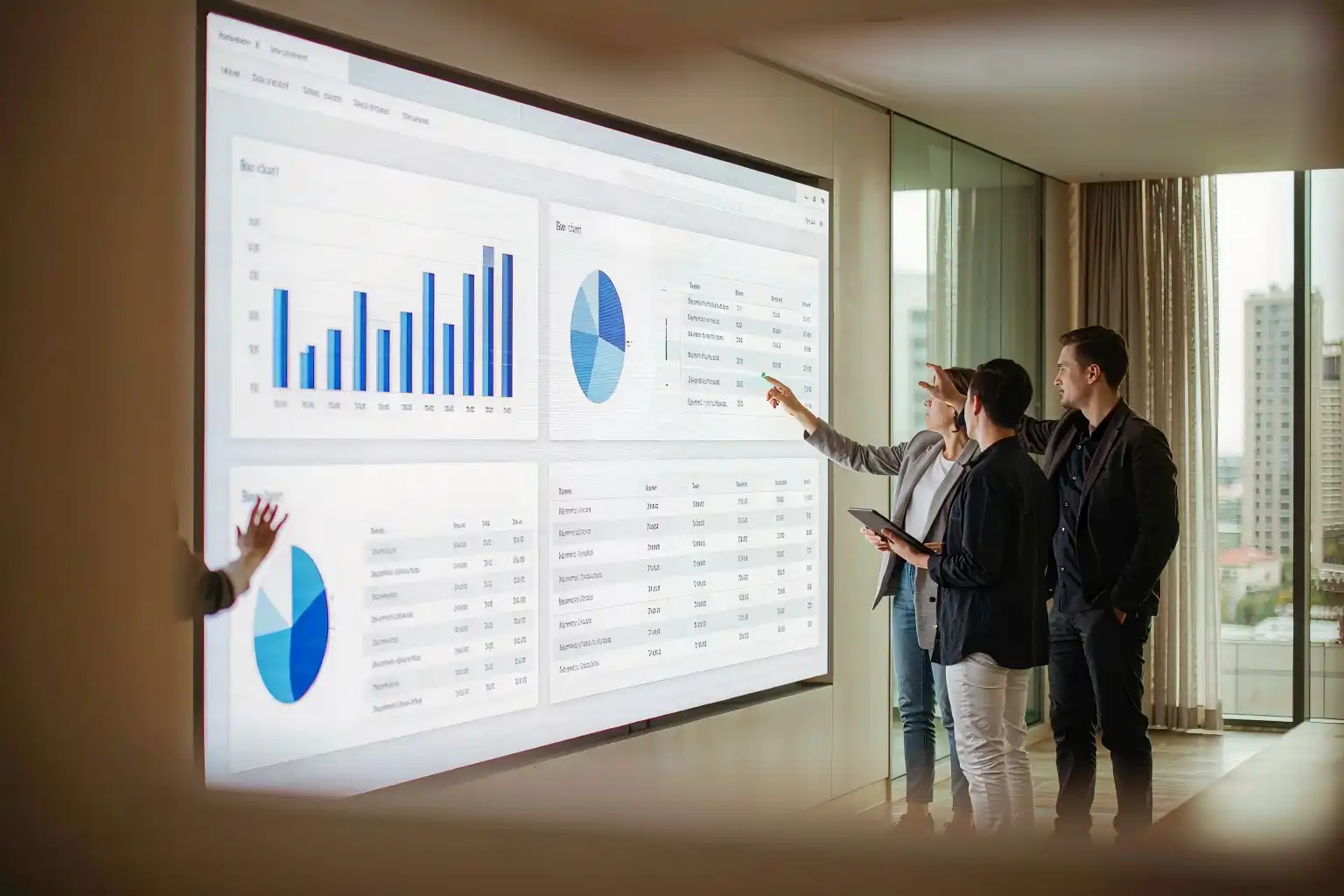
- Command & control centers / surveillance rooms: multi-channel monitoring feeds and small-font telemetry running around the clock, where pixel-level sharpness matters;
- Financial trading floors: dense scrolling quotes and fine numerals — soft text directly hurts readability;
- Broadcast-grade review / post-production monitoring: pixel-accurate image reproduction where algorithmic compensation is unacceptable;
- Close-view, text-heavy installs: primary viewing distance under 1.5m with substantial text content (e.g., digital archive walls).
A simple rule of thumb: content you "watch" → virtual pixel; content you "read" → real pixel. For mixed content, decide based on the dominant use case.
Virtual Pixel COB vs Real-Pixel COB: Side-by-Side Comparison
| Dimension | Virtual Pixel COB | Real-Pixel COB |
|---|---|---|
| Hardware Cost | 40%–50% Lower Fewer LEDs, ICs, PCB layers | High (full physical pixel count) |
| Visual Resolution | ~1.5–2× physical pixel count (algorithmic) | Native physical resolution, WYSIWYG |
| Video / Image Quality | Excellent; near real-pixel look at ≥2m viewing | Excellent; slight edge in native detail |
| Small-Text Rendering | Weaker Fine text edges may soften | Crisp & Sharp |
| Package Reliability | COB resin encapsulation: impact-resistant, dustproof, deep black | COB resin encapsulation: impact-resistant, dustproof, deep black |
| Thermal Performance | Excellent (direct chip-to-PCB path; beats SMD virtual pixel) | Excellent (same path; slightly higher density heat) |
| Best Fit | Boardrooms, showrooms, museums, broadcast backgrounds, premium retail | Control rooms, financial data walls, review monitoring, close-range text |
Note: cost savings vary by vendor algorithm and pitch specification. Figures above are typical industry ranges — always validate with a firm quotation.
FAQ: Virtual Pixel COB, Answered
No — not for video and image content at normal viewing distance. Continuous-tone content looks close to a real-pixel COB at the same visual resolution. The precision loss shows up mainly with small text viewed inside 1.5m. Decide based on your actual content type and viewing distance, and when in doubt, ask the vendor for a live small-text demo segment.
Keep primary viewing distance at 2 meters or more. Beyond 2m, the eye's sensitivity to sub-pixel rendering differences drops sharply and the algorithmic compensation becomes effectively invisible. Boardroom and showroom applications typically sit at 3m+ — well inside the safe zone. If your project involves sustained sub-1.5m viewing, re-evaluate the approach.
Three quick checks:
- Content: mostly video/images/motion → virtual pixel; mostly dense small text/data → real pixel;
- Distance: primary viewing ≥2m → virtual pixel works; sustained close-up viewing → real pixel is safer;
- Budget: if real-pixel COB overshoots the budget at your target visual resolution and content is visual-heavy → virtual pixel COB is the optimal answer.
COB, clearly. SMD virtual pixel relies on bracket solder joints for heat dissipation and mechanical fixity — cold-joint risk rises sharply at fine pitch. COB bonds chips directly to the PCB and seals everything under integral resin, eliminating the solder-joint failure mode structurally. Long-term stability, shock, and impact resistance all favor COB.
Not Sure Which Way to Go? Send Us Your Project Specs
Share your application, target screen size, viewing distance, primary content type, and budget range — we'll return a tailored technical proposal within 1 business day: pitch recommendation, virtual vs real-pixel comparative quotation, and viewing-distance simulation.
Get Your Technical Proposal & Quote →Drawing review · Live demo segments · On-site survey supported