COB Display Screen: How to Choose a Fine-Pitch LED Wall That Still Looks New in Year Five
If you are sourcing an LED wall for a control room, a boardroom or a studio, you have probably noticed that quotations at the same pixel pitch can differ wildly. A large part of the answer sits in one line of the spec sheet: SMD or COB. This guide explains what a COB display screen actually is, where it genuinely outperforms SMD, and how to buy one without paying for features you will never use.
In this guide
1. The 18-Month Problem Nobody Puts in a Quotation
Every LED display looks perfect on the day it is switched on.
The problems show up later. Walk up to a fine-pitch SMD wall that has been running long hours for a year and a half and you will often find the same symptoms: small dark patches where lamp beads have failed, dust settling between the exposed beads, a slightly washed-out black level and — the moment a camera is pointed at the wall — visible scan lines in the recording.
None of this is a manufacturing defect in the strict sense. It is the predictable behaviour of a structure that was never designed for that environment: thousands of discrete lamp beads, each individually soldered, each individually exposed to the air.
That is the gap COB was engineered to close.
In the next few minutes you will learn: what a COB display screen actually is (and how it differs from GOB), the six engineering properties that make it better suited to fine pitch, how to match pixel pitch to viewing distance, and the ten questions that separate a serious supplier from a cheap one.
2. What Exactly Is a COB Display Screen?
COB stands for Chip on Board. In a COB display screen, the bare RGB LED dies are bonded directly onto the printed circuit board, and the entire surface is then sealed under a single protective layer of encapsulant resin.
That one sentence contains the whole idea, so it is worth restating as a contrast:
- SMD (Surface Mount Device): each red, green and blue die is first packaged into a discrete “lamp bead”. The beads are then soldered onto the PCB, leaving the emitting surface exposed.
- GOB (Glue on Board): a standard SMD screen with a transparent glue layer applied over the beads afterwards. The protection is added on top of an existing weakness.
- COB (Chip on Board): the chips are integrated onto the board first and the encapsulation is moulded over them. The protection is part of the structure, not an afterthought.
A common misconception worth clearing up now: GOB and COB are not two names for the same thing. GOB is a coating applied to an SMD screen; COB is a different way of building the screen from the very first production step.
How a COB Display Screen Is Made
The manufacturing flow looks similar to SMD up to a point, then diverges in the two steps that decide whether a COB screen turns out excellent or mediocre: molding and calibration.
Two practical points follow from this flow. First, because the encapsulant is moulded as one continuous surface, flatness is inherently better than an array of individual beads — which is why COB seams tend to be less visible. Second, chip-level brightness and colour spread is wider in COB than in SMD, so calibration is not optional: a supplier who skips it will hand you a screen with visible colour patches.
3. Six Engineering Reasons COB Wins in Fine Pitch
- A sealed surface. No exposed beads means no path for moisture, dust or conductive debris to reach the emitting area, plus far better resistance to impact and electrostatic discharge. In humid coastal climates this alone removes an entire category of failures.
- Deeper black, higher contrast. A moulded matte ink-black surface reflects much less ambient light than glossy bead packaging. In a lit meeting room, that is the difference between “black” and “dark grey”.
- Fewer failure points. COB removes the entire bead-solder layer — the place where a large share of fine-pitch failures begin — which is why well-made COB walls hold their pixel integrity longer under continuous operation.
- A shorter heat path. The chips sit directly on the PCB, so heat escapes sooner. Lower chip temperature means slower brightness decay over the years of service.
- A wider viewing angle. Colour holds up better when people watch from the side — important in boardrooms and studios where nobody sits in the “perfect seat”.
- A smoother close-up image. Below roughly P1.5, the gaps between individual SMD beads start to read as a fine grid. A COB surface reads as continuous, which matters most exactly where fine pitch is bought: up close.
4. Where a COB Display Screen Pays Off Most
Match the pitch to the room before you match the technology to the pitch. As a rule of thumb, the closest comfortable viewing distance in metres is roughly the pixel pitch in millimetres, and the distance people can work at for hours is closer to two to three times that figure.
Where COB earns its price premium
A COB LED display proves its worth fastest where uptime and image quality are both non-negotiable:
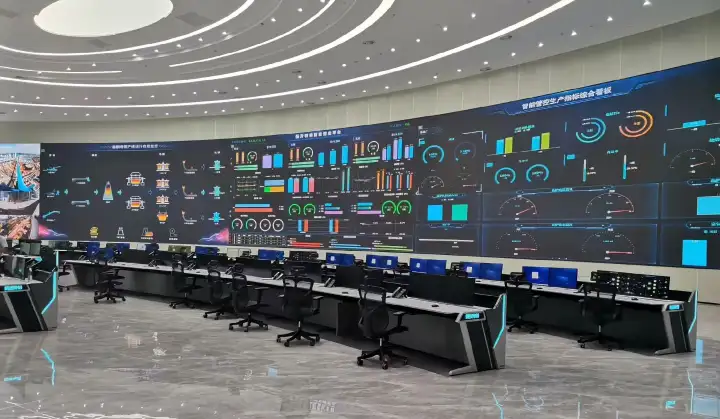
- Control and command rooms. Continuous duty, close viewing and cameras filming the wall — exactly the conditions that age SMD fastest.
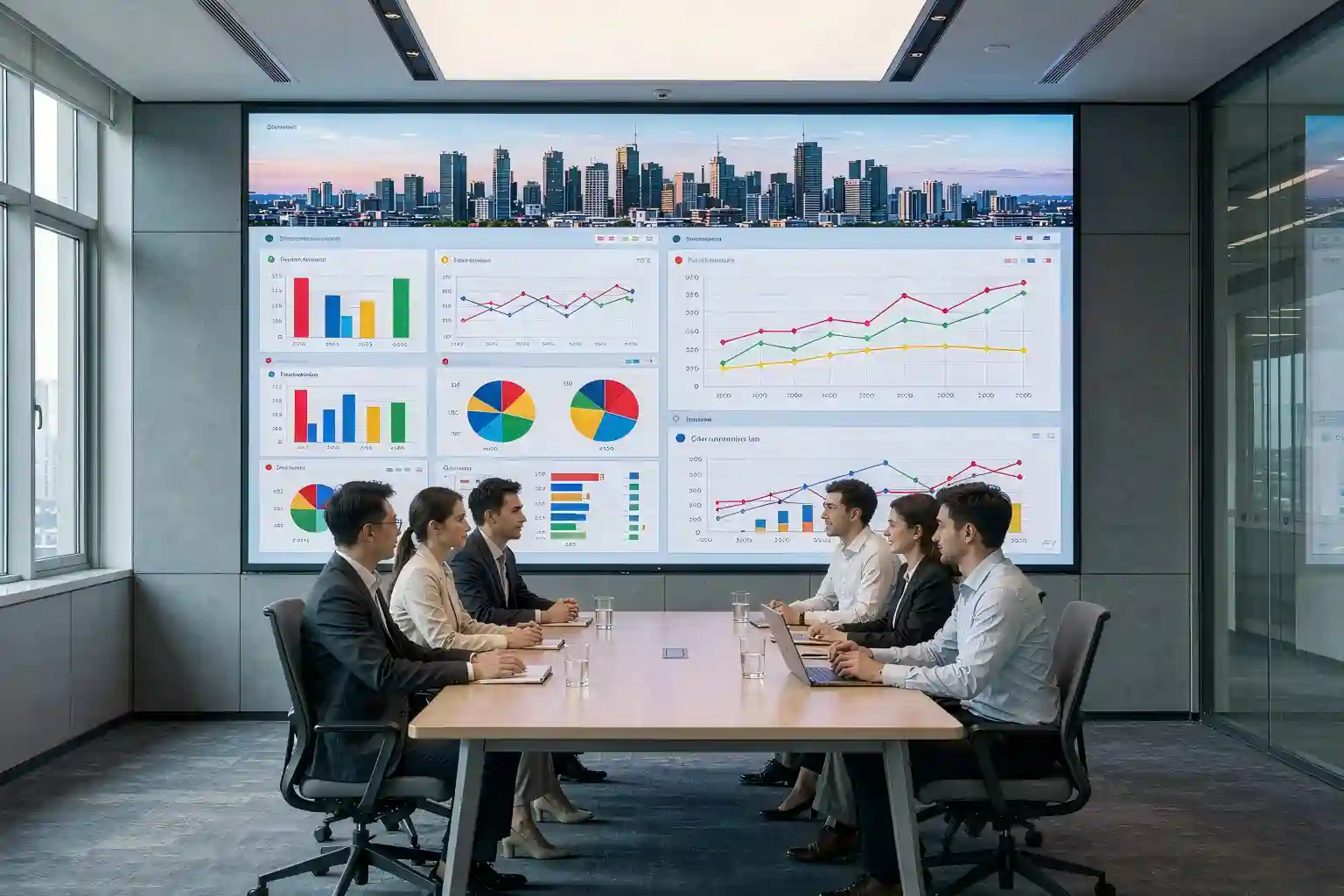
- Boardrooms and broadcast studios. Wide viewing angles, on-camera performance and meetings that run for hours.
- High-end retail and showrooms, where image quality is part of the brand rather than a cost line.
Where it usually does not
- Outdoor and large-pitch installations (above roughly P2.5), where SMD remains the cost-effective standard.
- Rental and staging, where screens are handled constantly and the easy field repairability of SMD matters more than encapsulation.
- Very tight budgets with relaxed viewing distances. If nobody sits closer than four metres, most of COB's fine-pitch advantages are wasted.
5. The Real Cost: Purchase Price vs Five-Year Ownership
A COB display screen almost always costs more per square metre than an SMD screen of the same pitch — and quoting only that number is how buyers end up with the wrong screen.
A more honest comparison adds the costs that arrive later:
- Module replacements. Fewer failures means fewer modules swapped during the warranty period and beyond.
- Service calls. Every on-site visit carries labour and travel cost — and in a control room it may need a scheduled outage.
- Downtime. In a dispatch centre, an hour of dark patches on the wall is a business problem, not a display problem.
Over a five-year horizon these lines often move the decision, particularly below P1.5 where COB manufacturing yield has improved fastest. Exact figures vary with pitch, volume and market, so treat any single number — including one from us — as a prompt to request a detailed quotation, not as a basis for a decision.
Beware of quotations that price COB and GOB the same. GOB is an SMD screen with a coating. If a supplier cannot show you the module structure or a macro photo of the surface, ask for one before you compare prices.
6. Ten Questions to Ask Before You Sign
- What pixel pitch is quoted, and what is the recommended minimum viewing distance for it?
- Is it true COB or GOB? Can you show me the module structure or a macro photo of the surface?
- What encapsulant material and surface treatment are used — is the finish matte ink-black?
- What is the brightness range, and how does grayscale perform at low brightness in a dark room?
- What is the refresh rate? (On-camera work generally wants 3840 Hz or higher.)
- Is factory point-by-point calibration included, and can I see the calibration report?
- What is the cabinet flatness tolerance and the visible seam between cabinets?
- Is it front-serviceable or rear-serviceable, and what is the module replacement procedure?
- Which driver ICs are used, and are power and receiving-card redundancy available?
- How long is the warranty, what exactly does it cover, and what is the spare-part policy?
7. Key Takeaways
| Dimension | SMD | GOB | COB |
|---|---|---|---|
| Structure | Discrete lamp beads on the PCB | Lamp beads plus a glue coating on top | Bare chips bonded, then moulded over |
| Protection | Lowest — beads exposed | Medium — coating over beads | Highest — built into the structure |
| Fine pitch (≤P1.5) | Grid visible up close | Improved, still bead-based | Continuous surface, best up close |
| Field repair | Easiest — standard beads | Easy, same as SMD | Harder — module or chip level |
| Best for | Large pitch, rental, tight budgets | Adding protection to existing SMD | Control rooms, boardrooms, studios |
| Cost position | Lowest | SMD plus coating | Premium at the same pitch |
- COB is a structural decision, not a coating. If the encapsulation is not part of how the module is built, it is not COB.
- Match pitch to viewing distance first; only then decide whether COB's strengths matter in your room.
- Below P1.5, COB's case is strongest; above P2.5, SMD usually still wins on cost.
Frequently Asked Questions
Q1: Is a COB display screen the same as a GOB display screen?
A: No. GOB is a transparent glue layer applied on top of a conventional SMD screen, while COB bonds the bare LED chips directly onto the PCB and moulds the encapsulant over them during production. They look similar from the front, but COB protection is built into the structure while GOB protection is added afterwards.
Q2: Can a COB display screen be repaired if a module fails?
A: Yes. Failures are normally handled at module level by swapping the module, and chip-level repair is possible with dedicated equipment. Because a COB module usually costs more than an SMD module, the supplier's spare-part policy and warranty terms matter more than they do for SMD — always confirm them before ordering.
Q3: What pixel pitch should I choose for a meeting room?
A: Start from the closest seat. A common rule of thumb is that the minimum comfortable viewing distance in metres is roughly the pixel pitch in millimetres, and a distance people can work at for hours is about two to three times that. For a boardroom viewed from 2.5 to 3.5 metres, P1.2 to P1.5 is the typical range.
Q4: Does a COB display screen cost more than SMD?
A: At the same pixel pitch, COB is typically the more expensive option, although the gap narrows in fine pitch where COB yields have improved. The fairer comparison is total cost of ownership: fewer module replacements, fewer service calls and less downtime can offset the purchase premium over a five-year horizon. Ask for itemised quotations rather than a single headline price.
Q5: How long does a COB display screen last?
A: LED displays of this type are generally rated on the order of 100,000 hours to half brightness. Real service life depends far more on operating brightness, duty cycle and heat management than on the rating itself — a wall running at moderate brightness in a cooled room will outlast one driven hard around the clock.
Planning a COB Display Screen Project?
Send us your room size, viewing distance and the content you plan to show. We will come back with a pitch recommendation, a layout drawing and an itemised quotation — including the calibration report and surface macro photos described above.
Get a Free Proposal →This article is an original technical overview written for LED display buyers. All figures are typical industry ranges for illustration only; actual values depend on the project specification and on-site measurement. Trademarks and platform names mentioned belong to their respective owners.