LED Display Types and Interfaces: A Complete Classification Guide
How to classify LED displays by environment, base color, packaging, and application — and how to pick the right interface, from HDMI and DVI to DisplayPort, SDI, Ethernet, and fiber.
The Cost of a Screen in the Wrong Place, or the Wrong Cable
In this industry, the expensive mistake is rarely "paying too much" — it is "buying the wrong thing." An indoor screen mounted outdoors dies within six months of rain. A monochrome screen asked to play video turns into an angry client. A signal source that only outputs SDI, paired with a VGA-only screen, sends someone hunting for converters on site. Almost every one of these failures comes down to a shaky grasp of LED display classification and interface types.
Classification tells you where a screen belongs, what packaging it needs, and whether it will survive its environment. Interfaces tell you whether the signal gets in cleanly, travels far enough, and stays stable. Together they are the two foundations of sound display engineering. Let's work through the classification in four dimensions, then walk the interfaces end to end.
Four Ways to Classify an LED Display
The industry typically classifies LED displays along four dimensions: environment, base color, packaging, and application. Here is the full picture:
By Environment: Indoor / Outdoor / Semi-outdoor
This is the most basic split, and it dictates the screen's brightness, IP rating, and packaging.
1Indoor
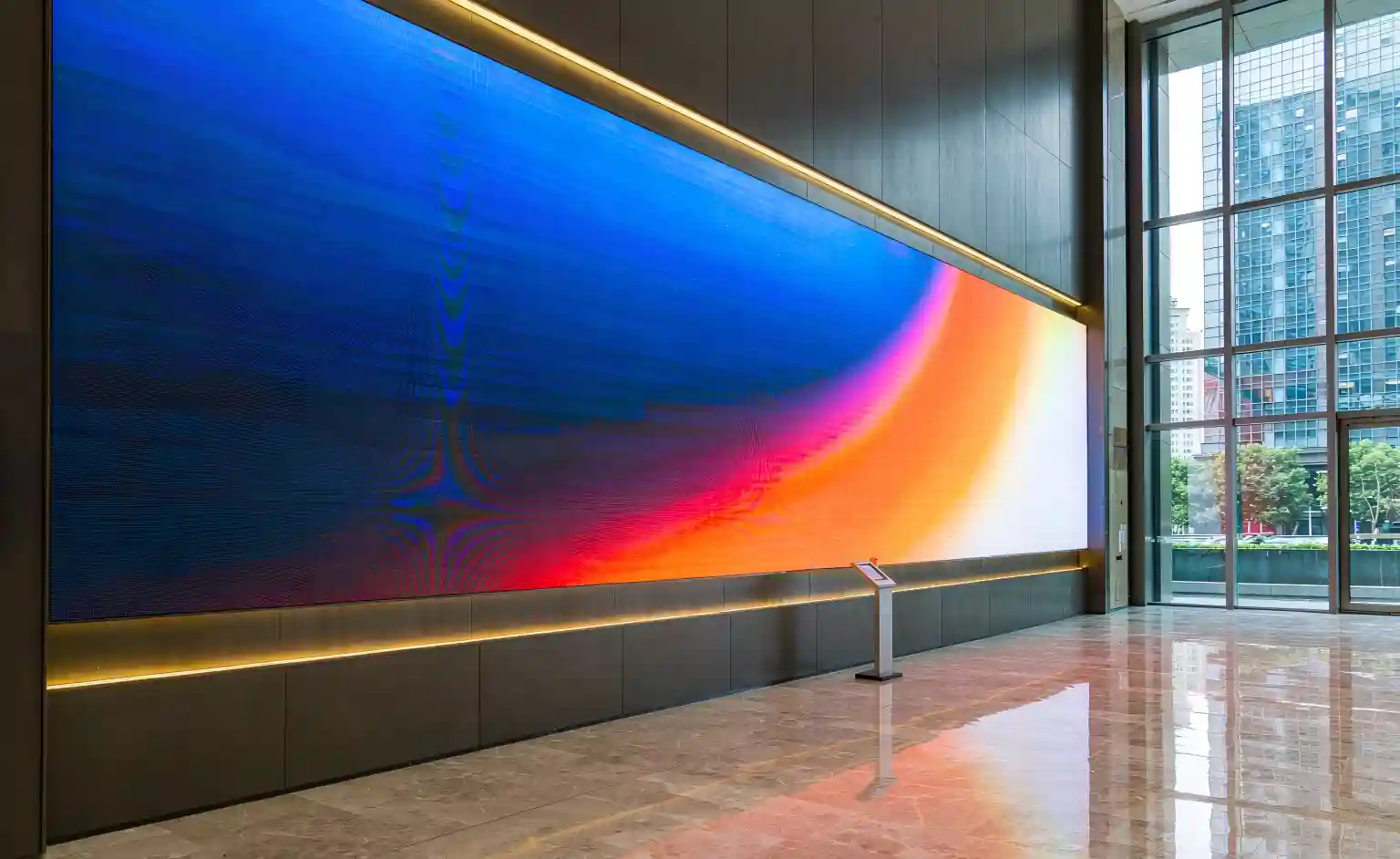
Typically 600–2,000 nits, high resolution, fine pitch, close viewing — SMD and COB dominate.
2Outdoor
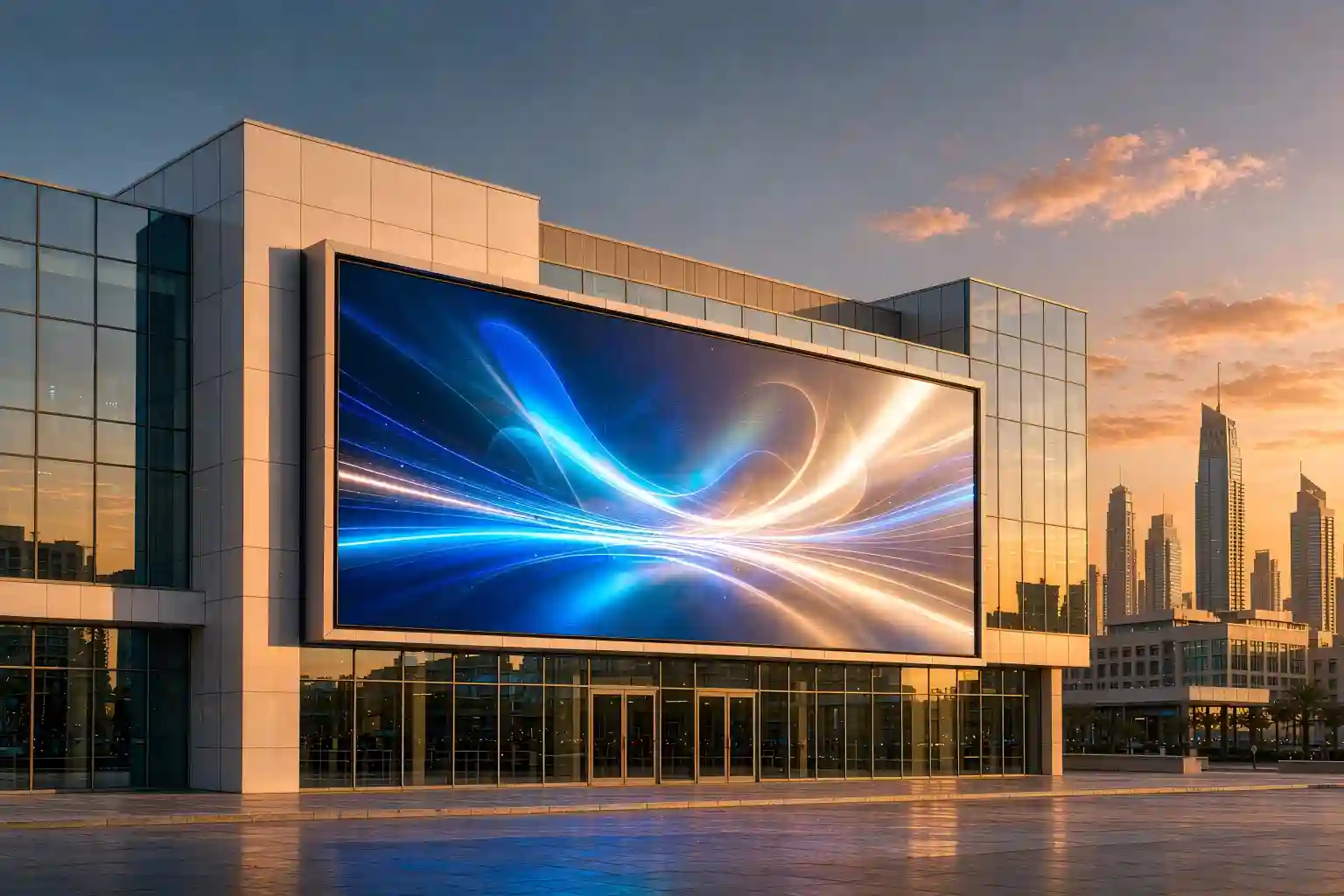
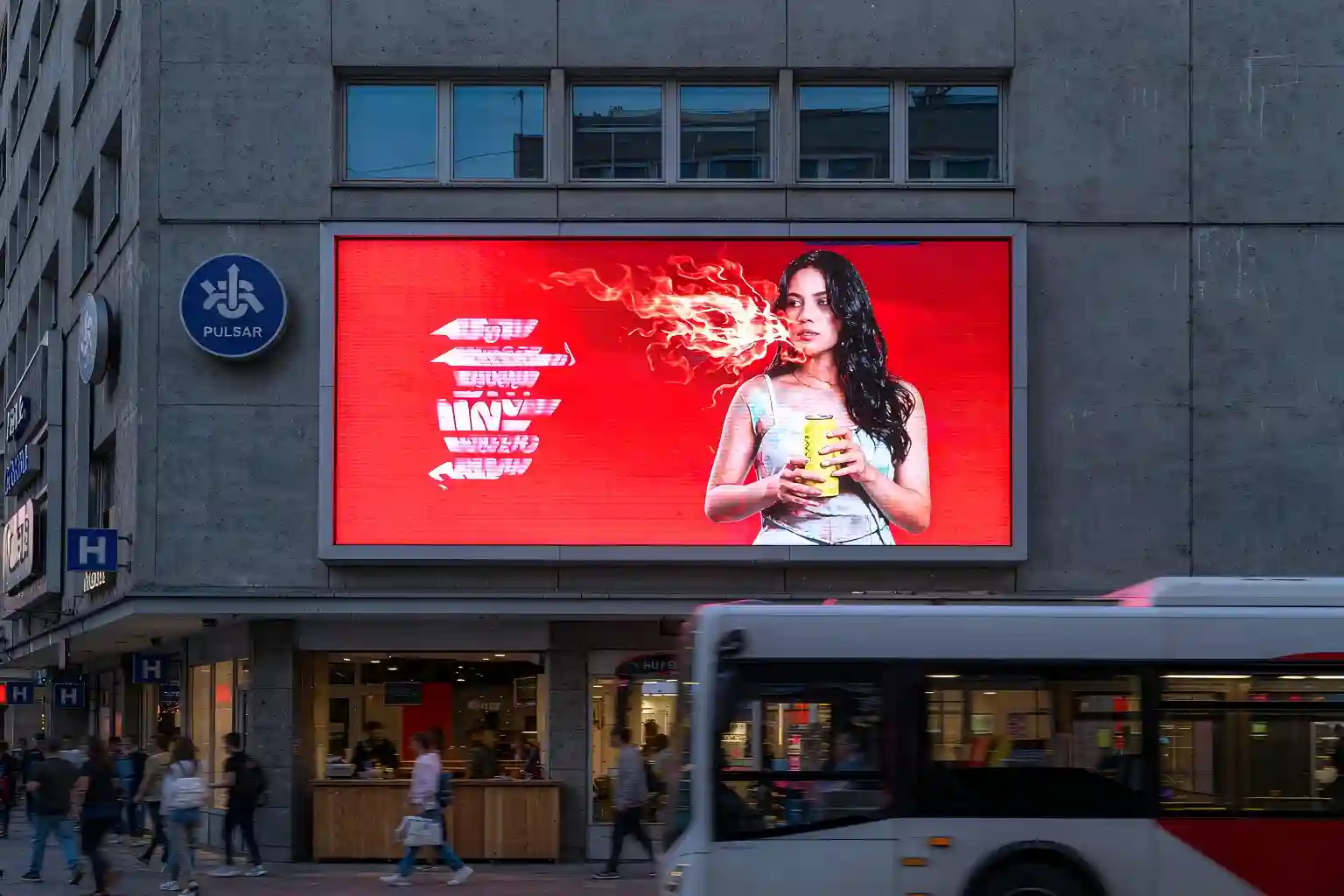
5,000–10,000+ nits, IP65 weatherproofing and UV resistance — DIP or high-protection SMD.
3Semi-outdoor
Under eaves or shelters, with brightness and protection between the two — good value.
By Base Color: Mono / Dual / Full Color
Base color determines what a screen can display — and how much it costs.
| Type | Colors | What it shows | Typical use |
|---|---|---|---|
| Monochrome | One color (red/green/white/blue) | Text, numbers, simple shapes | Traffic signs, price boards |
| Dual color | Red + green (mixes to yellow) | Text + simple graphics | Info boards, bank rates, station notices |
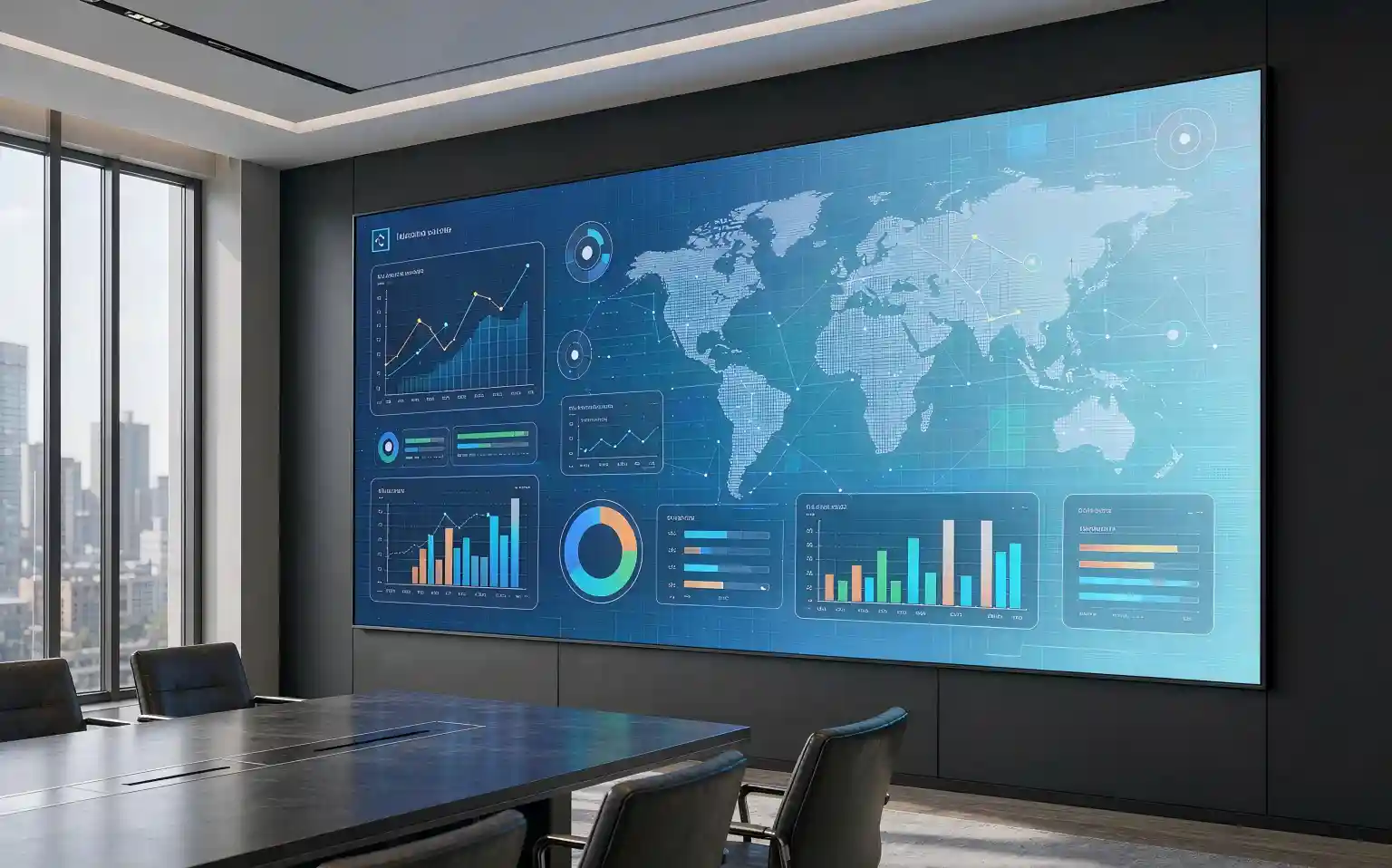
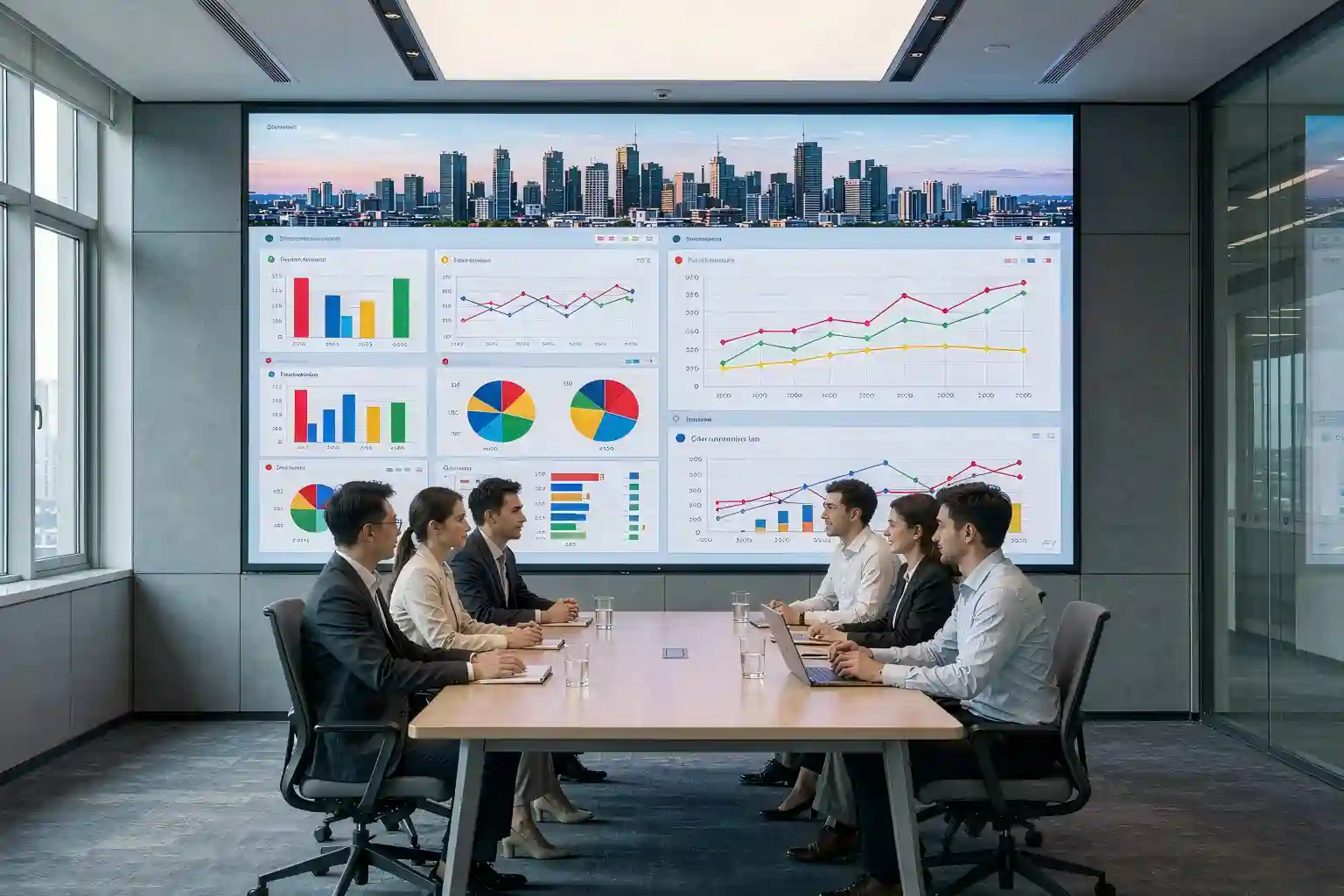
| Full color | RGB | Full images and video | Advertising, meeting, broadcast, control rooms |
Nearly all new commercial projects are full color. Monochrome and dual-color screens survive in traffic and information-display roles because they are cheap and power-efficient.
By Packaging: DIP / SMD / COB / GOB
Packaging is what decides a screen's reliability, protection, and minimum pitch — and it is where the COB LED display carves out its advantage.
1DIP
Leads through the PCB. Bright and weatherproof — the classic outdoor large-pitch choice, but hard to shrink.
2SMD
Mounted on the surface. Compact, reaches ~1mm pitch — the indoor fine-pitch workhorse, but lamps are exposed.
3COB
Chips bonded and fully encapsulated. Strong protection, fewer dead pixels, flat surface, high contrast — the trend for sub-P0.9.
4GOB
SMD plus a surface glue coat. A middle ground between SMD and COB — cost-friendly with added protection.
The real difference between these four is how the light-emitting unit is protected. When you need close viewing, high reliability, touch, or moisture resistance, a COB LED display is usually the safer bet; in mild environments with tight budgets, SMD delivers more value.
By Application
Looking at where a screen is used, LED displays split into several specialist categories:
▣Advertising / Info
Retail, malls, outdoor billboards — built for brightness and color impact.
▣Rental / Stage
Concerts and events — lightweight, fast to rig and strike, easy to service.
▣Traffic Guidance
Highways and city roads — mostly mono/dual color, weatherproof and stable.
▣Stadium
Scores and replays — high brightness and refresh to beat sunlight.
▣Control / Broadcast
24/7 operation, fine pitch, high reliability — COB's home turf.
▣Transparent / Creative
Glass facades and shaped displays — built for see-through and visual effect.
Common Interface Types
Interfaces fall into two groups: signal input interfaces (how the picture gets in) and data transmission interfaces (how the signal travels inside the screen). This signal-chain diagram shows where each sits:
Signal Input Interfaces
These get the picture from the source into the sending card. Picking the right one means no re-wiring on site:
| Interface | Signal | Notes & typical use |
|---|---|---|
| HDMI | Digital A/V | The default choice — audio and video in one, consumer and commercial |
| DVI | Digital video | Common on engineering screens, video only |
| DisplayPort (DP) | Digital video | High bandwidth for high resolution and refresh |
| SDI | Broadcast digital | BNC connector, long distance — broadcast and studio standard |
| VGA | Analog video | 15-pin, legacy gear, being phased out |
Data Transmission Interfaces
The link between sending card and receiving cards decides how far and how cleanly the signal travels:
| Interface | Role | When to use it |
|---|---|---|
| Gigabit RJ45 | Main sending → receiving link | Standard projects, Cat5e/Cat6 cable |
| Fiber SFP | Long-distance, high-noise immunity | Large projects, long outdoor runs, heavy EMI |
| USB | Debugging, firmware upload | Setup and maintenance |
| RS232 / RS485 | Serial control | External control, system integration |
Key Takeaways
Remember these five points and you have classification and interfaces covered:
| Topic | Core Point |
|---|---|
| Four Dimensions | Environment, base color, packaging, application — four lenses for selection |
| Environment | Indoor low-bright/high-res, outdoor high-bright/weatherproof, semi-outdoor in between |
| Base Color | Mono (text) → dual (graphics) → full color (video); full color is the mainstream |
| Packaging | DIP (outdoor) → SMD (fine pitch) → COB (ultra-fine, high reliability) → GOB (middle ground) |
| Interfaces | Input: HDMI/DVI/DP/SDI/VGA bring signal in; transmission: Ethernet/fiber carry data |
FAQ
What is the fundamental difference between indoor and outdoor screens?
It comes down to brightness and protection. Outdoor screens need 5,000+ nits to fight sunlight plus IP65 weatherproofing and UV resistance. Indoor screens are lower brightness and higher resolution, optimized for close viewing.
How do I choose between monochrome, dual, and full color?
Text and numbers only? Monochrome or dual color saves cost and power. Images or video? You need full color. Nearly all new commercial and engineering projects are full color.
What is the real difference between COB, SMD, and DIP?
It is how the light-emitting unit is protected. DIP leads through the board; SMD mounts on the surface (exposed); COB bonds chips directly and encapsulates them as one surface — better protection and reliability, the trend for ultra-fine pitch.
Which input should I use: HDMI, DVI, DP, or SDI?
Match the signal source and scene. HDMI is the general default; DVI is common on engineering screens; DP for high resolution/refresh; SDI is mandatory in broadcast. Let the source's actual output decide.
When must I use fiber instead of Ethernet?
For long runs (roughly over 100m) or heavy electromagnetic interference, fiber is more stable and noise-immune. Standard indoor projects are fine with gigabit Ethernet.
Sourcing a COB LED display for your project?
Tell us your environment, pixel pitch, and application — get a tailored COB solution with interface recommendations.
Get a COB Solution →Technical figures are industry reference values; always confirm against the official product datasheet.