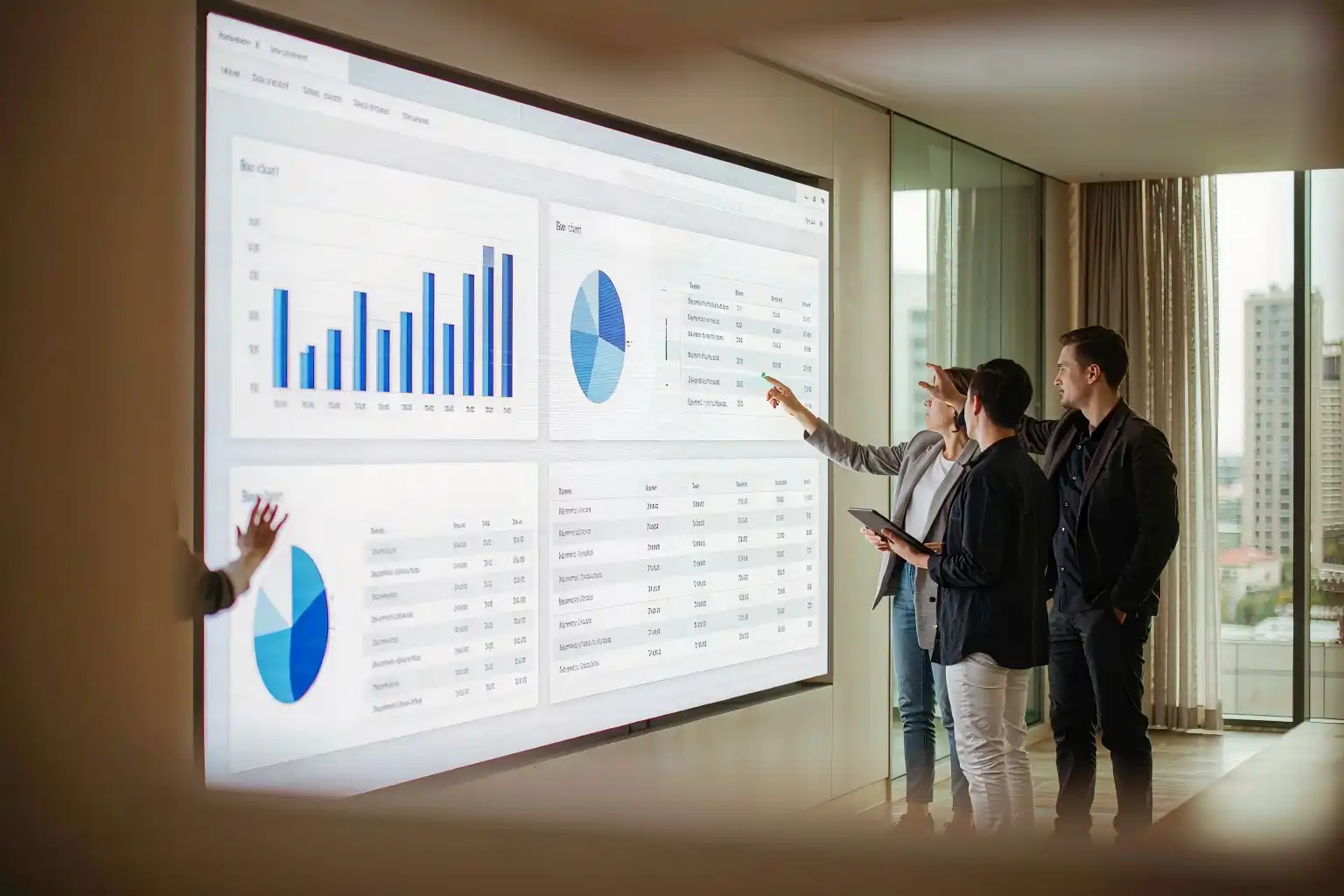
Interactive Panel for Conference Room: How One Screen Fixes Costly Meetings
Your team wastes the first ten minutes of every meeting hunting for cables, waiting for the projector and re-explaining the whiteboard to remote colleagues. There is a single device that ends all of it — if you pick the right one.
The 12-Minute Meeting Black Hole
A sales director recently described his Monday pipeline review: 4 minutes to find a working HDMI adapter, 3 minutes to connect a laptop to a projector that needed a firmware update, 5 minutes photographing the whiteboard and emailing it to two colleagues who joined remotely. The actual discussion? Eleven minutes.
This is not an anecdote problem — it is an equipment problem. A meeting room built from separate devices (projector, whiteboard, speakerphone, cables) forces people to operate infrastructure instead of having conversations. Multiply those lost minutes by 15–20 meetings a week and your "cheap" setup quietly burns more than a hundred working hours a year (typical estimate).
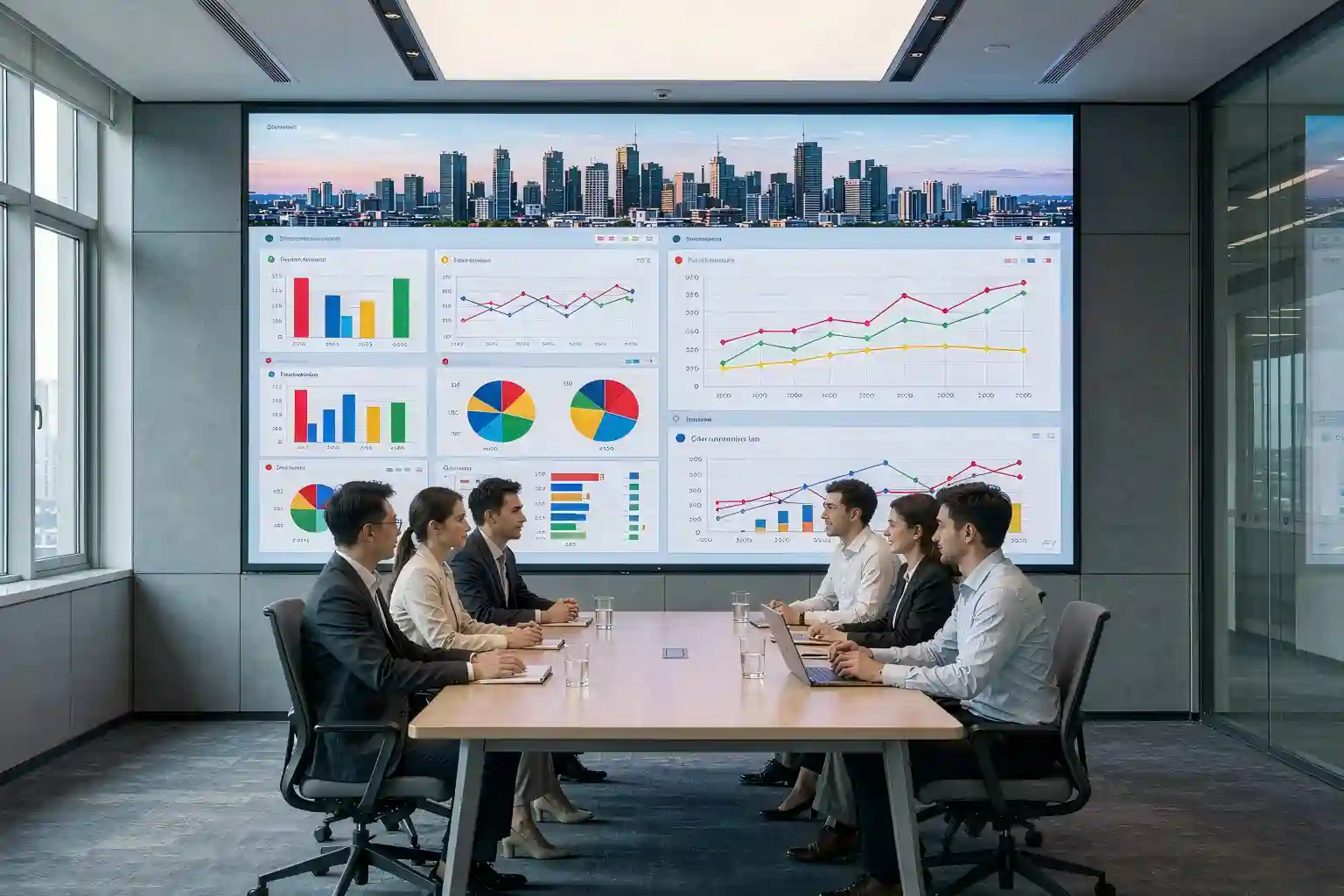
A well-chosen interactive panel for conference room use collapses all of that into one touch: walk in, cast, write, share. The rest of this guide shows you what to look for — and what the market actually charges.
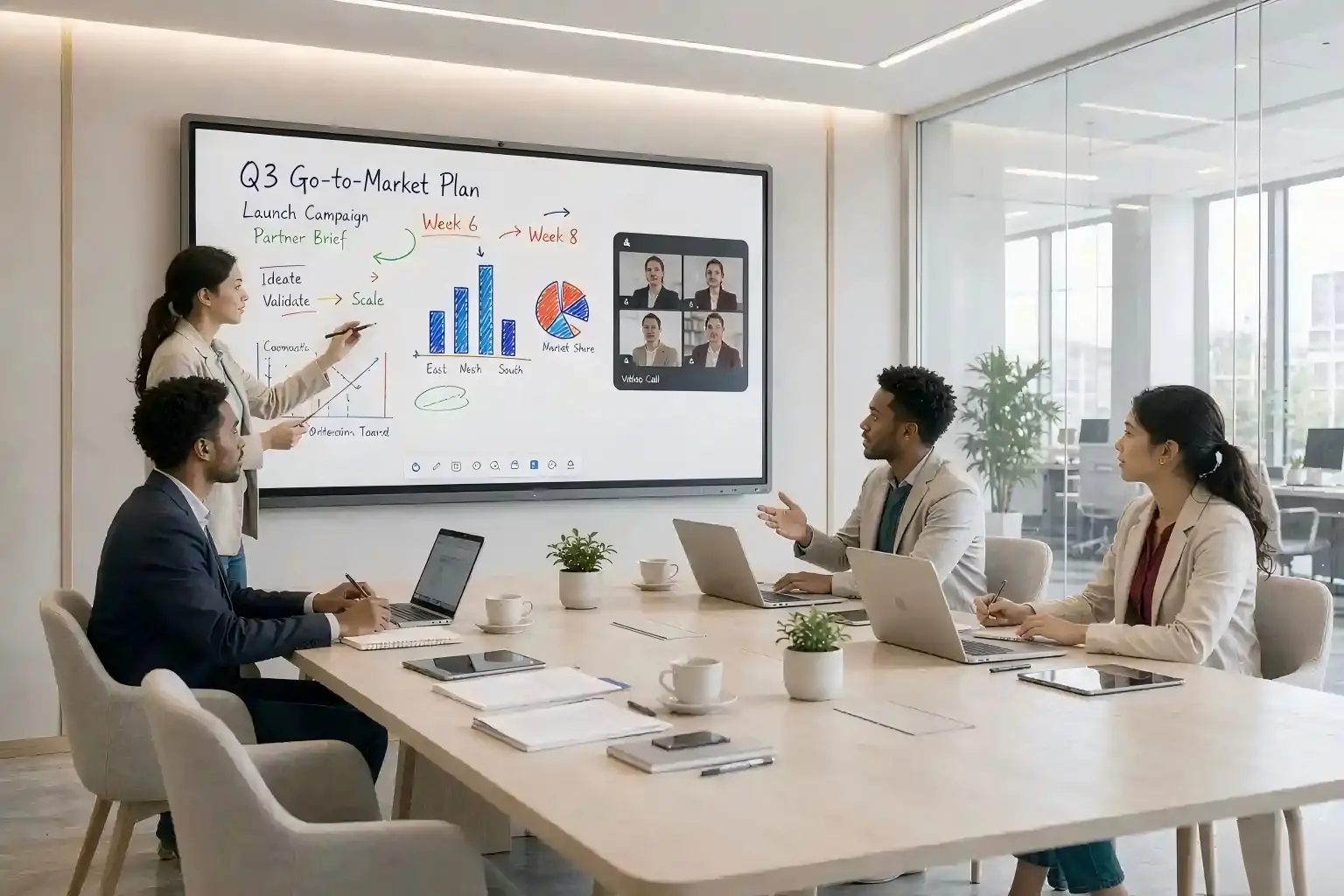
What an Interactive Panel Actually Replaces
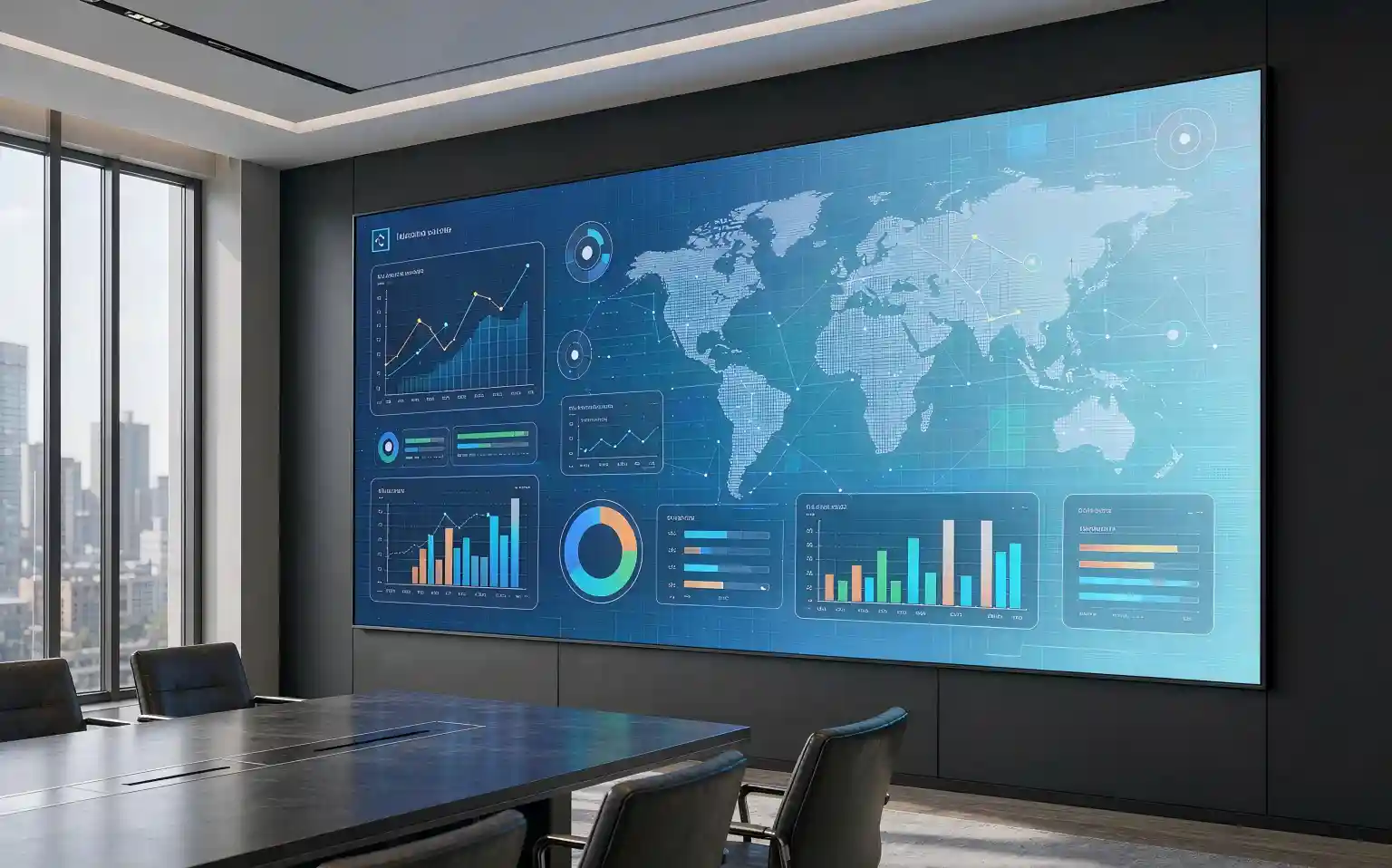
Think of an interactive flat panel as three devices fused into one 4K touchscreen:
- The projector — no bulbs, no calibration, no darkened room. A panel is readable with the lights on and curtains open.
- The whiteboard — infinite digital canvas with unlimited colors, undo, templates, and instant "scan the QR code to take the board with you".
- The video-conference kit — built-in camera, microphone array and speakers (on most models) run Zoom, Teams or your platform of choice directly.
Under the glass: the four specs that matter
1. Touch system and points. Infrared touch (most common, budget-friendly) vs. zero-bonded/capacitive (better writing feel). Look for 20+ touch points so several people can annotate together.
2. Writing latency. Below ~35 ms feels like pen on paper; above 60 ms feels laggy and people stop writing. This is the single best spec to test in a demo.
3. Dual system design. Built-in Android handles casting, whiteboard and video apps out of the box; a plug-in Windows OPS module adds full desktop software for ERP, CAD or desktop Teams.
4. Casting. One-click wireless casting from laptops and phones — with a reverse-control option so the presenter can stay at the screen. This is the feature that kills the cable hunt.
Rule of thumb: ignore the gimmick features. Writing feel, casting reliability and video-call compatibility decide whether your team actually uses the panel — everything else is decoration.
Matching Panel Size and Specs to Your Room
The most common buying mistake is choosing by budget instead of by viewing distance. Use this table to shortlist the right size:
| Panel size | Room type | Max viewing distance | Typical seats |
|---|---|---|---|
| 65" | Huddle room | up to 3 m | 4–6 |
| 75" | Medium meeting room | 3–5 m | 6–10 |
| 86" | Large meeting room | 4–7 m | 10–20 |
| 98" | Boardroom / training room | 6–10 m | 20+ |
Typical guidance for 4K panels; remote-camera framing and wall mounting height also affect the final choice.
And what does the market charge? Typical ex-works (EXW) ranges for a conference-grade 4K interactive panel in 2026, accessories excluded:
| Panel size | Typical EXW price (USD) |
|---|---|
| 65" | $1,200 – 2,000 |
| 75" | $1,800 – 3,000 |
| 86" | $2,500 – 4,500 |
| 98" | $4,000 – 7,000 |
Industry-typical ranges, September 2026. Camera, OPS module and mobile stand are usually optional extras; final quotes depend on touch system, brand of components and order quantity.
The 5-Year Math: Cost of Doing Nothing
Here is where the purchase decision gets interesting. Compare a traditional projector setup against an interactive panel for conference room use over five years (mid-size room, indicative market ranges):
- Projector route: $2,500–3,500 up front (projector, screen, whiteboard, speakerphone), plus lamps, filters, calibration and IT call-outs — typically $500–700 per year. Five-year total: roughly $5,500–7,000, with the same cable chaos every single day.
- Interactive panel route: $2,500–4,500 up front for an 86" unit in the same room, near-zero consumables, and about 150+ meeting hours a year recovered from setup time (10 min → under 1 min, at 15–20 meetings a week, typical estimate).
The panel usually pays back the price difference within the first 12–18 months — and unlike the projector, it is a tool people want to use, which is the part no spreadsheet fully captures.
5 Steps to Choose the Right Interactive Panel for Your Conference Room
Run every model and every quote through this checklist:
Key Takeaways
| Question | Practical answer |
|---|---|
| What does it replace? | Projector + whiteboard + video-conference kit, in one 4K touch device. |
| Which size? | Match viewing distance: 65" to 3 m, 75" to 5 m, 86" to 7 m, 98" to 10 m. |
| Typical price? | About $1,200 (65") to $7,000 (98") ex-works, accessories optional. |
| Worth it vs projector? | Usually yes: lower 5-year total cost plus 150+ meeting hours saved per year. |
| What to test first? | Writing latency, one-click casting, Zoom/Teams compatibility, warranty terms. |
Frequently Asked Questions
Q1: What size interactive panel for conference room meetings should I buy?
A1: Match the size to the farthest viewer: 65" works up to about 3 m, 75" for 3–5 m, 86" for 4–7 m, and 98" for boardrooms or training rooms with viewers 6–10 m away.
Q2: Is an interactive panel better than a projector plus whiteboard?
A2: For most rooms, yes. One panel replaces three devices, works with lights on, needs no lamp changes or calibration, and typically shows a lower 5-year total cost (typical ranges, see the comparison above).
Q3: How much does an interactive panel for conference room use cost?
A3: Typical ex-works ranges in 2026: 65" $1,200–2,000, 75" $1,800–3,000, 86" $2,500–4,500, 98" $4,000–7,000. Camera, OPS computer module and mobile stand are usually optional extras.
Q4: Does it work with Zoom and Microsoft Teams?
A4: Yes. The built-in Android system runs major video-conferencing apps directly, and a Windows OPS module adds the full desktop versions plus any in-house software. One-click wireless casting is standard on conference-grade models.
Not Sure Which Size Fits Your Room?
Send us your room dimensions, seat count and video platform. Our engineers will recommend the right panel size and configuration — with a complete quotation — within 24 hours.
Get My Free RecommendationThis article is an original technical compilation by Xingshiled. All figures are industry-typical ranges for orientation only; actual prices depend on configuration, quantity and market conditions. The illustration above is AI-generated for demonstration purposes. Trademarks mentioned belong to their respective owners.