B2B Buying Guide · LED Display Export
How to Choose a Digital Signage Screen That Still Looks Great in Year Five
A digital signage screen is a five-year asset that is often bought with a five-minute decision. The demo panel in the showroom always looks flawless; the one on your wall in year three tells the truth. This guide walks through the eight specifications that separate those two moments — and the buying flow that keeps your budget out of trouble.
In this guide
The Wall That Looked Perfect on Handover Day
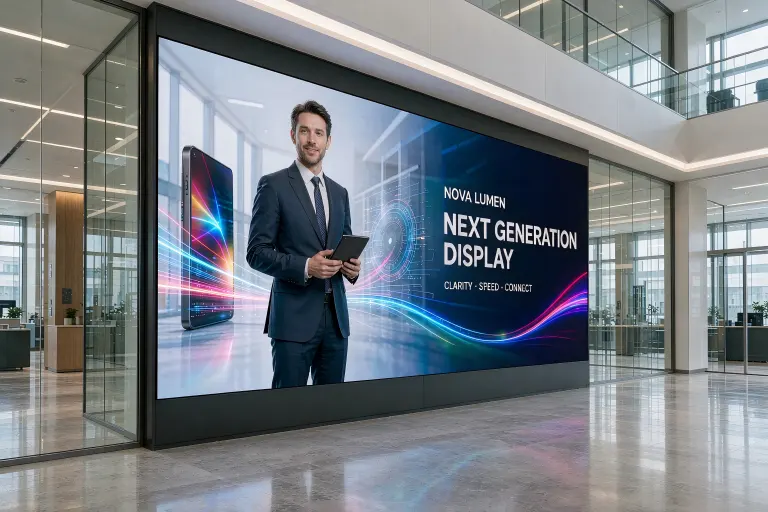
Every exporter of LED displays has heard the same story. A buyer approves a beautiful sample in the factory demo room. The shipment arrives, the wall goes up, and the opening ceremony photos look great. Eighteen months later, customer service emails start arriving: one cabinet is half a shade darker, a corner flickers on camera, and the wall that should have run seven years looks tired before the loan is paid off.
The failure is rarely a single dramatic defect. It is a stack of small specification shortcuts — pitch too coarse for the closest viewer, brightness matched to the brochure instead of the job site, no burn-in test, no spare modules in the contract. The good news: every one of those shortcuts is visible in advance, if you know which numbers to ask for.
What Exactly Is a Digital Signage Screen — and Why LED Won Retail
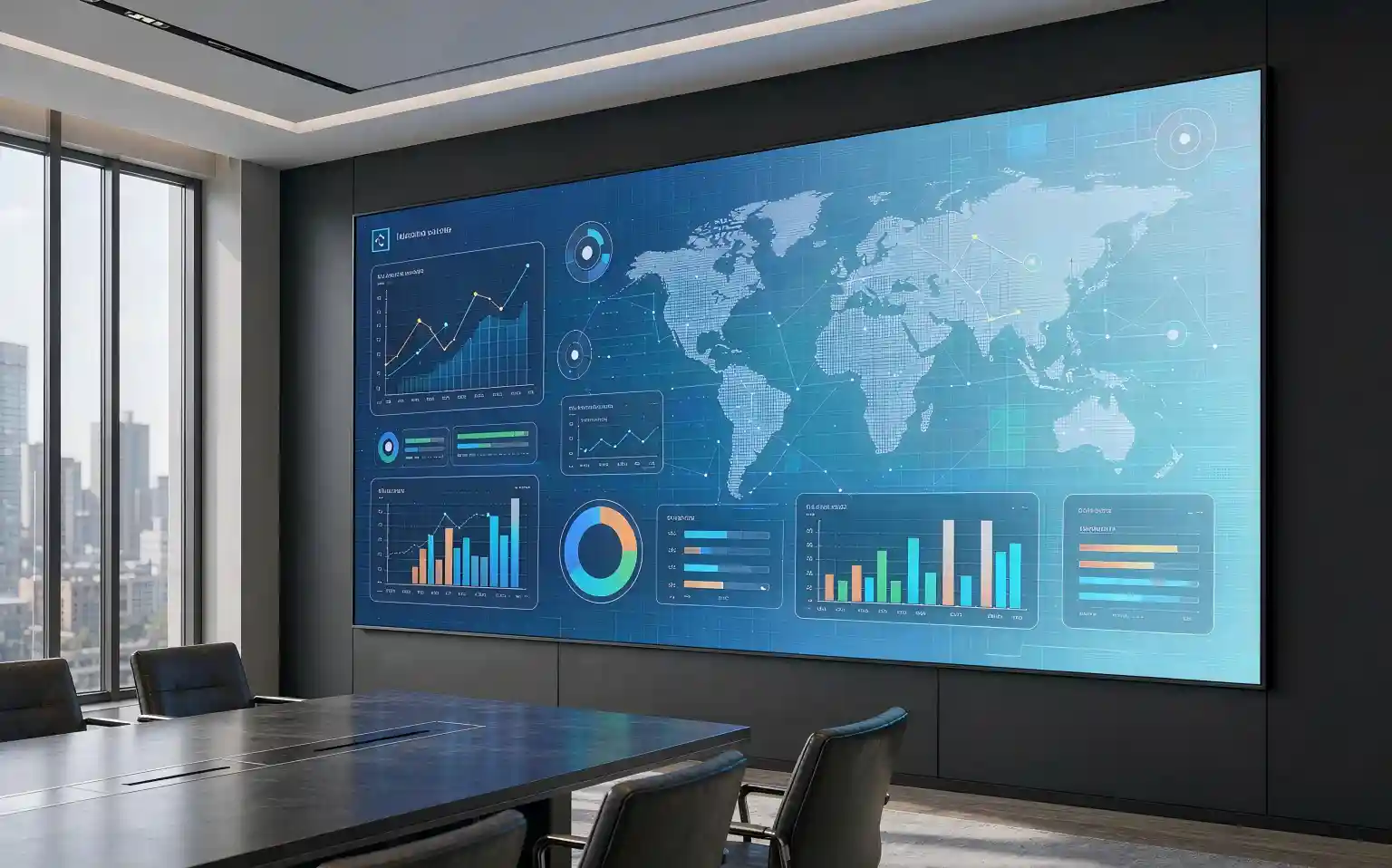
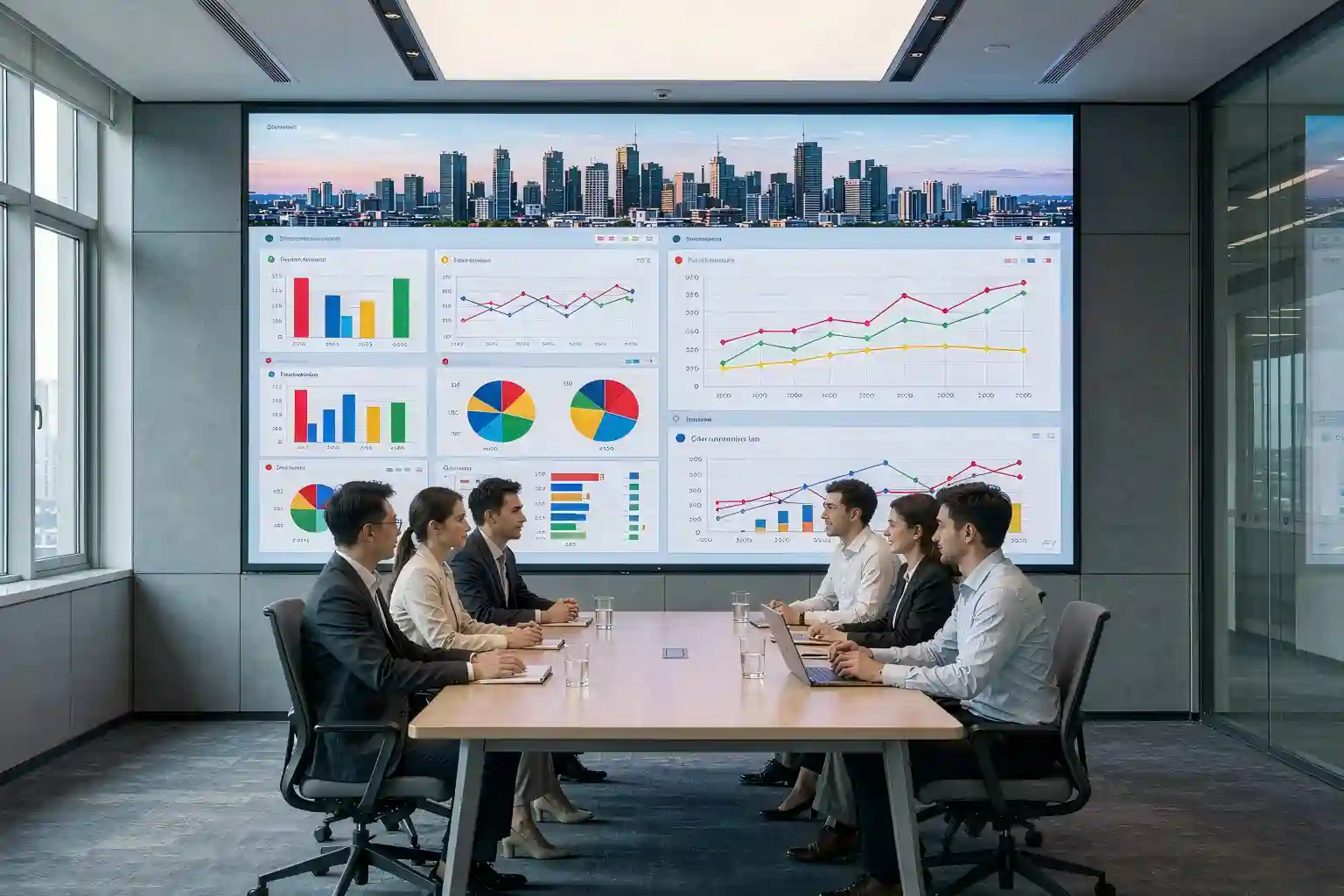
A digital signage screen is any display purpose-built to run commercial content: advertising video, wayfinding maps, menu boards, or live data dashboards. Two technologies dominate:
- LCD panels — the right tool for small, close-up formats such as shelf-edge tags and counter menus. Fixed sizes, lower brightness ceiling, visible bezels when tiled.
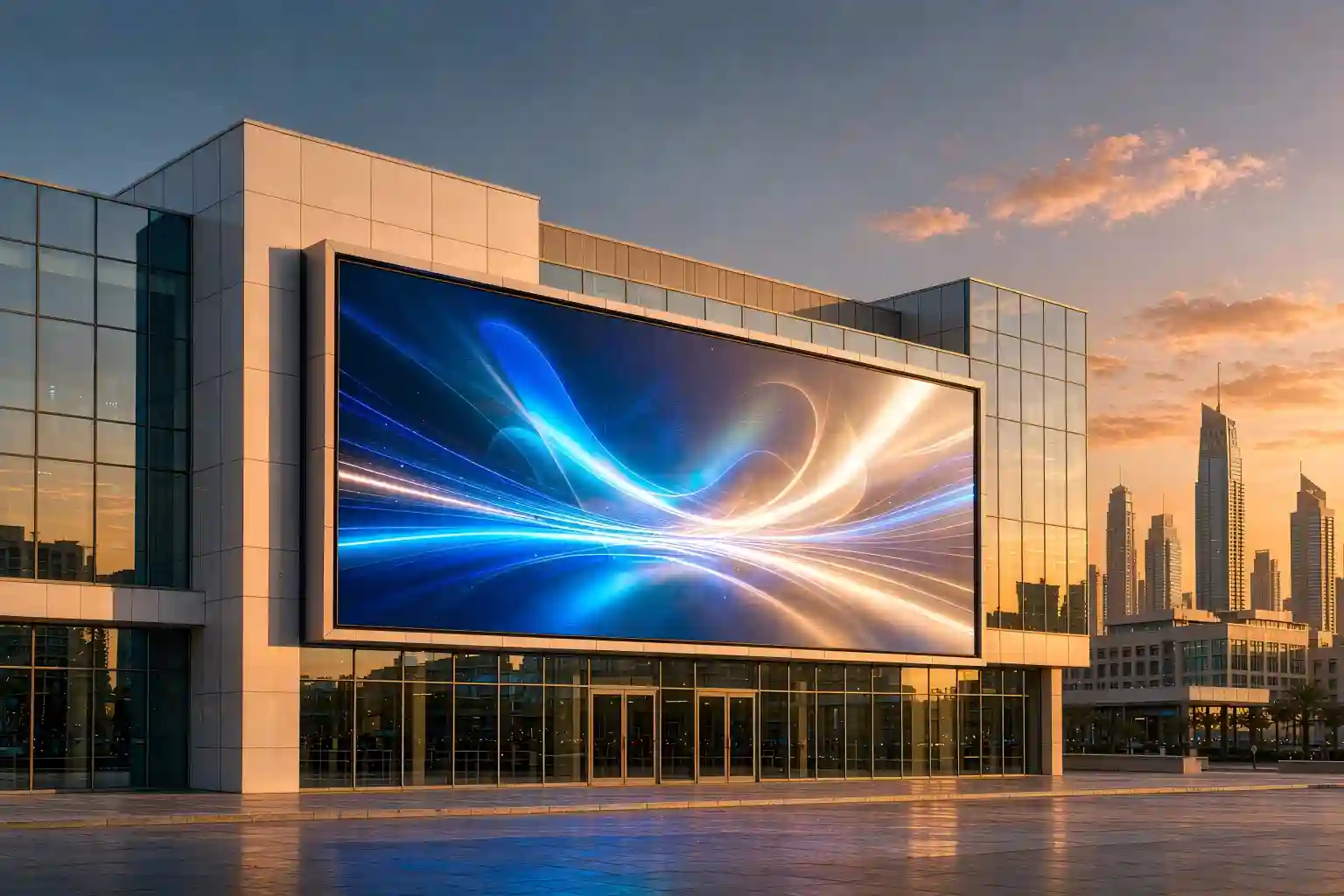
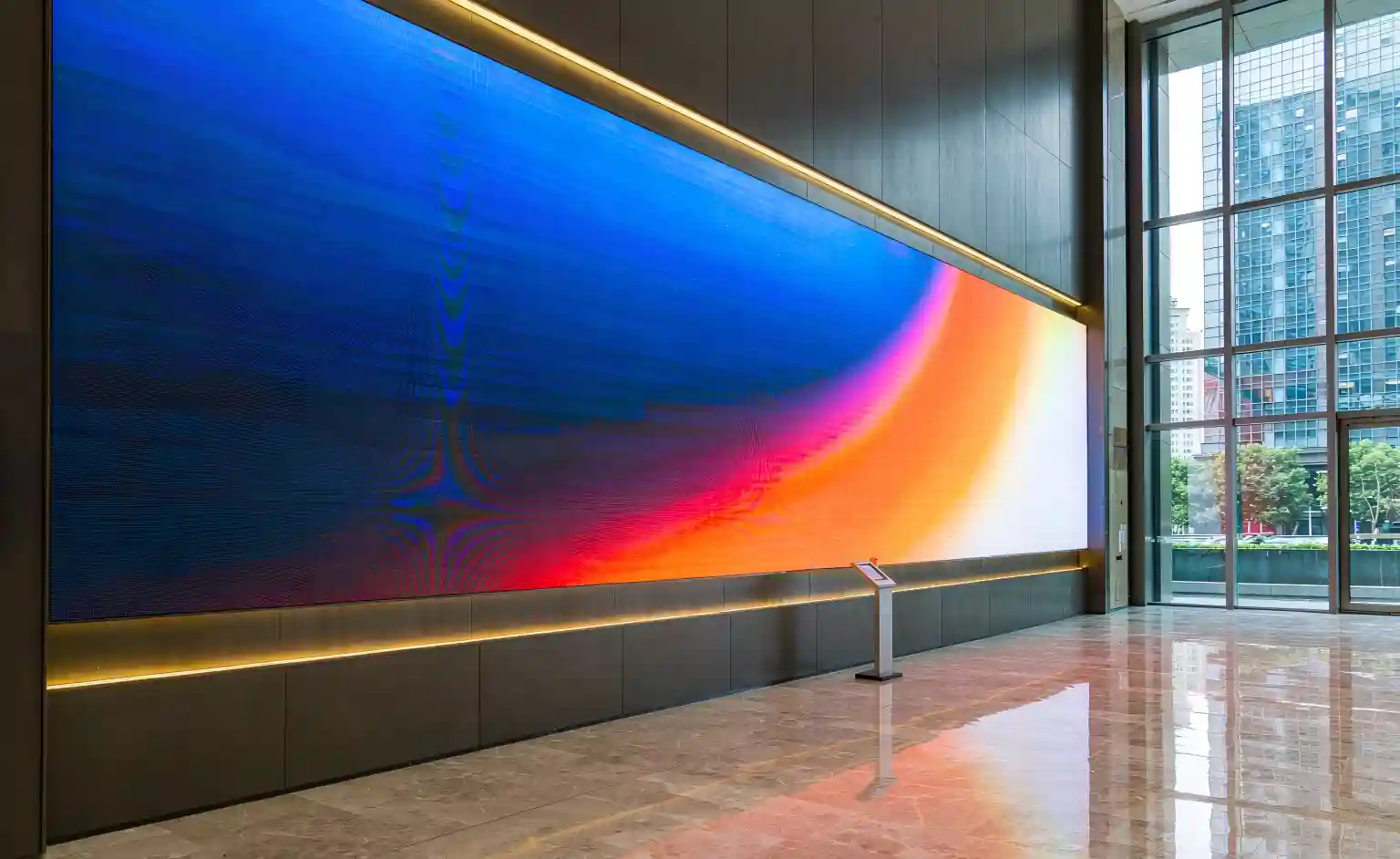
- LED display screens — modular cabinets that tile into any size or shape of video wall, with no bezels and brightness that cuts through daylight. This is why LED has taken over lobbies, storefronts, stages, and outdoor LED display billboards.
Inside the LED family, fine pitch LED (roughly P2.5 and below) has pushed indoor walls closer and closer to the viewer, and encapsulation technologies such as GOB and COB now protect the light-emitting surface from moisture, dust, and touch. Understanding where your project sits on that map is the first job of a serious buyer.
The 8 Specs That Decide Whether It Survives Year Five
Brochures list hundreds of parameters. In practice, eight of them carry most of the risk. Treat the table below as your specification checklist — the numbers are typical industry ranges; always confirm against the project spec sheet and on-site measurements.
| Spec | Why it matters | Typical target |
|---|---|---|
| Pixel pitch | Sets the closest comfortable viewing distance and drives most of the cost. | Pitch (mm) ≈ viewing distance (m). P2.5 fine pitch LED for a 2.5–3 m indoor wall. |
| Brightness | Too dim washes out in daylight; too bright glares and wastes energy. | Indoor LED display: 600–1,200 nits. Outdoor LED display: 5,000+ nits. |
| Refresh rate | Low refresh shows scan lines on every smartphone photo and livestream. | ≥ 3,840 Hz where content will be filmed (retail, stages, broadcast). |
| Encapsulation | GOB/COB coating protects SMD LEDs from moisture, dust, and impact. | GOB or COB for high-touch, humid, or transport-heavy sites. |
| Calibration | Per-cabinet brightness and color calibration keeps the video wall uniform. | Calibrated at factory; on-site recalibration supported in the contract. |
| Cabinet build | Flatness and tolerance decide whether seams stay invisible after thermal cycles. | Magnesium-alloy or CNC aluminum; front or rear service to fit the site. |
| Power efficiency | Energy is the largest hidden lifetime cost of a large wall. | Ask for W/m² data and average power draw, not just peak. |
| Warranty & spares | Modules, power supplies, and receiving cards are the parts that fail first. | 2–5 year warranty; spare-module ratio written into the contract. |
From Scene to Spec: a 5-Step Selection Flow
Order matters. Buyers who start with price end up re-buying; buyers who start with the scene rarely do. The flow below takes about ten minutes and prevents the most expensive mistakes.
The Real Cost: Lifecycle Economics of an LED Video Wall
The purchase price is the visible tip of a much larger number. Three lifetime costs deserve a line in your comparison sheet:
- Energy. Power draw scales with brightness and wall area. As an illustrative example: a 20 m² indoor wall averaging 400 W/m² consumes roughly 8 kWh per operating hour — that is about 58,000 kWh over two years of 10-hour days. Ask suppliers for average (not peak) W/m², and compare common-cathode designs that cut draw at the same brightness.
- Spares and service. Modules, power supplies, and receiving cards are the three parts that statistically fail first. A contract with a spare-module ratio and a written response time is cheaper than a year of ad-hoc shipping.
- Downtime. A dead cabinet in a flagship lobby is a brand problem, not a parts problem. Front-serviceable cabinets and remote diagnostics shrink the outage from days to hours.
Seen this way, the quote that looks 15% cheaper often costs more by year three. A reliable LED display manufacturer will volunteer these numbers; if you have to dig for them, that is already an answer.
How to Vet an LED Display Manufacturer Before You Wire the Deposit
Factory photos are free; the truth lives in the workflow. The sequence below is what experienced project buyers run before signing — feel free to copy it into your RFQ.
Five questions that sort suppliers fast
- Can I join a live video call in your sample room — not a recorded demo?
- Will you run a 48–72 hour burn-in test on my actual batch and share the log?
- Do you provide batch-level brightness and color calibration reports?
- What spare-module ratio and response time are written into the warranty?
- Which three reference projects used this exact cabinet and module?
Key Takeaways
| Question | Short answer |
|---|---|
| Where do I start? | Define the scene and the closest viewer — distance decides pixel pitch, and pitch decides most of the budget. |
| How bright? | Indoor LED display: 600–1,200 nits typical. Outdoor LED display: 5,000+ nits typical. Confirm against the actual job site. |
| Will it look good on camera? | Specify refresh rate of 3,840 Hz or higher wherever content will be filmed or streamed. |
| How do I protect the surface? | GOB or COB encapsulation for high-touch and humid environments. |
| Which quote wins? | Not the cheapest one — the one with the lowest energy, spares, and downtime cost over five years. |
Frequently Asked Questions
What is a digital signage screen?
A digital signage screen is a display built to show commercial content such as advertising video, wayfinding maps, or information dashboards. Most modern systems use an LED display screen (modular cabinets that form any size of video wall) or an LCD panel. LED wins for large, bright, custom-shaped installations; LCD suits small, close-up menus and shelf tags.
Which pixel pitch is right for an indoor LED display?
Match pixel pitch to viewing distance. A common rule of thumb: the minimum comfortable viewing distance in meters is roughly equal to the pitch in millimeters, so a P2.5 fine pitch LED wall works from about 2.5 m. Closer viewers need finer pitch, and cost rises quickly as pitch drops — so measure the closest real seat or standing position first.
How bright should an outdoor LED display screen be?
Most outdoor LED display projects run at about 5,000 nits or higher to beat direct sunlight, while indoor screens typically sit between 600 and 1,200 nits. These are typical ranges: a shaded north-facing wall needs less, and a sun-facing highway screen needs more. Ask for a brightness report from the actual production batch, not just the brochure.
How do I vet an LED display manufacturer before ordering?
Join a live sample-room video call, run a 48–72 hour burn-in test on the sample, request batch-level brightness and color reports, and confirm spare-part ratios for modules, power supplies, and receiving cards in the contract. A reliable LED display manufacturer answers spec questions with measurements and puts warranty response times in writing.
Need a Spec Review for Your Next Project?
Send us your wall dimensions, closest viewing distance, and content plan — our engineers will reply with a recommended pixel pitch, brightness target, and a costed BOM.
Request a Free Spec ReviewThis article is an original technical summary written for export buyers. All figures are typical industry ranges for illustration; final values must follow the project specification sheet and on-site measurements.