COB LED Display Basics: Technology, History, and Terminology
From LED physics and the technology's history to COB packaging fundamentals and essential industry terms — a practical primer for LED display engineers and buyers.
Why a "Great Spec Sheet" Screen Failed After One Year
If you have ever sourced an LED display for a project, this scenario will feel familiar. Two quotes land on your desk: identical pixel pitch, identical brightness, identical refresh rate — but one is 30% cheaper. You pick the cheaper option. A year later, dead pixels start appearing, the return rate creeps up, and the customer keeps calling. The money you saved upfront is now bleeding out through after-sales and reputation.
The problem was rarely in the numbers. It was in what the numbers hid — the packaging technology behind them. At the same 1.5mm pitch, an SMD screen and a COB screen live in two different worlds when it comes to protection, reliability, and surface quality. To see that difference, you first need to understand the fundamentals of LED display technology, its history, and its terminology.
That is exactly what this article does. We will walk through the basics of LED display technology, its development history, applications, key features, and essential terms — with a focused look at why the COB LED display has become the go-to choice in the fine-pitch market.
LED Display Basics: How a Screen Works
An LED (Light Emitting Diode) is a semiconductor device that converts electrical energy directly into light. Its core is a PN junction: when a forward voltage is applied, electrons and holes recombine and release the excess energy as photons — a process called electroluminescence. Red, green, and blue LED chips are grouped into pixels, and millions of pixels arranged in a matrix — driven by driver circuits — form an LED display.
From signal input to a lit pixel, every LED display follows a clean chain. Here is the workflow:
The single most important spec in this chain is pixel pitch: the distance in millimeters between the centers of adjacent pixels. "P2.5" means a 2.5mm pitch; "P0.9" means 0.9mm. The smaller the pitch, the higher the pixel density and resolution, and the closer the optimal viewing distance — but cost and manufacturing difficulty rise sharply.
A Short History of LED Technology
To understand the LED display, you first have to understand how the LED itself got here. The story is short, but it directly shapes the color performance of today's COB fine-pitch screens.
The pivotal moment was the 1993 blue LED breakthrough: without blue, you cannot complete the red-green-blue triad needed for full color — or white lighting. That is exactly why the blue LED earned the 2014 Nobel Prize in Physics.
Display Evolution: From Mono to COB Fine Pitch
Once the LED chips matured, the LED display itself went through several generations:
1Mono → Dual → Full Color
Early screens were red-only, for text and numbers. Green came next for dual color. After 1993, the full RGB triad unlocked the full-color era.
2The DIP Era
Lamps with leads soldered through the PCB. High brightness made DIP the outdoor-billboard standard.
3The SMD Era
Lamps mounted directly on the PCB surface. Smaller footprint allowed ~1mm pitch and indoor fine pitch.
4The COB Era
Chips bonded directly onto the board and encapsulated as one surface — a leap in protection and reliability, enabling sub-P0.9 pitch.
Packaging evolution is really about making smaller light sources more reliable. When pixel pitch drops below 1.0mm, traditional SMD lamp size and solder joints approach their physical limits — which is where COB (Chip on Board) takes over.
COB LED Display: Why More Projects Choose It
The core idea of COB packaging is to bond bare LED chips directly onto the PCB and encapsulate them as a single protected surface — no individual lamp beads, just one sealed light-emitting plane. That change delivers advantages SMD struggles to match:
Stronger Protection
The light-emitting surface is fully sealed — moisture, dust, static, and impact resistant. Ideal for touch screens, classrooms, and studios.
Higher Reliability
Fewer solder joints and more even heat dissipation cut dead-pixel and failure rates well below SMD.
Flat Surface, High Contrast
No bead grain, low reflection, deeper blacks — cleaner when viewed up close.
Point-by-point Calibration
Each chip can be individually corrected for brightness and color, keeping the whole screen uniform.
These qualities are why the COB LED display has steadily replaced SMD in demanding environments — control rooms, command centers, boardrooms, and broadcast studios where close viewing and reliability are non-negotiable.
Main Applications of LED Displays
By environment, LED displays split into indoor and outdoor, each with different priorities:
▣Control Rooms / Command Centers
24/7 operation demanding reliability and fine pitch — the core home of COB fine-pitch screens.
▣Boardrooms / Auditoriums
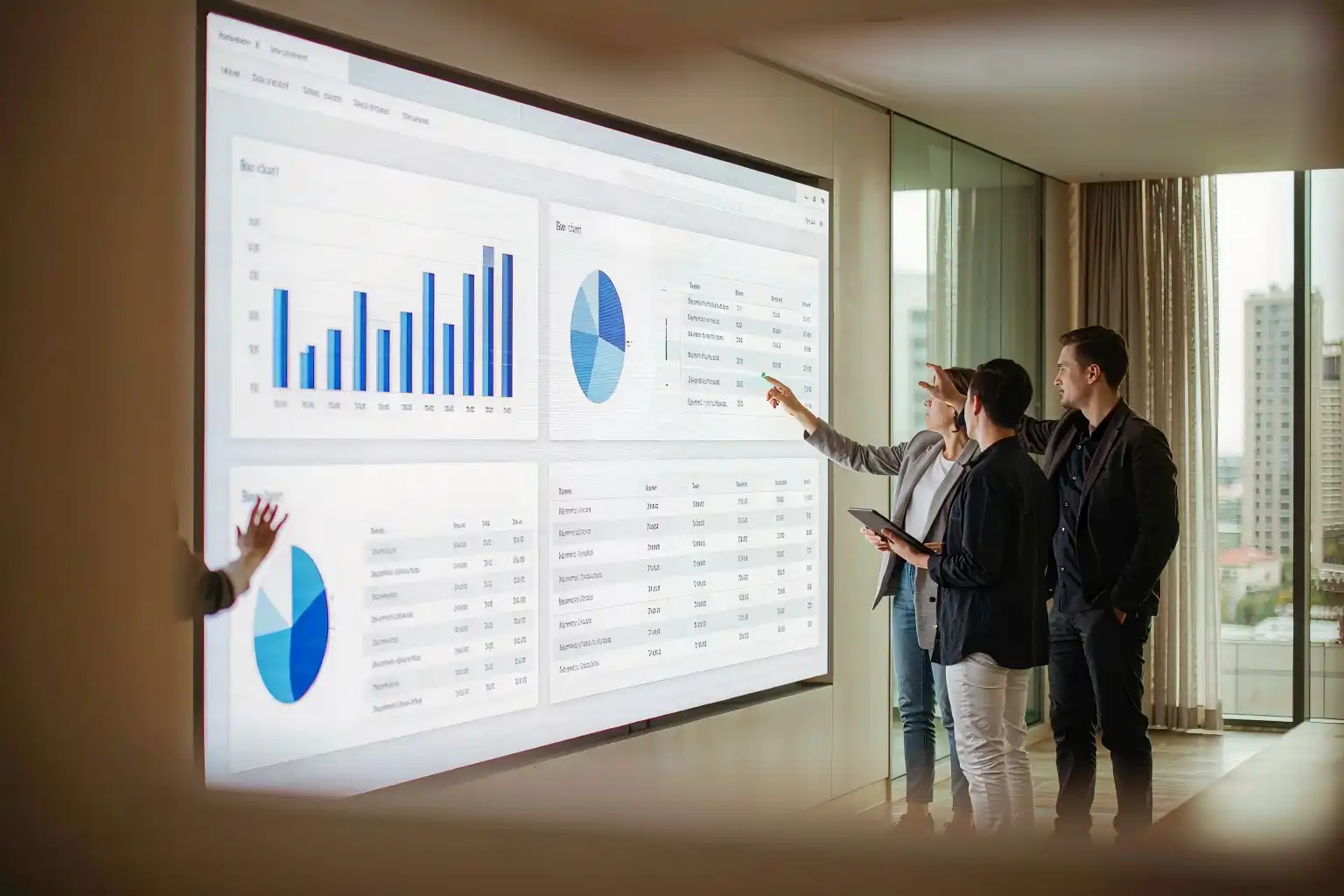
Close viewing needs high clarity and contrast; COB's grain-free surface stands out.
▣Retail & Advertising
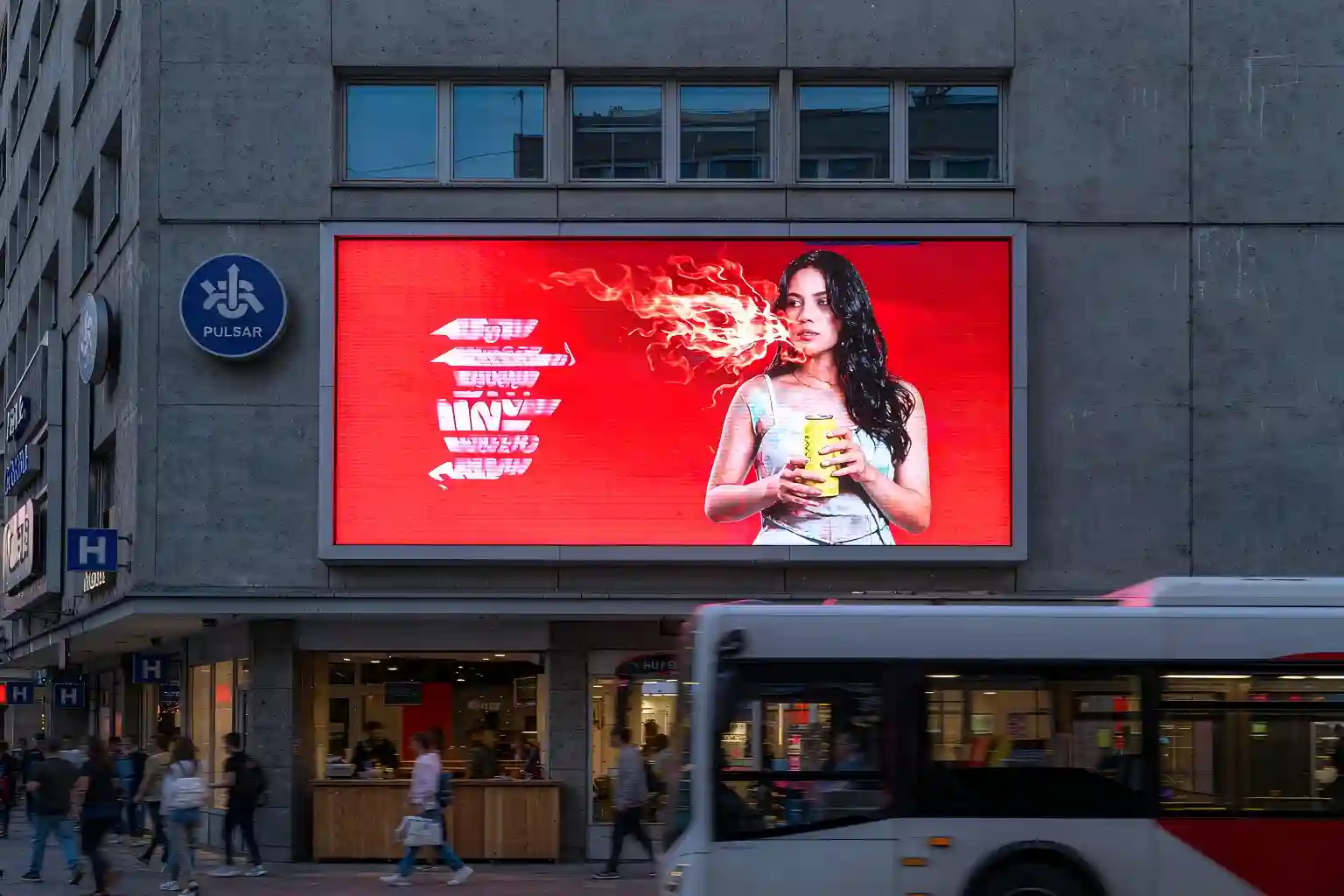
Storefronts, malls, and atriums use brightness and color to pull in foot traffic.
▣Broadcast & XR Studios
High refresh and wide color gamut, scan-line free on camera — the top pick for virtual production.
▣Outdoor Ads & Stadiums
High brightness and weatherproofing; DIP or high-protection SMD dominate here.
▣Transportation & Info Display
Airports, stations, and highway boards — where stability and reliability matter most.
Key Features of LED Displays
Compared with LCD and projection, the unique value of LED displays boils down to these six points:
1High, Adjustable Brightness
From hundreds to tens of thousands of nits — readable in direct sunlight or a dark room.
2Wide Viewing Angle
160°+ both axes, with color that holds up off-axis.
3Long Lifespan
~100,000-hour theoretical life means low maintenance for long-running installs.
4Energy Efficient
High luminous efficacy plus efficient drivers keep power consumption low.
5Seamless Splicing
Modules join without bezels, so screens scale to any size or aspect ratio.
6High Refresh Rate
1920Hz or even 3840Hz — flicker-free and scan-line free on camera.
Essential Industry Terminology
These terms are the baseline for reading any LED display spec sheet. Worth bookmarking:
| Term | Meaning | Why It Matters |
|---|---|---|
| Pixel Pitch | Distance between pixel centers (mm) | Sets resolution & optimal viewing distance |
| Resolution | Horizontal × vertical pixel count | Determines image detail |
| Brightness | Measured in cd/m² (nits) | Determines environment suitability |
| Refresh Rate | Frames per second (Hz) | Higher = no scan lines on camera |
| Gray Scale | Brightness levels (bit) | Determines smooth color gradients |
| Contrast Ratio | Brightest vs darkest | Affects black level & depth |
| Color Gamut | Reproducible color range | Determines color accuracy |
| Dead Pixel | A pixel stuck on or off | Affects yield & appearance |
| Calibration | Per-chip brightness/color correction | Ensures uniform screen output |
| COB / SMD / DIP | Three main packaging types | Determines protection & reliability |
Key Takeaways
Here are the five points that matter most from this introduction to LED displays:
| Topic | Core Point |
|---|---|
| Basics | An LED is an electroluminescent semiconductor; a display = LED pixel matrix + driver circuits, fed by sending card → receiving card → driver IC → pixels |
| LED History | 1962 red → 1972 yellow → 1993 blue (RGB complete) → 1996 white → 2014 Nobel Prize |
| Display Evolution | Mono → full color; DIP → SMD → COB; pitch shrinking from P10 toward sub-P0.9 |
| COB Advantage | Strong protection, high reliability, flat surface, high contrast, calibration support — the fine-pitch trend |
| Apps & Features | Control rooms, boardrooms, retail, broadcast, outdoor, transport; bright, wide-angle, long-life, seamless, high-refresh |
FAQ
What is a COB LED display?
A COB LED display uses Chip-on-Board packaging — bare chips bonded directly to the PCB and encapsulated as one surface. Compared to SMD, it offers stronger protection, fewer dead pixels, and a flatter surface, making it ideal for fine pitch and close-viewing applications.
Which is better, COB or SMD?
There is no universal "better" — it depends on the use case. For large outdoor pitch or budget-sensitive projects, SMD delivers strong value. For indoor fine pitch, high reliability, touch, or close viewing, COB wins. The smaller the pitch, the larger COB's advantage.
How do I choose pixel pitch?
A good rule of thumb: optimal viewing distance (m) ≈ pixel pitch (mm). For example, P1.5 suits viewing from about 1.5m away. Watch up close and want more detail? Go smaller. Further away or budget-limited? A larger pitch is fine.
What is point-by-point calibration?
Point-by-point calibration measures and compensates the brightness and color of every individual LED chip, eliminating chip-to-chip variation so the whole screen stays uniform. It is a key reason COB screens maintain consistent image quality.
How long do LED displays last?
LED chips have a theoretical life of roughly 100,000 hours — the time to half initial brightness. Real-world lifespan also depends on packaging, heat dissipation, and environment, which is why COB packaging is preferred in high-reliability applications.
Sourcing a COB LED display?
Tell us your pixel pitch, viewing distance, and application — get a tailored COB solution and quote recommendation.
Get a COB Solution →Technical figures are industry reference values; always confirm against the official product datasheet.