How to Choose a Digital Signage Board: 5 Specification Mistakes That Cost You Later
The same digital signage board can look razor-sharp in a hotel lobby and completely washed out behind a west-facing glass facade. Every failed installation we have seen came down to one thing: the specs were chosen before the environment was understood. Here are seven decision points you can check against any supplier quote.
What this guide covers
- The problem was never the screen
- Step 1: Lock brightness to the environment, not the datasheet
- Step 2: Pixel pitch and how far people actually stand
- Step 3: Indoor vs outdoor — where the real fork is
- Step 4: Seams, flatness and the cabinet costs nobody quotes
- Step 5: Content management and after-sales decide year five
- Turning specs into money: the total cost of ownership
- Quick-reference checklist
- FAQ
The problem was never the screen
A European retail group came to us in 2024 with a familiar complaint: every digital signage board they had installed three years earlier now showed a faint rectangular ghost in the centre of the panel, as if one image had been burned into the surface.
On site, the diagnosis had nothing to do with build quality. The panels were a well-regarded indoor model, perfectly suited to their rating. The mistake was the location. They had been mounted just inside the main entrance, facing the glass doors, where low western sun hit the screens directly every afternoon. On top of that, the marketing team was running a single high-contrast poster on loop, all day, with brightness permanently maxed out. Two environmental factors plus one operational habit — and the damage was permanent.
That story is the whole argument of this guide: a digital signage board is not a standalone product. It is a system made of a panel, an environment, a content workflow and a maintenance plan. Get any one of those wrong and the screen takes the blame.
The rule that prevents most failures: decide who is standing where, in what light, for how long — then pick brightness and pixel pitch. Reverse that order and almost any spec can be justified and still be wrong.
Step 1: Lock brightness to the environment, not the datasheet
Brightness (measured in nits) is the most mis-sold spec on any digital signage board quote. Every supplier advertises "high brightness," but brightness is only useful when it is matched to ambient light — it is not a score to maximise.
Too dim, and your panel becomes a mirror
The display has to outshine the light reflecting off its surface. In practice, a panel needs roughly three times the ambient illuminance before the image reads reliably and reflections stop competing with content.
Too bright, and you pay in power, heat and lifespan
Every extra nit raises power draw, panel temperature and the rate of luminance decay. That is exactly what happened in the case above: a location suited to 800–1200 nits was run permanently near 2500, and the rated life evaporated accordingly.
Typical ranges by application
| Application | Ambient light (indicative) | Suggested brightness | Watch out for |
|---|---|---|---|
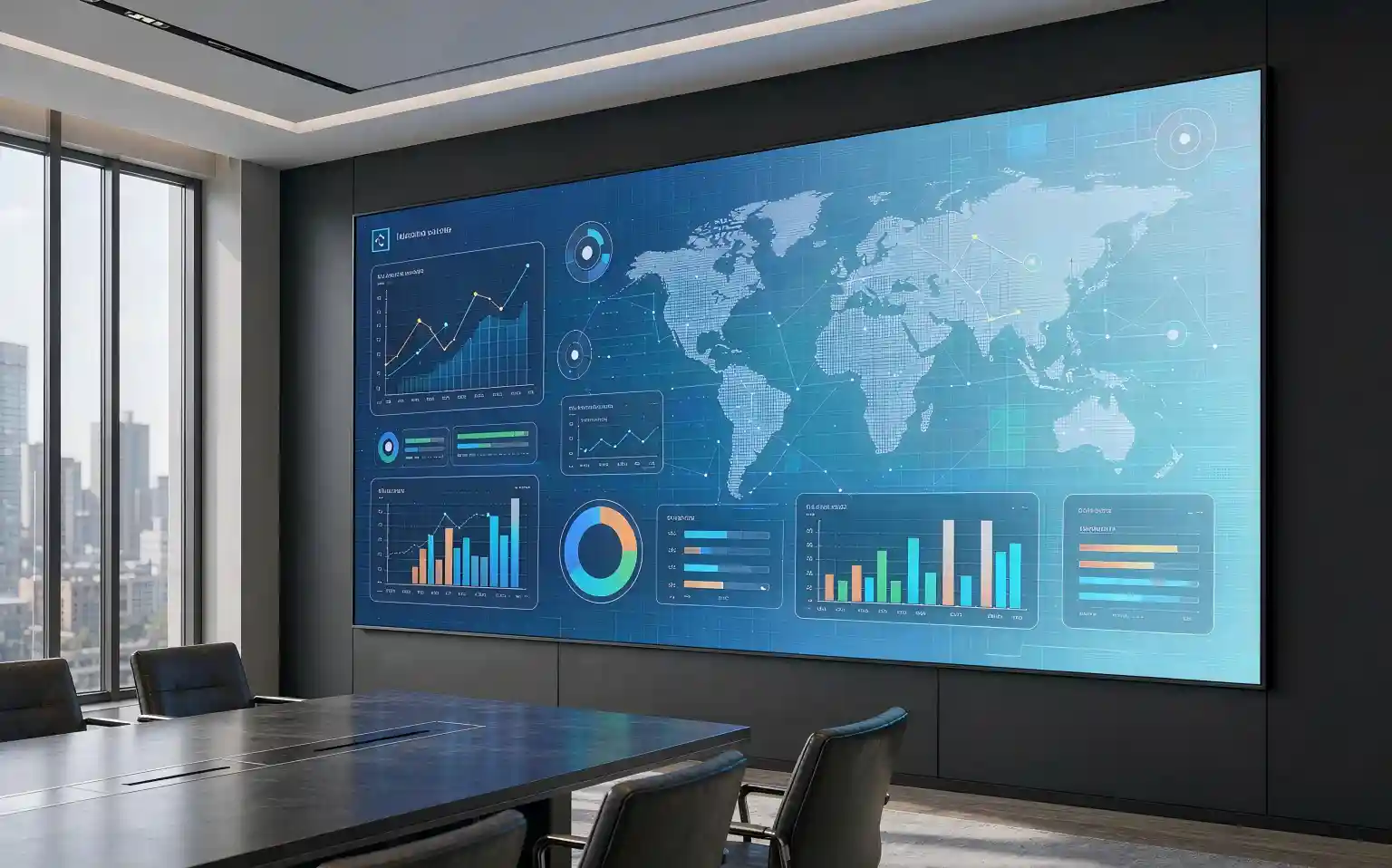
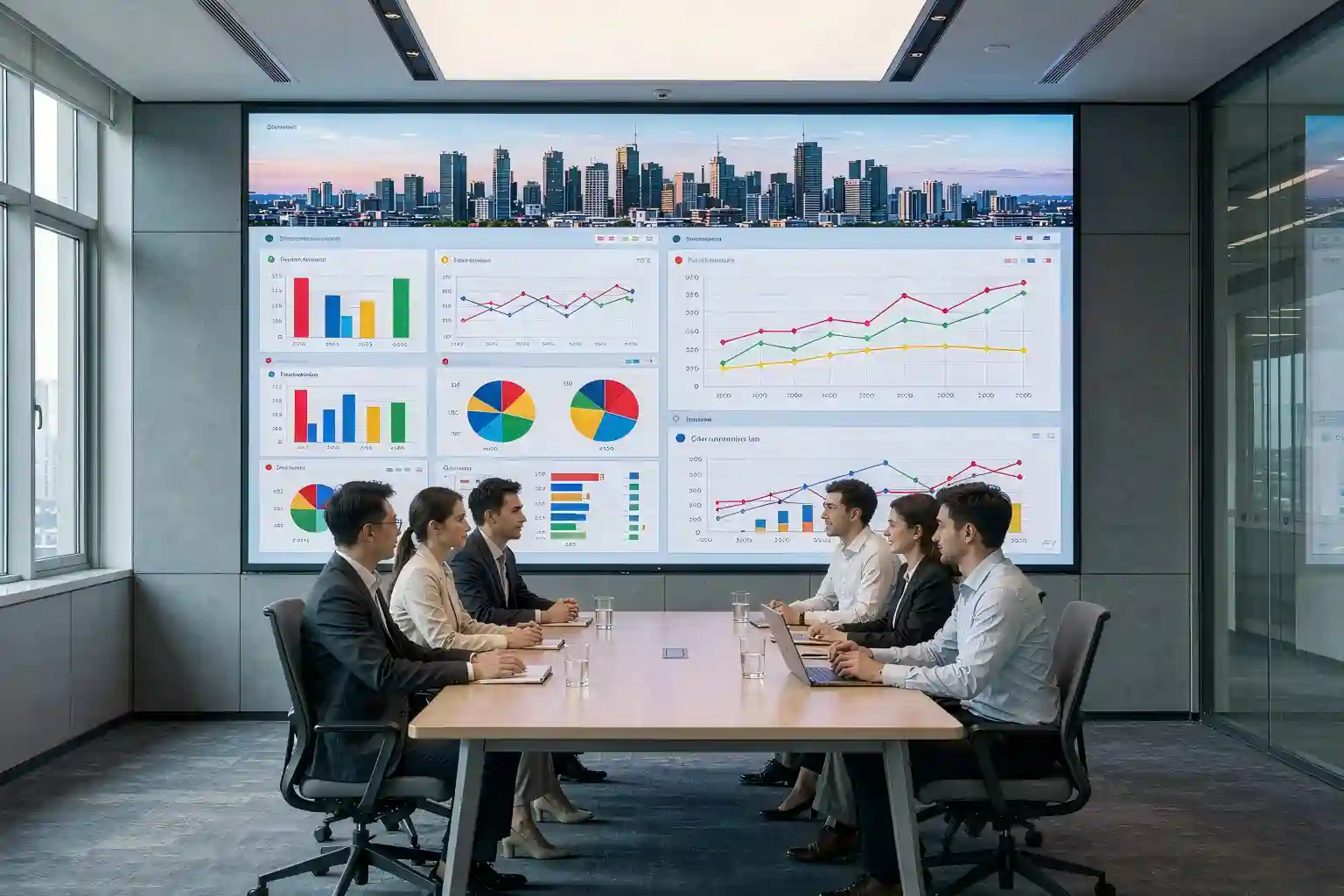
| Meeting rooms, showrooms, premium retail | 200–500 lux | 600–1000 nits | Short viewing distance — low-grey performance matters most |
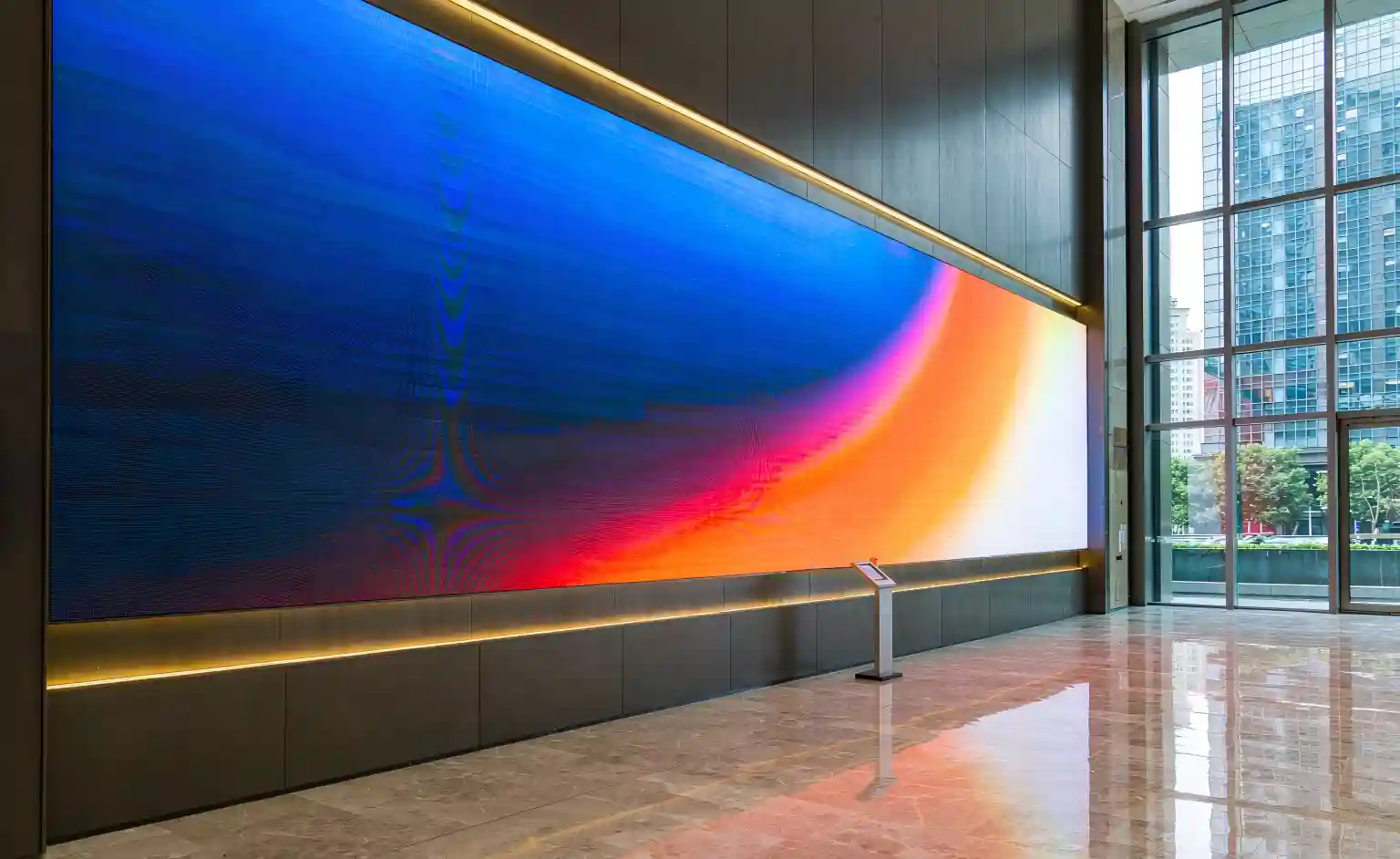
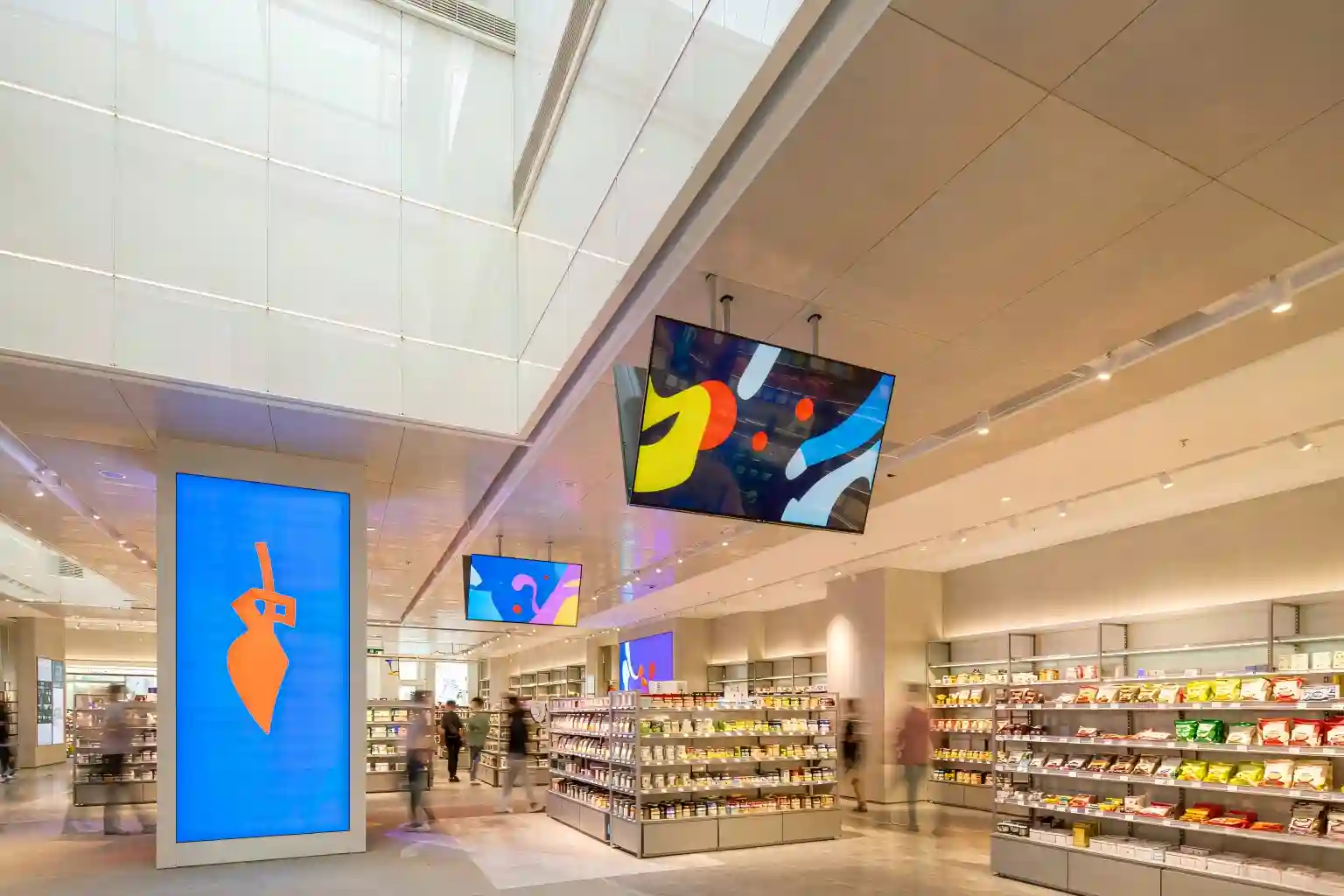
| Shopping mall atriums, double-height lobbies | 500–1500 lux | 1000–1500 nits | Skylights overhead — confirm auto-brightness works |
| Street-facing shop windows (semi-outdoor) | 1500–5000 lux | 1500–2500 nits | Glass reflects light back — plan anti-glare treatment |
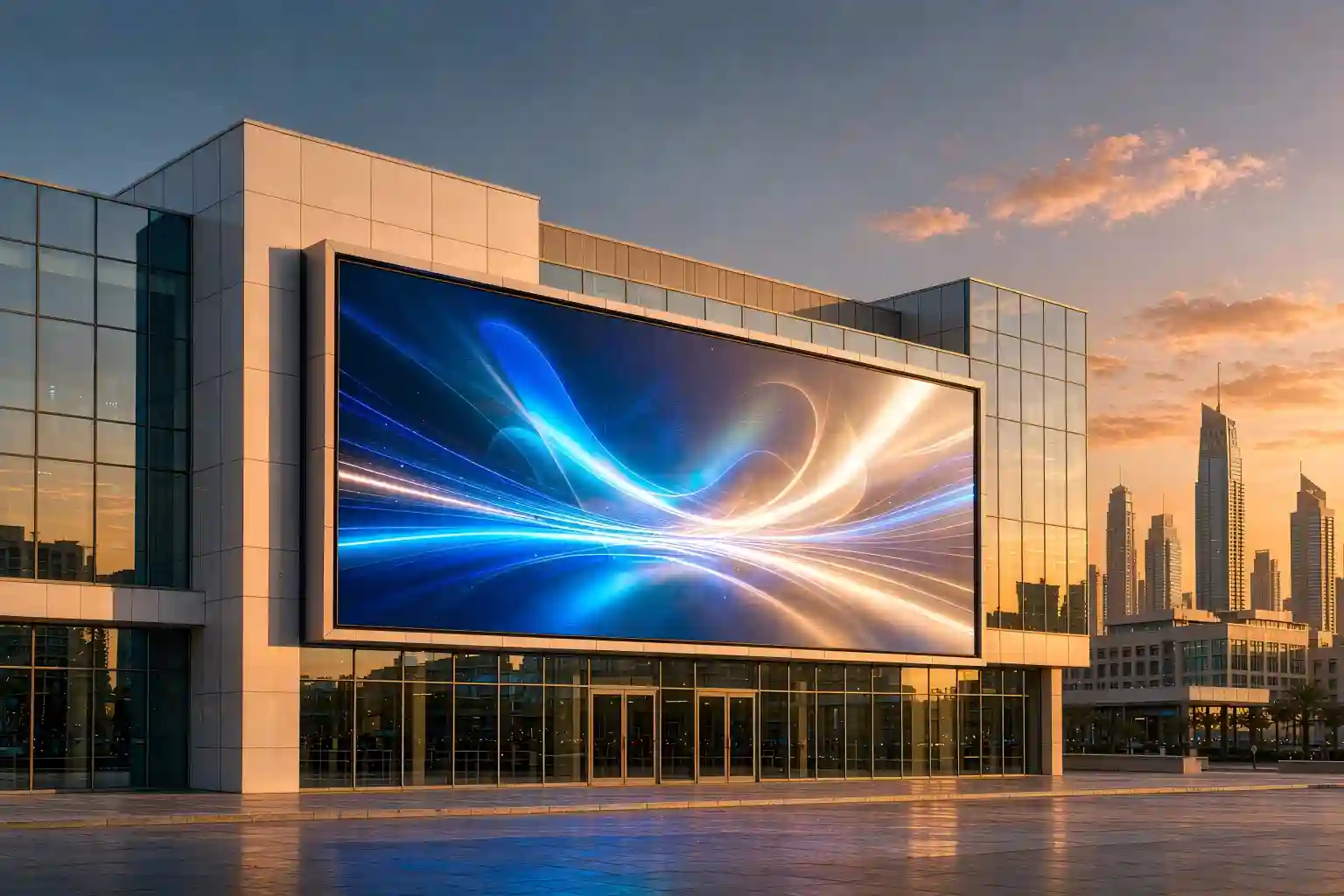
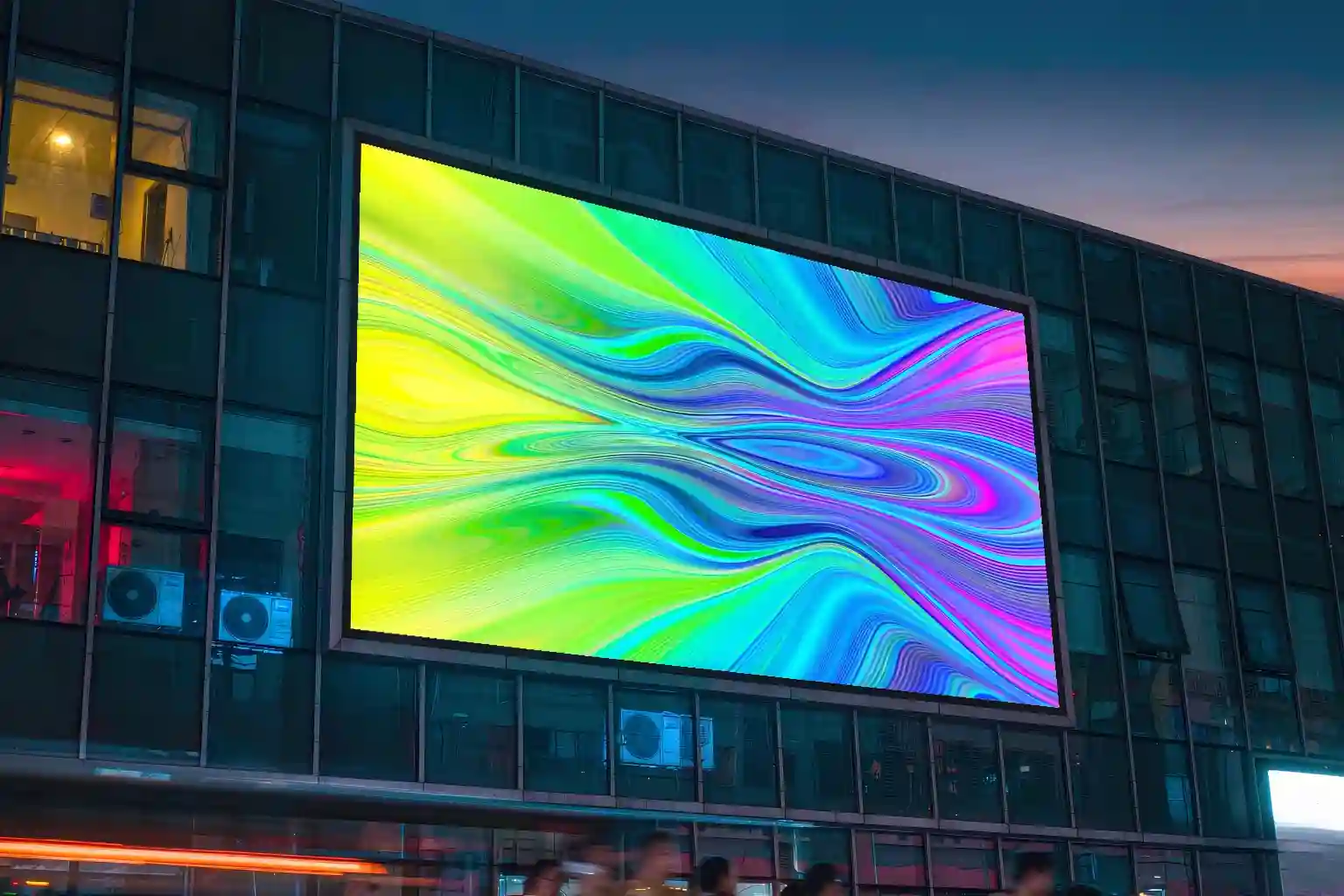
| Outdoor facades, building advertising | 5000–20000 lux | 5000–8000 nits | Needs light sensing to dim after dark and save power |
Note: indicative industry ranges, intended as a starting point only. Confirm against the project specification and on-site measurements.
Easily overlooked: brightness is not a fixed number. Make sure the power supply and control system support automatic brightness adjustment — without it, an outdoor digital signage board stays blindingly bright at night, which both annoys neighbours and accelerates luminance decay.
Step 2: Pixel pitch and how far people actually stand
Pixel pitch is the physical distance between the centres of two adjacent pixels, measured in millimetres — commonly written as P1.5, P2.5 or P4. It sets the ceiling on image sharpness, and it drives most of the budget.
The formula that will serve you for life
The most widely used rule of thumb is: minimum comfortable viewing distance (metres) ≈ pixel pitch (mm) × 1 to 3.
The range exists because intent changes the answer. For motion-led advertising where viewers only need to grasp the message, the low end (×1) is fine. For text, data or product detail, work with the high end (×3) — jagged edges on letterforms are obvious at close range.
| Pixel pitch | Comfortable for motion | Comfortable for text / data | Typical use |
|---|---|---|---|
| P1.2 – P1.5 | 1.5 m | 3.5 – 4.5 m | Boardrooms, control rooms, broadcast studios |
| P1.8 – P2.5 | 2.0 m | 5 – 7 m | Showrooms, lobbies, flagship stores |
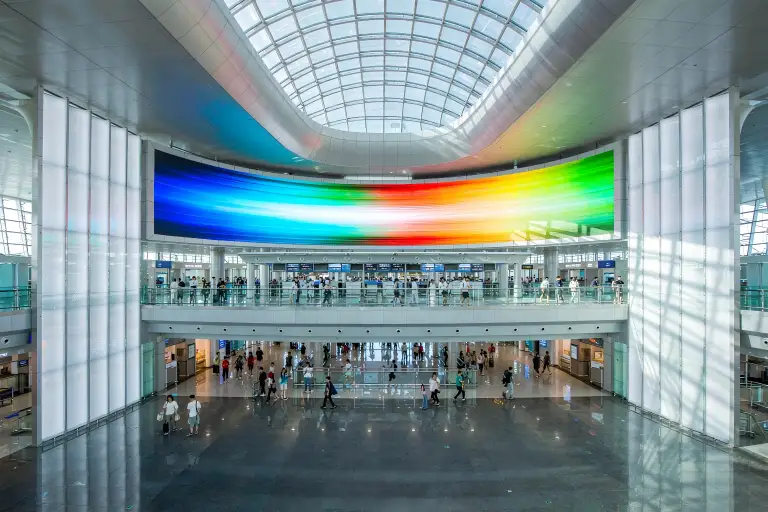
| P3 – P4 | 3.5 m | 9 – 12 m | Mall atriums, airports, rail stations |
| P6 – P10 | 8 m | 18 – 30 m | Outdoor facades, stadiums, roadside |
Note: multipliers are indicative. Validate the final spec against real viewing distance and content type with your supplier.
Where budgets actually blow up: measure the farthest viewer, not the nearest. Projects overspend when they specify a pitch fine enough to look perfect from two metres away — a position nobody will ever occupy.
Step 3: Indoor vs outdoor — where the real fork is
It is tempting to treat indoor and outdoor digital signage boards as the same product at two brightness levels. They are not. They diverge across four dimensions, and brightness is only the first.
Ingress protection: what the two IP digits actually mean
In IP65, the "6" is the dust rating (dust-tight) and the "5" is the water rating (protected against water jets). Outdoor panels should be IP65 as a minimum; coastal or high-rainfall sites are better served by IP66. Remember that the rating applies to the panel assembly — cable entries and service doors are usually the real points of water ingress and should be inspected separately on site.
Cooling: the most common outdoor failure
An outdoor panel in summer faces heat from three directions at once — air temperature, direct solar load and its own electronics. Seal it without an active cooling strategy and internal temperatures can run more than 20°C above ambient. The visible symptoms are brightness drop and colour shift; the long-term symptom is a much shorter service life.
Step 4: Seams, flatness and the cabinet costs nobody quotes
On most quotes the cabinet appears as one modest line item. Yet the cabinet decides what that digital signage board looks like in year five.
Seam gap
The physical gap between adjacent cabinets. Good die-cast aluminium cabinets hold tolerances around 0.1 mm. The larger the gap, the more a caption line gets visibly sliced — most obvious in brand and campaign content.
Flatness
How consistent the screen surface is across the whole wall. Poor flatness produces bright and dark banding at oblique angles — exactly what viewers see from an escalator or a balcony.
Service access
Front-service modules can be removed from the front face, which is often the only option for wall-mounted screens. Rear service requires a maintenance corridor and eats usable floor area.
Weight and load
Outdoor installs must account for steel structure and wind loading; indoor installs depend on the residual capacity of the wall or the rigging. Confirm this with the structural engineer during design, not after.
Procurement tip: insist that seam tolerance, flatness and service access are written into the technical annexe of the contract — not just pixel pitch and brightness. Those three are where disputes actually happen.
Step 5: Content management and after-sales decide year five
Hardware is handed over once. Software and service are what you live with. Plenty of projects sail through commissioning and only fall over in year two — because nobody on the marketing team can change a playlist, or a single module takes two months to arrive.
Three questions to ask about the content platform
Can it manage multiple sites remotely?
If your screens sit in several cities or countries, the platform must support cloud publishing and status monitoring. Anything that requires someone to visit each screen in person is not a signage platform.
Are scheduling and grouping flexible enough?
Chain retailers almost always need the same content on different time slots per branch. Weak scheduling turns your operations team into full-time manual dispatchers.
Does it alert you when something breaks?
Offline panels, overheating, module faults — if these do not push a notification to a technician's phone, your detection time is measured in weeks rather than hours.
Get the after-sales terms in writing
Three clauses belong in every export contract: the number of years spare parts will be supplied, the maximum fault response time, and whether local technician training is included. Cross-border parts shipping typically takes weeks — so whether a local spare-parts stock exists often determines the real recovery time after a failure.
Turning specs into money: the total cost of ownership
The most expensive option at purchase is rarely the most expensive over its life. This table separates "cheap" from "good value".
| Cost line | Hidden cost of the low-bid option | Long-term view |
|---|---|---|
| Unit price | Looks 15%–25% cheaper up front | Price the cabinet, power supply and control system separately to see the true gap |
| Power consumption | Brightness held at maximum, so energy bills stay high | Auto-dimming panels can recover a meaningful share of the difference within three years outdoors |
| Maintenance | Rear-service design means scaffolding every time | Front-service modules cost a little more but typically halve labour per intervention |
| Downtime | No local spares, so average repair stretches to weeks | For an advertising operator, a dark screen is a direct revenue loss |
| Decay and lifespan | Run over-bright, the image visibly dims by year three to five | A correctly matched panel often serves two to three years longer |
Note: percentages are indicative industry figures provided as a comparison framework. Model absolute values against your own project scale and local energy rates.

Quick-reference checklist
Seven sections, condensed into something you can take into a supplier meeting:
| Decision point | One-line conclusion | Action to take |
|---|---|---|
| Order of decisions | Environment first, then brightness, then pixel pitch | Write down viewing distance and ambient light before discussing models |
| Brightness | Match the ambient light — brighter is not better | Require an automatic brightness control scheme |
| Pixel pitch | Size it for the farthest viewer, not the nearest | Sanity-check with "pitch × 1–3 = metres" |
| Indoor vs outdoor | Protection, cooling and structure are the real forks | Confirm IP rating and cooling method for outdoor units |
| Cabinet | Seam, flatness and service access belong in the contract | Agree tolerances in the technical annexe |
| Software & service | Remote management, scheduling and alerts are all essential | Confirm spare-parts years and response time |
| Cost judgement | Compare total cost of ownership, not unit price | Include energy, maintenance and downtime in the model |
Frequently asked questions
Q1: What is the difference between a digital signage board and a standard LED display?
A digital signage board is defined by continuous, long-duty operation. It needs remote content management, automatic brightness adjustment, and a cabinet and cooling design built for 24/7 running. A standard display may only be switched on for set periods, so the reliability engineering behind the two is different.
Q2: Do I need a high-brightness panel for an indoor project?
Usually not. In meeting rooms and showrooms where ambient light sits around 200–500 lux, 600–1000 nits is normally sufficient. Overspecifying brightness adds power draw and heat and can make the screen harsh at close range. The deciding factor is what faces the screen — windows, skylights or direct sun.
Q3: How do I work out which pixel pitch I need?
Measure the distance to the farthest viewer in metres, then divide by three. If your farthest viewer sits 12 metres away and the content is text and data, P4 is a sensible choice. If the content is mainly motion advertising, you can go coarser and protect the budget.
Q4: What is most often missed when inspecting an outdoor digital signage board?
Cooling and the sealing of cable entries. Many projects verify brightness, pixel pitch and IP rating but never look at how heat is actually removed from the cabinet, or how cable glands and service doors are waterproofed. Faults in these areas typically only appear after the first full summer or rainy season.
Q5: For export purchasing, what should the after-sales terms cover?
At minimum three things: the number of years spare parts will be available, the maximum fault response time, and whether local technician training is included. Because cross-border parts shipping usually takes weeks, whether a local spare-parts stock exists often determines the real recovery time.
Send us your project brief for a free spec review
Tell us your viewing distance, installation environment (indoor or outdoor), ambient light levels and budget range. We will come back with a recommended pitch and brightness, plus reference projects in the same application.
Get a Spec RecommendationThis article is an original technical summary. Specification ranges are typical industry reference values; final selection should follow the project specification and on-site measurement. Images are illustrative.