How to Choose an 84" Conference Room Touchscreen Display
The budget is approved and vendors are lining up with quotes. But is an 84-inch panel actually the right screen for your room? This guide skips the spec-sheet theatre and covers what you need to settle before you sign.
What's inside
- Why do meeting room screens feel so different in practice?
- How big a room does 84 inches actually suit?
- Touch technology: infrared, capacitive or optical?
- Brightness and viewing angle: why does the screen wash out?
- Mounting, cabling and airflow: the steps people skip
- Key takeaways
- FAQ
1. Why do meeting room screens feel so different in practice?
Most teams buy their first 84 conference room touchscreen display focused on two things: is it big enough, and is it sharp enough. Six months later, the complaints sound nothing like that:
"The moment the blinds open, the screen goes white." At 10am the sun hits the panel and the light-coloured slide background simply disappears. Everyone past the third chair is guessing.
"Writing on it is a fight." You try to annotate on the 84-inch screen and the stroke breaks, the cursor jumps, and you end up deleting more than you draw.
"People at the ends of the table can't see it." Straight ahead looks fine; from the far ends of a long table the image goes grey and shifts colour.
Those three complaints map to three completely different technical dimensions: brightness and anti-glare treatment, touch technology, and viewing angle. Every quote will claim to "meet requirements," yet real-world performance can differ by 2x.
2. How big a room does 84 inches actually suit?
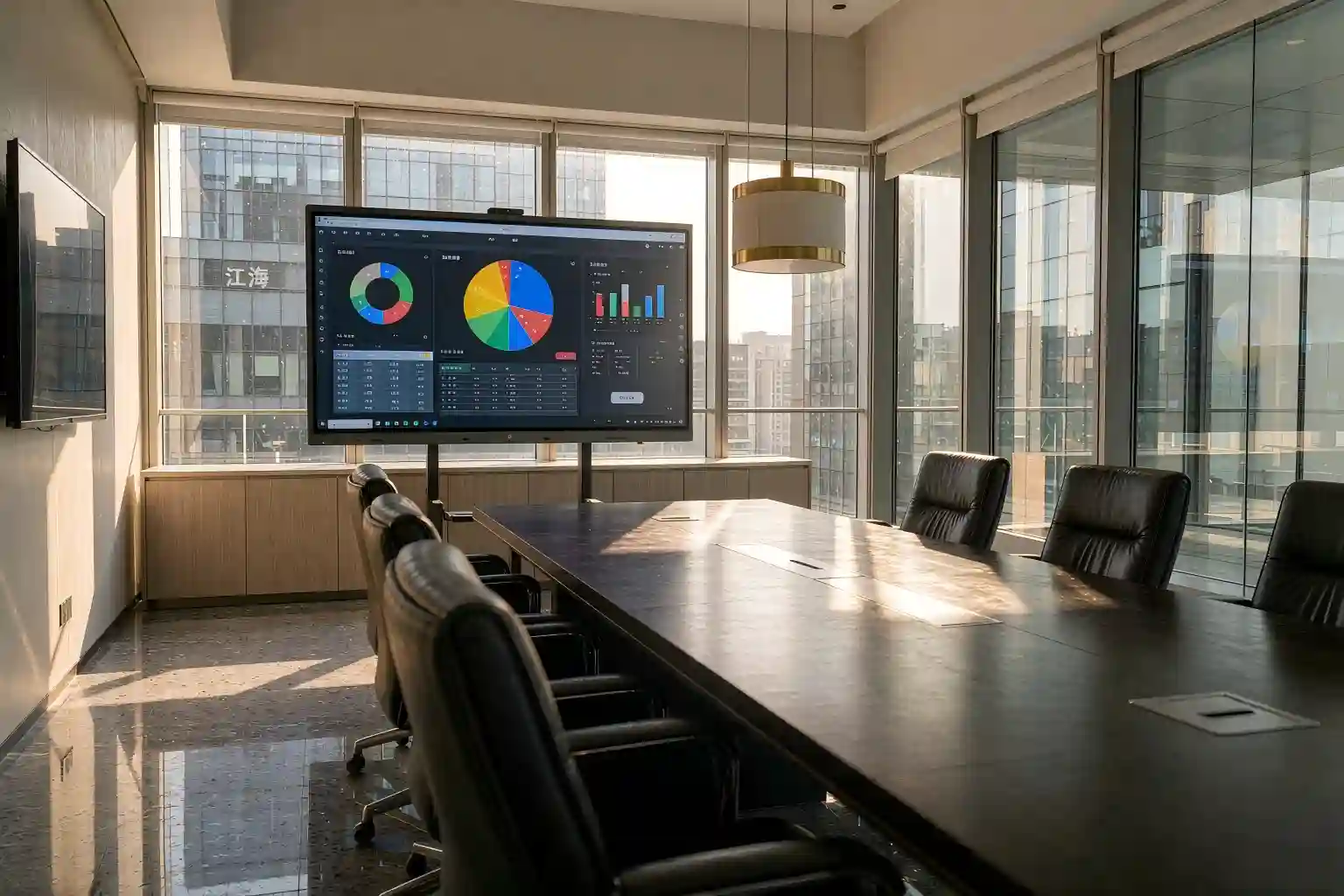
Bigger is not automatically better. There is exactly one useful criterion: can the person in the last row read the smallest line of text on screen, comfortably?
A rule of thumb that holds up repeatedly in the field: viewing distance (m) ÷ 3 ≈ diagonal (inches) ÷ 25. Put plainly — every 25 inches of diagonal supports roughly 3 metres of comfortable viewing distance.
Why is 84 inches such a specific number?
Because it sits on a ridge line. Step up, and the cost per panel rises non-linearly; step down, and you lose legibility in a 6 m deep room. That is why 84 inches has become the default for mid-sized corporate meeting rooms — and it is one of the sizes we get asked about most.
3. Touch technology: infrared, capacitive or optical?
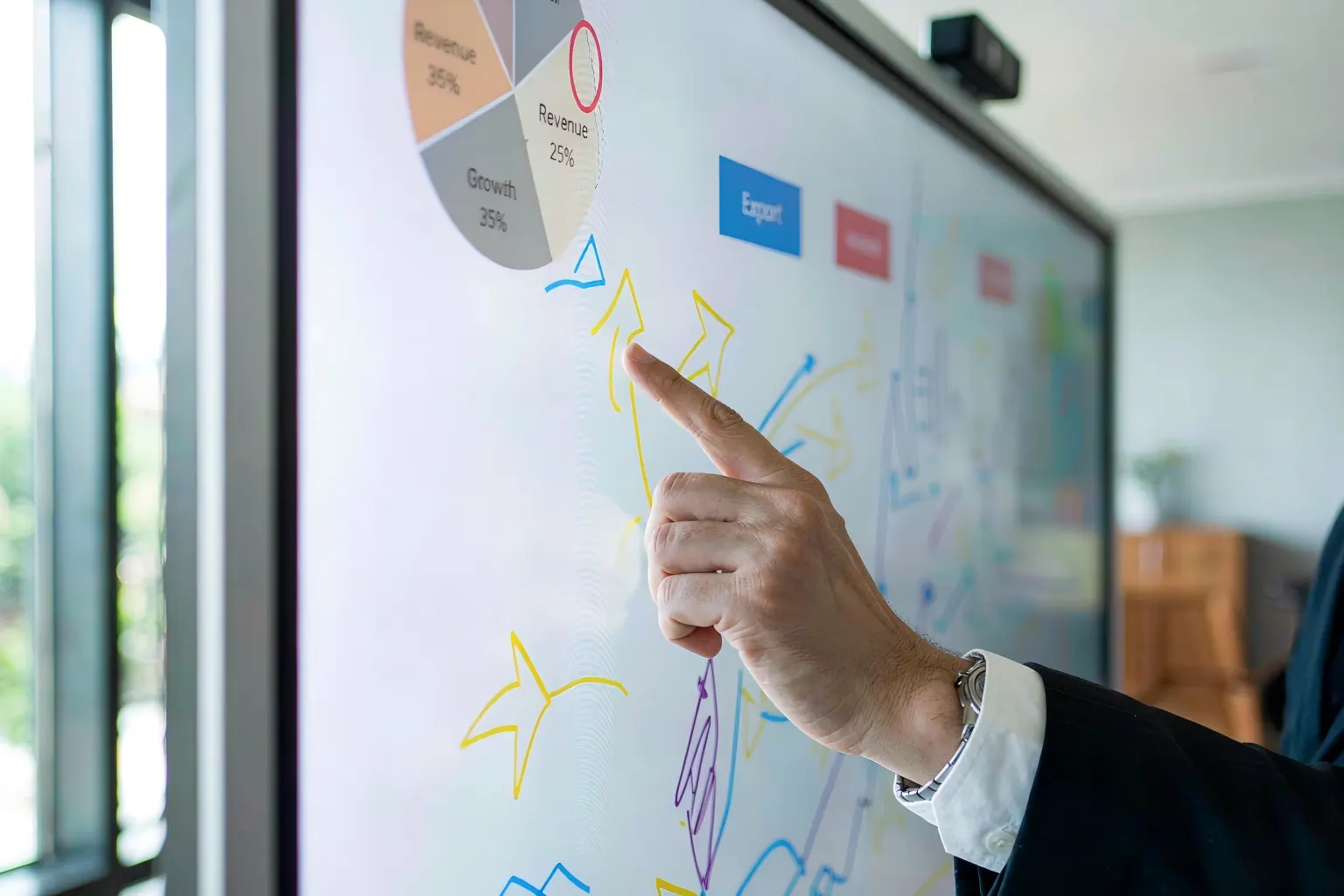
This decides whether writing on the screen feels natural, and it is the specification vendors blur most often. At 84 inches, your options are narrower than at 55 inches.
Infrared (IR)
An array of IR emitters and receivers in the bezel forms a light grid; blocking the beam registers a touch. Strengths: cost-effective, any object works as a stylus, scales to very large sizes, durable surface. Watch out for: wider bezels, slightly slower response than capacitive, and strong direct light near the edges can interfere.
Projected capacitive (PCAP)
A conductive layer on the glass tracks the change in capacitance at your fingertip. Strengths: phone-like feel, multi-touch gestures, slim bezel, the best looking option. Watch out for: expensive above 84 inches, requires a conductive stylus, and gloved touches may not register.
Optical / camera based
Cameras in the corners triangulate the touch point. Strengths: good value at very large sizes. Watch out for: obvious occlusion issues and modest accuracy — better suited to whiteboarding than precise work.
4. Brightness and viewing angle: why does the screen wash out?
This is the most under-estimated item on the list — and the point where an 84 conference room touchscreen display separates itself from ordinary commercial signage.
Brightness is about "enough, without glare" — not maximum nits. For an indoor meeting room, 350–500 cd/m² is typically sufficient. Paired with a good anti-reflective coating, that beats pushing 700 cd/m²: easier on the eyes, lower power, longer life.
Contrast decides whether text pops. Meeting rooms have messy lighting. Higher contrast keeps the edges of dark text crisp — which is exactly the washing-out effect projectors suffer from.
Viewing angle decides how the side seats feel. Look for 178° horizontal and vertical so colleagues at both ends of a long table do not see a colour-shifted image.
5. Mounting, cabling and airflow: the steps people skip
You can get the first four decisions right and still lose the project at the last step. These are the three most common rework items on site:
Wall load capacity. An 84-inch unit typically weighs 60–90 kg depending on construction. Hollow brick or lightweight stud partitions need a reinforced backing plate or a floor stand — never a direct wall mount.
Cable provisioning. Power, HDMI/network and a possible OPS module — run at least two spare conduits. Once the panel is up, adding a cable usually means taking the screen down.
Airflow and service access. Recessed installs need ventilation gaps top and bottom, plus rear service clearance. Without it, future maintenance means dismantling the whole unit.
6. Key takeaways
| Item | Deciding criterion | Recommended range |
|---|---|---|
| Screen size | Distance to the back row | 84" for 4–6 m; 98"+ beyond 7 m |
| Mounting height | Bottom edge off the floor | 90–110 cm |
| Touch technology | Fine writing required? | IR at 84"; PCAP for best feel |
| Brightness | Ambient light level | 350–500 cd/m² + anti-glare |
| Viewing angle | Seats at the table ends | 178° H / V or better |
| Contrast | Edge sharpness of dark text | Higher is better — demo on site |
| Wall reinforcement | Partition construction | Backing plate or floor stand |
| Cable provisioning | Power / signal / OPS | At least 2 spare conduits |
| Airflow & access | Recessed installation | Top/bottom vents + rear hatch |
7. FAQ
Q1: How many people is an 84-inch conference room touchscreen display suitable for?
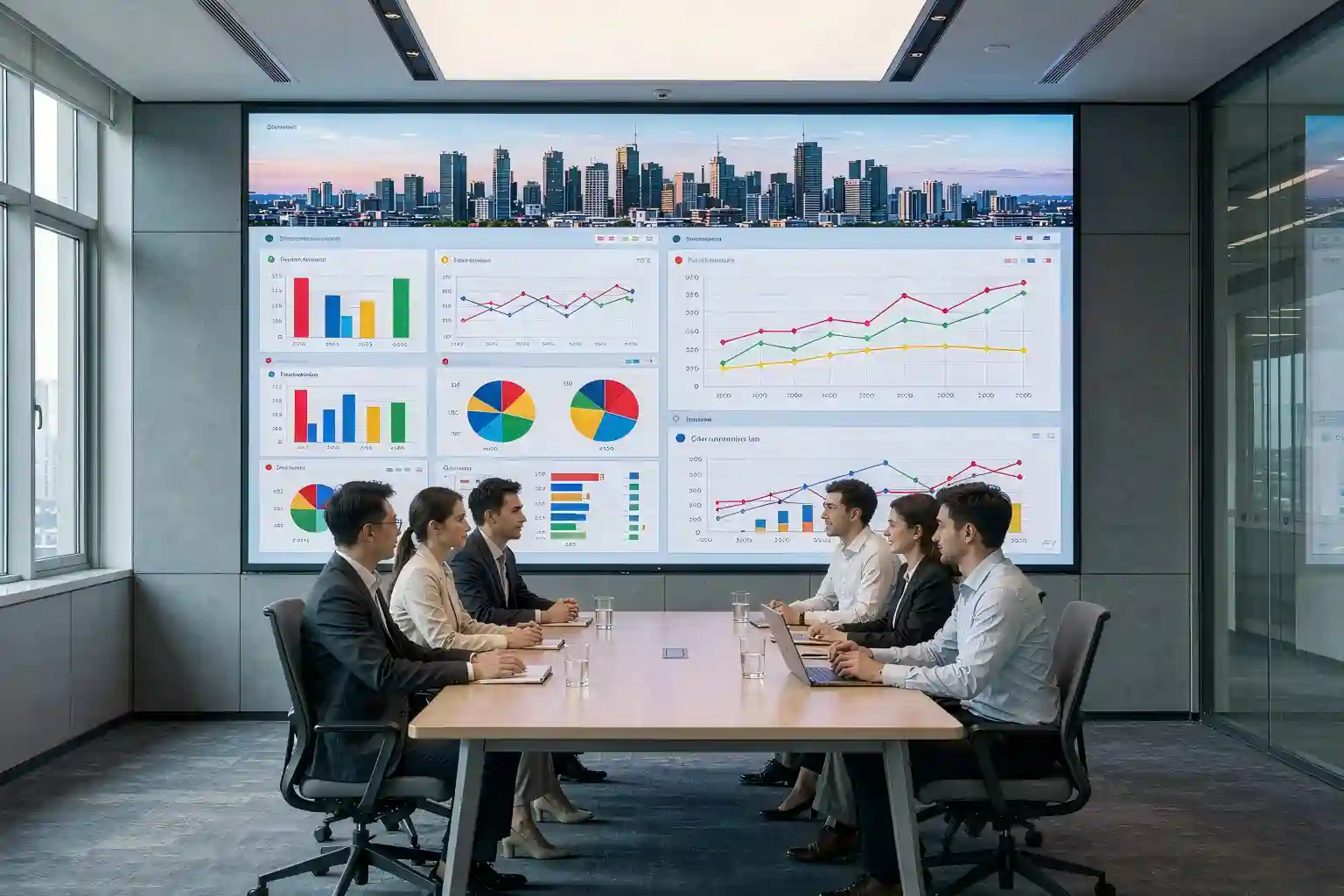
Typically 8–14 people in a room with 4–6 m of depth. The real criterion is viewing distance, not headcount: under 4 m a 75-inch is the better buy, 4–6 m is the sweet spot for 84 inches, and beyond 7 m you should move to 98 inches or larger, otherwise the back row will struggle to read small text.
Q2: Should I choose infrared or capacitive touch at 84 inches?
If the main use is annotating, drawing flows and walkthroughs, infrared gives the better balance of experience and cost at 84 inches and works with any object as a stylus. If you want a phone-like feel and the slimmest bezel and the budget allows, choose projected capacitive — but note it needs a dedicated conductive stylus and may not register gloved touches.
Q3: What brightness is right for a meeting room touchscreen?
Around 350–500 cd/m² is normally sufficient indoors when paired with a good anti-reflective coating. Pushing to 700 cd/m² does not make daylight viewing clearer — it just adds glare and power draw. Anti-reflective treatment and contrast are what actually determine daylight readability, not the raw brightness figure.
Q4: What preparation does an 84-inch touchscreen installation need?
Three things: confirm wall load capacity (an 84-inch unit is typically 60–90 kg, so lightweight partitions need a reinforced backing plate or floor stand), run at least two spare conduits for power, signal and OPS, and leave ventilation gaps plus rear service access. Do a site survey before freezing the design — that single step prevents most rework.
Q5: Why does a meeting room screen always wash out in daylight?
It is usually three causes stacking up: insufficient anti-reflective coating lets ambient light diffuse across the panel, low contrast makes dark text edges look grey, and a narrow viewing angle leaves side seats seeing colour shift. Fix anti-glare and contrast first, then ask whether brightness really needs to go up.
Want a sizing review for your meeting room?
Tell us the room depth, seat count and ambient light situation, and we will send back a targeted size and configuration recommendation.
Get a Sizing RecommendationThis article is an original technical summary. Figures for size, brightness and weight are typical industry ranges; actual specifications depend on the manufacturer datasheet and on-site measurement. Product images are illustrative and indicate application scenarios only.