Office Displays · Meeting Rooms
LED Screen for Office: A Practical Buyer's Guide for Meeting Rooms
Plenty of companies spend serious money on their boardrooms, then let a dim, yellowed projector screen do the talking. This 10-minute guide walks you through how to choose an LED screen for office spaces — what to compare, how to size it, and what to put in the contract — so you can walk into any supplier meeting with a checklist.
Table of Contents
- The Curtain-Closed Boardroom Is Quietly Costing You Deals
- What Is an Office LED Screen? Three Options Compared
- How to Choose an LED Screen for Office Use: 5 Steps
- Pixel Pitch and Viewing Distance, Made Simple
- What a Quality Office LED Display Brings You
- Key Takeaways
- FAQ: LED Screens for Offices, Answered
The Curtain-Closed Boardroom Is Quietly Costing You Deals
A sales director I know still regrets a deal that quietly slipped away last year. An important client came to visit; the projector needed the curtains drawn at noon to be readable; and when the deck reached the pricing table, the numbers blurred into mush. Two executives in the back row stood up and walked to the screen to squint. The meeting ended politely — "we'll evaluate internally" — and the deal never came back.
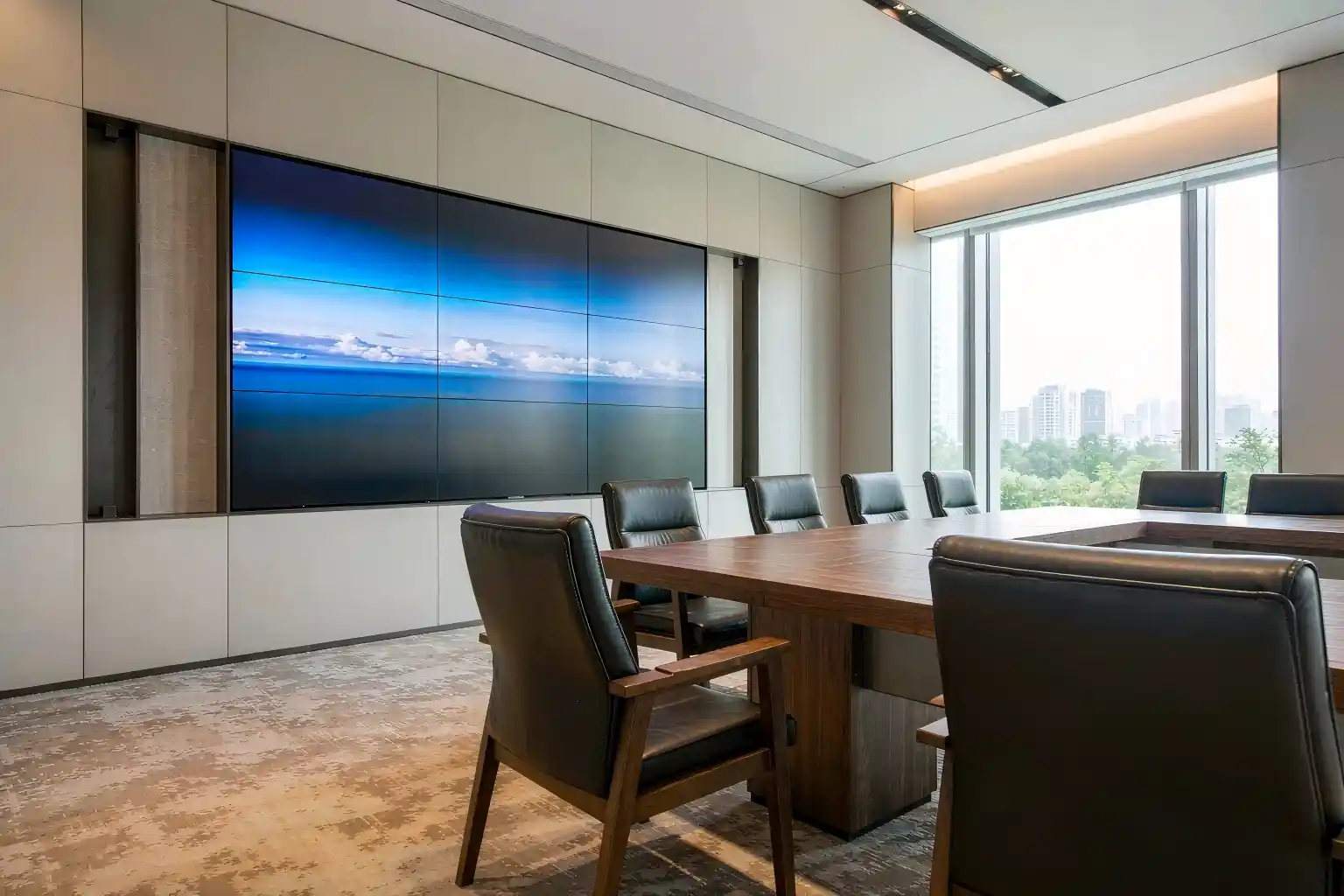
Was the product the problem? Probably not. The problem is that the meeting room had already spoken for the company. Clients may not follow your technical parameters, but everyone can read a boardroom: how sharp the image is, how smoothly the demo runs, how much care went into the details.
What Is an Office LED Screen? Three Options Compared
There are three mainstream ways to put a big image on an office wall: a projector, an LCD video wall, or a fine-pitch LED display. Two terms are worth knowing first:
Small Pixel Pitch LED
An indoor LED display with a pixel pitch below P2.5. Offices and meeting rooms typically use P0.9–P2.0: the closer the audience sits, the finer the pitch you need for a crisp image.
COB LED Display
Chips are mounted directly onto the PCB and sealed as one surface. The result is smooth, moisture-resistant and robust — built for rooms where the screen runs all day.
| Dimension | Projector | LCD Video Wall | Fine-Pitch LED |
|---|---|---|---|
| Brightness / ambient light | Fades in daylight; curtains closed | Bright, but seams visible | High and adjustable; stays clear with lights on |
| Image integrity | Soft edges, uneven brightness | Physical bezels between panels | Seamless, one continuous image |
| Lifespan & upkeep | Lamps and filters need replacing | Panel aging; seams need realignment | ~100,000-hour class, no consumables |
| Close-up clarity | Low | Better at mid-to-far distance | Crisp up close when pitch is right |
| Lifetime cost | Ongoing consumables | Moderate | Higher up front, lower over time |
Note: typical industry behavior; confirm with the actual product spec sheet.
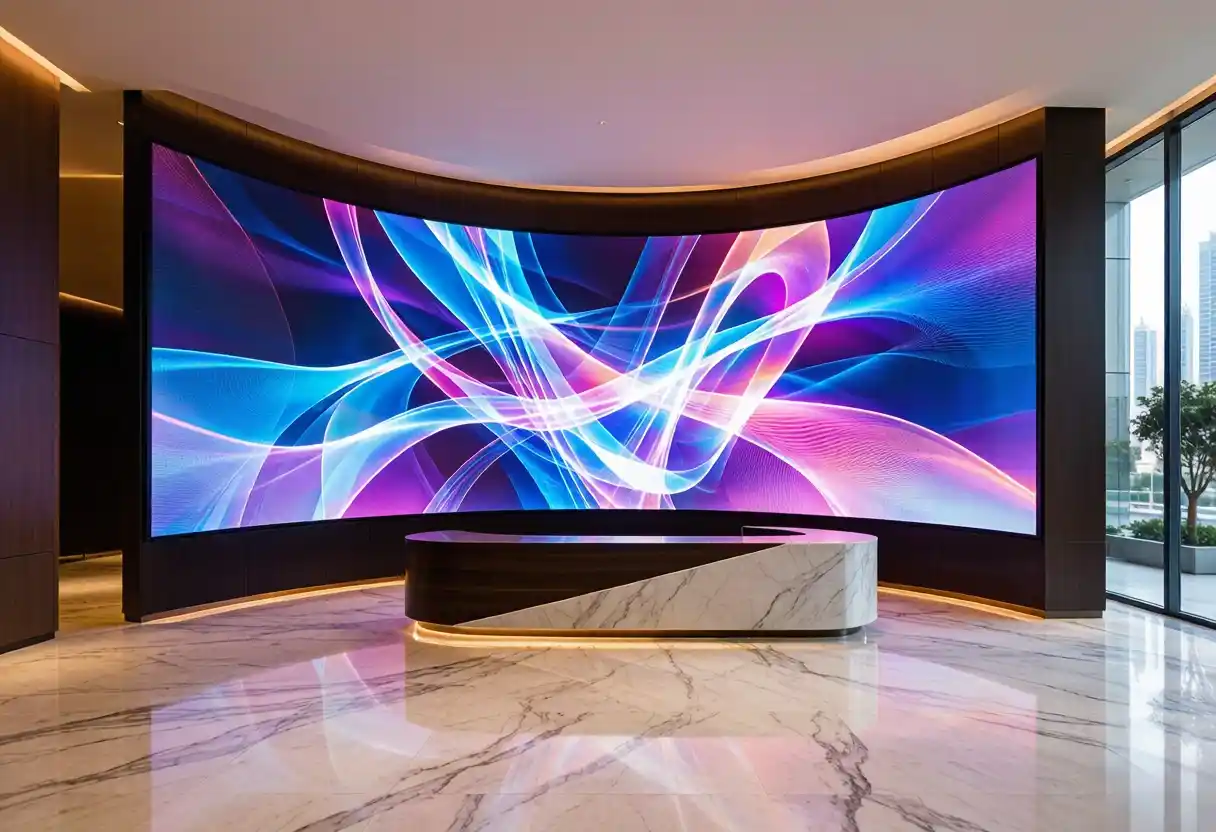
In short: projectors win on price, LCD video walls on familiarity, and fine-pitch LED on "crisp up close, seamless, and low-hassle over time." The more your office leans on detail and first impressions, the further an LED video wall for office pulls ahead.
How to Choose an LED Screen for Office Use: A 5-Step Process
Choosing a led screen for office use is really about translating scenarios into specifications: where it goes, how far people sit, what they look at. That decides pitch, packaging and budget. Use this flow as a framework for the conversation with any supplier.
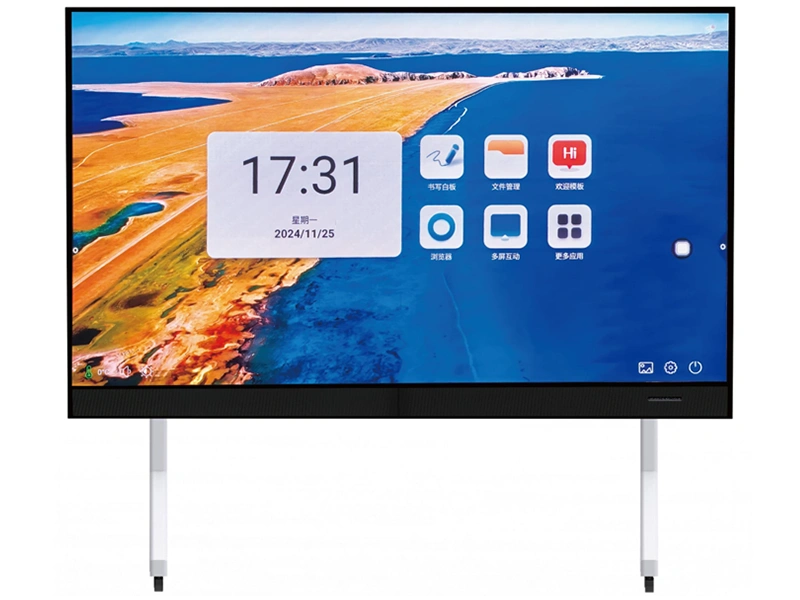
Finish these five steps and you have a requirements sheet you can send to any supplier — floor area, pitch, packaging and acceptance criteria — so quotes finally become comparable. The short demo below shows a conference all-in-one panel in action; watch the colour uniformity across the wall and how quickly the screen responds to touch:
Pixel Pitch and Viewing Distance, Made Simple
The spec most buyers get wrong is pixel pitch. A common rule of thumb in the industry: minimum comfortable viewing distance (in meters) ≈ the pitch value (in millimeters). With P1.2, the front row needs to sit at least 1.2 m from the wall before the image starts to look refined. Front rows in meeting rooms usually sit 2–3 m away — which is why P1.2–P1.8 is the typical recommendation for offices (typical range; confirm with a site survey).
It works in reverse, too: if your front row sits 1.5 m from the wall and you install P2.0, viewers will notice grain up close. Measure the distance first, then choose the pitch — never the other way around.
What a Quality Office LED Display Brings You
The right LED screen for office spaces is not just about looking premium. It moves three things that actually matter:
First impressions and trust. What a client sees in the first three seconds beats any verbal pitch. A clean, seamless, color-accurate screen says "this company cares about details."
Meeting efficiency. When spreadsheets, drawings and dashboards are readable, nobody asks to "zoom in again." Discussions move faster and decisions get made.
Lifetime cost. LED emitters are typically rated around the 100,000-hour class, with no lamps or filters to replace. Spread five years of maintenance across the total, and "expensive up front" often turns out to be "cheaper in the long run" (typical figures; check the spec sheet).
Key Takeaways
| Point | Remember this |
|---|---|
| Selection flow | Use case → room size → pixel pitch → packaging → acceptance |
| Viewing distance | Min. viewing distance (m) ≈ pitch value (mm) |
| Meeting room pitch | For 3–5 m viewing, P1.2–P1.8 is typical |
| Packaging | All-day use favors COB; tight budgets suit SMD |
| Acceptance | Brightness uniformity, color shift, low-brightness grayscale, dead-pixel rate, warranty |
FAQ: LED Screens for Offices, Answered
Q1: What pixel pitch should I choose for a meeting room LED screen?
Work backwards from the nearest seat. A common rule of thumb: minimum comfortable viewing distance (in meters) ≈ the pitch value (in millimeters). With the front row about 2 m away, P1.2–P1.5 keeps the image clean up close; for typical 3–5 m meeting rooms, P1.2–P1.8 is the usual range (typical values — confirm with a site survey).
Q2: Should I choose an LED wall or an LCD video wall for a meeting room?
Ask two questions. First, how much of your content is spreadsheets, drawings and dashboards where a seam would distract? LED builds one seamless image, which wins for detail-heavy material. Second, how hard will the screen work? For long, frequent sessions, fine-pitch LED controls lifetime cost better. On a tight budget with long viewing distances, an LCD video wall remains a valid option.
Q3: COB or SMD packaging — which one makes sense?
SMD is mature and cheaper to buy. A COB LED display mounts the chips directly onto the PCB, so the surface is flat, moisture-resistant and more robust — a better fit for offices where the screen runs all day. If budget allows and uptime matters, shortlist COB.
Q4: How much does an office LED screen cost?
Pricing is per square meter and rises steeply as pitch gets finer; size, packaging, the controller system and installation all move the total. Don't just compare unit prices: send suppliers your wall size, viewing distance and use case, then compare full lifetime cost including maintenance.
Q5: Should I buy a conference all-in-one panel, or a separate LED screen with a video wall controller?
It depends on your room and how you work. An all-in-one panel packs the display, host, touch and camera into one housing — quick to install with minimal cabling, ideal for standardising meeting rooms fast. If your wall is a non-standard size, you need multi-screen tiling, or you plan to add video sources later, a separate LED screen paired with a video wall controller is more flexible and easier to upgrade.
Send Us Your Room Dimensions
Share your viewing distance, wall size and main use case — we'll reply within one business day with a free proposal and quotation.
Get a Free LED Screen Proposal